56 Dolby
®
IMS2000 Installation and User’s Manual
IMS.OM.004730.DRM Issue 3
7.7 Accessing the GUI
After approximately 40 more seconds, the board will be fully powered on and you will
be able to access the web GUI. To access the IMS2000 GUI, launch your browser on the
connected computer and enter the IP address in the browser window.
The Dolby
®
IMS2000 login screen appears:
• Enter the user name: doremi
• Enter the password: doremi
• Click the Login button.
7.8 Configuring the Device
For the projector to communicate with the IMS2000, you must configure it in the IMS2000
Device Manager while the projector is booting up.
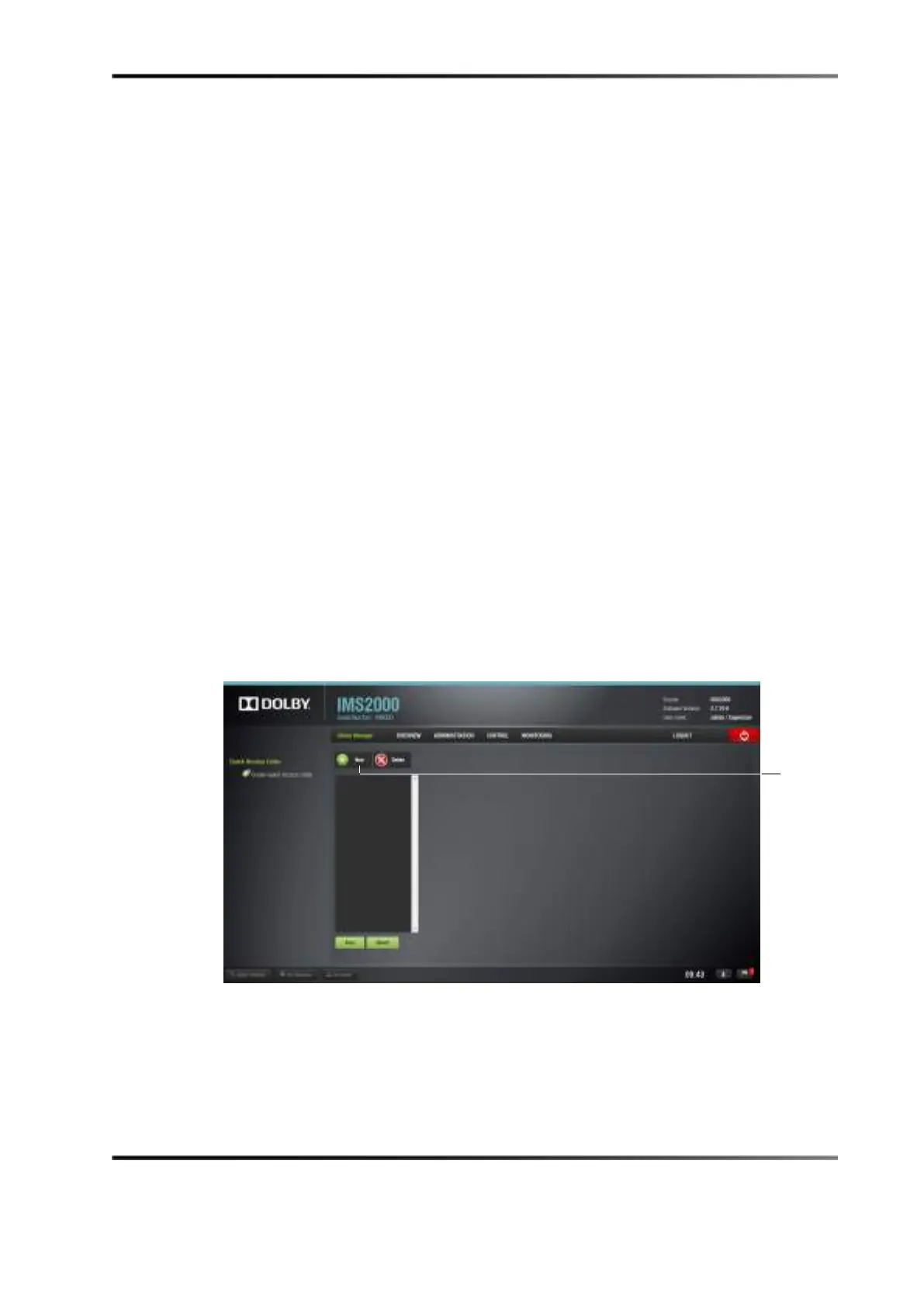
To access the IMS2000
Device Manager:
1. Click on
Administration> Device Manager.
2. Click on the New button.
Figure 7-20 IMS2000 Device Manager



 To Next Page