Dolby
®
IMS2000 Installation and User’s Manual
IMS.OM.004730.DRM Issue 3 57
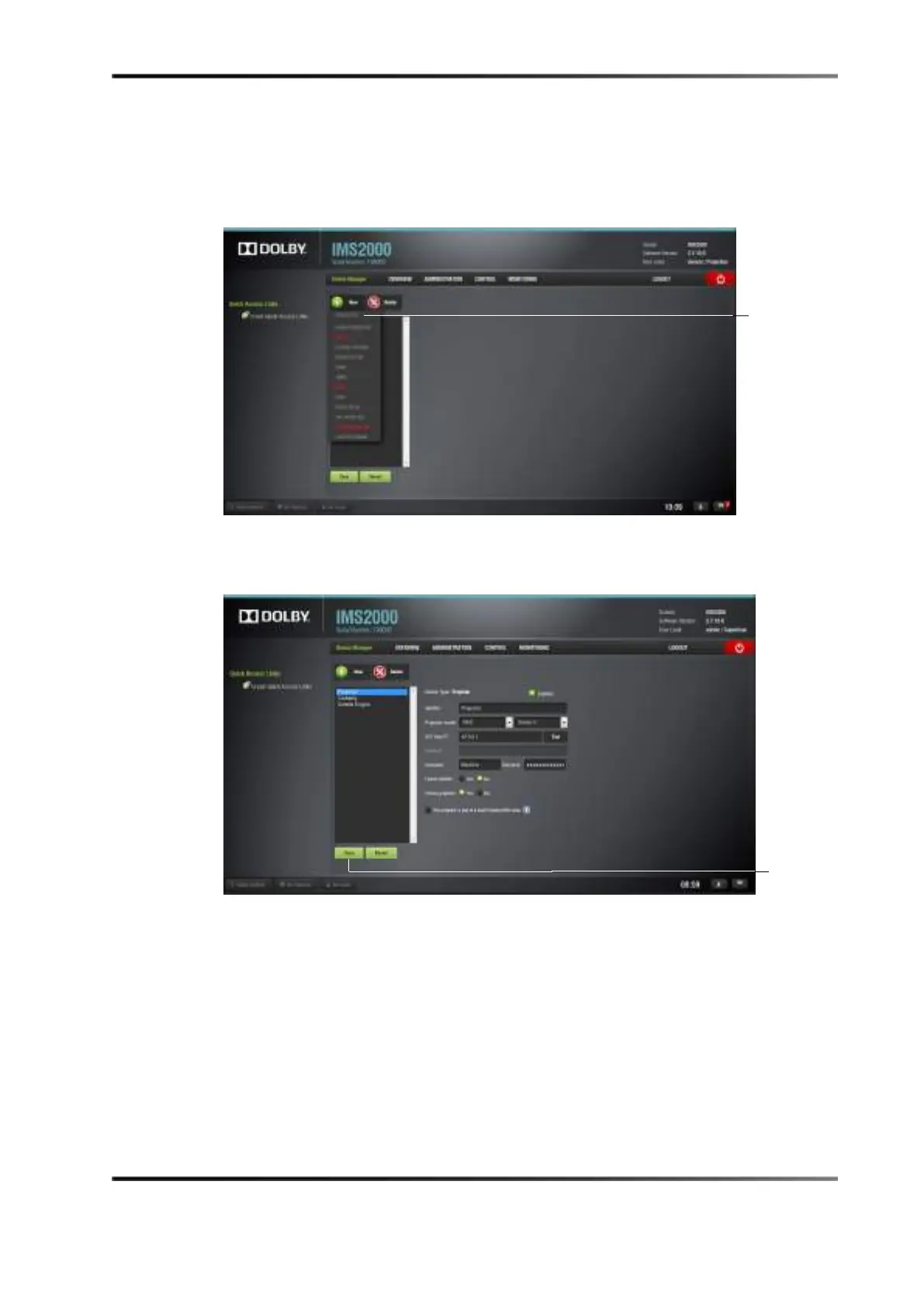
3. Select Projector from the New device drop-down menu.
Figure 7-21 Selecting Projector
4. Populate the projector parameters that appear.
Figure 7-22 Projector Added
5. Click the Save button.
selection
button



 To Next Page