Dolby
®
IMS2000 Installation and User’s Manual
IMS.OM.004730.DRM Issue 3 41
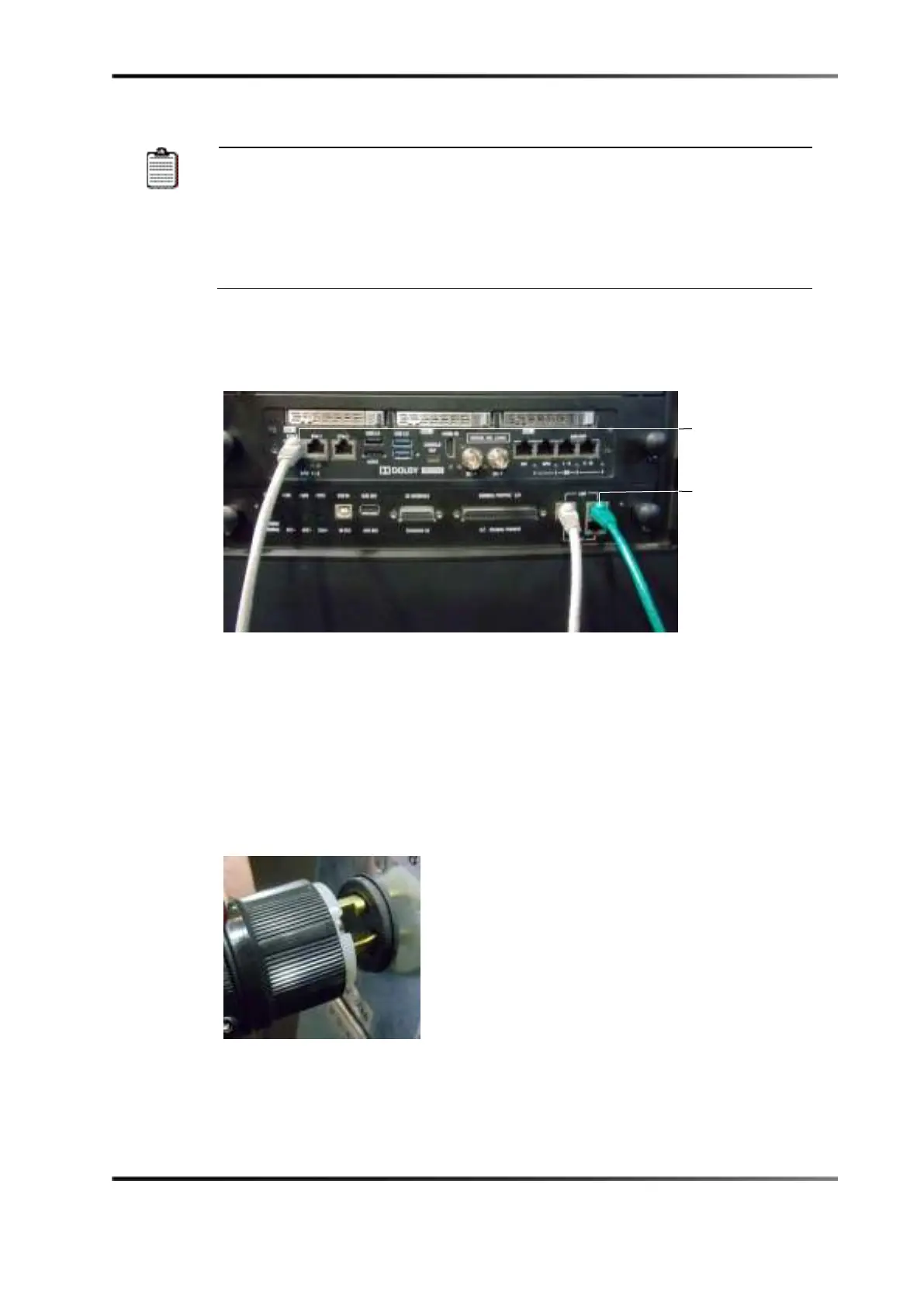
ETH-1
ETH-2
) are set to DHCP by default. All IMS2000
boards are shipped from the factory with the following default IP address
for ETH-0:
• IP: 192.168.100.50
• SM: 255.255.255.0
• GW: Blank
2. Connect one end of an Ethernet cable to the IMS2000 Ethernet connector, and then
connect the other end of the cable to the LAN connector on the Barco projectors cinema
controller slot.
Figure 6-13 Ethernet Connections
6.6 Powering on Projector
The projector needs to be powered on.
To power on the projector:
1. Connect the power cable to the projector.
Figure 6-14 Connecting Power
2. Turn the projector on.
The expected boot-up time is approximately two minutes, 30 seconds.



 To Next Page