178 Dolby
®
IMS2000 Installation and User’s Manual
IMS.OM.004730.DRM Issue 3
To remove an element in a show playlist:
1. Select it in the show playlist window, and click on the
X button that appears on the
right.
2. Click on the
Save button.
You will be prompted to a window asking you to input the correct password.
superuser privileges are necessary to confirm the changes. If you are already logged
in with superuser privileges, the password confirmation window will not appear.
After the correct password is entered, you will be prompted to name the newly
created show playlist.
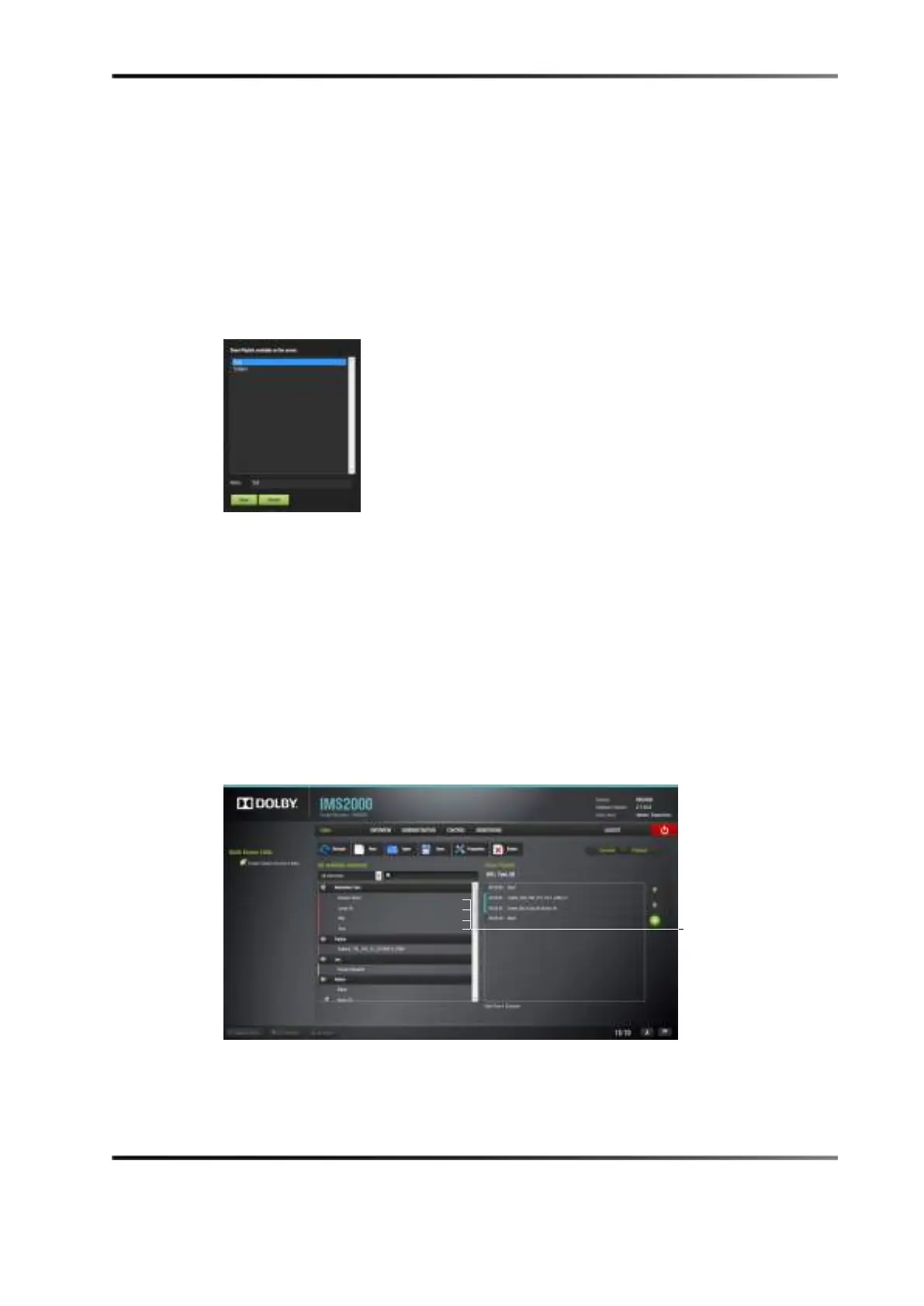
Figure 14-5 Show Playlist Naming
14.3.2 Adding a Macro
You will be able to add macros in the editor tab.
To perform the operation:
1. Select the element to attach the macro to in the show playlist window on the right side
of the application.
2. Select the macro on the left part of the GUI, and click on it.
3. The
Edit Time Code window appears.
Figure 14-6 Macros Selected



 To Next Page