166 Dolby
®
IMS2000 Installation and User’s Manual
IMS.OM.004730.DRM Issue 3
13.20 Threshold Manager
The threshold manager allows you to view and adjust the threshold values for
temperature, voltage, fans, and certain errors.
To access the
Threshold Manager, select Administration > Control Panel > Threshold
Manager
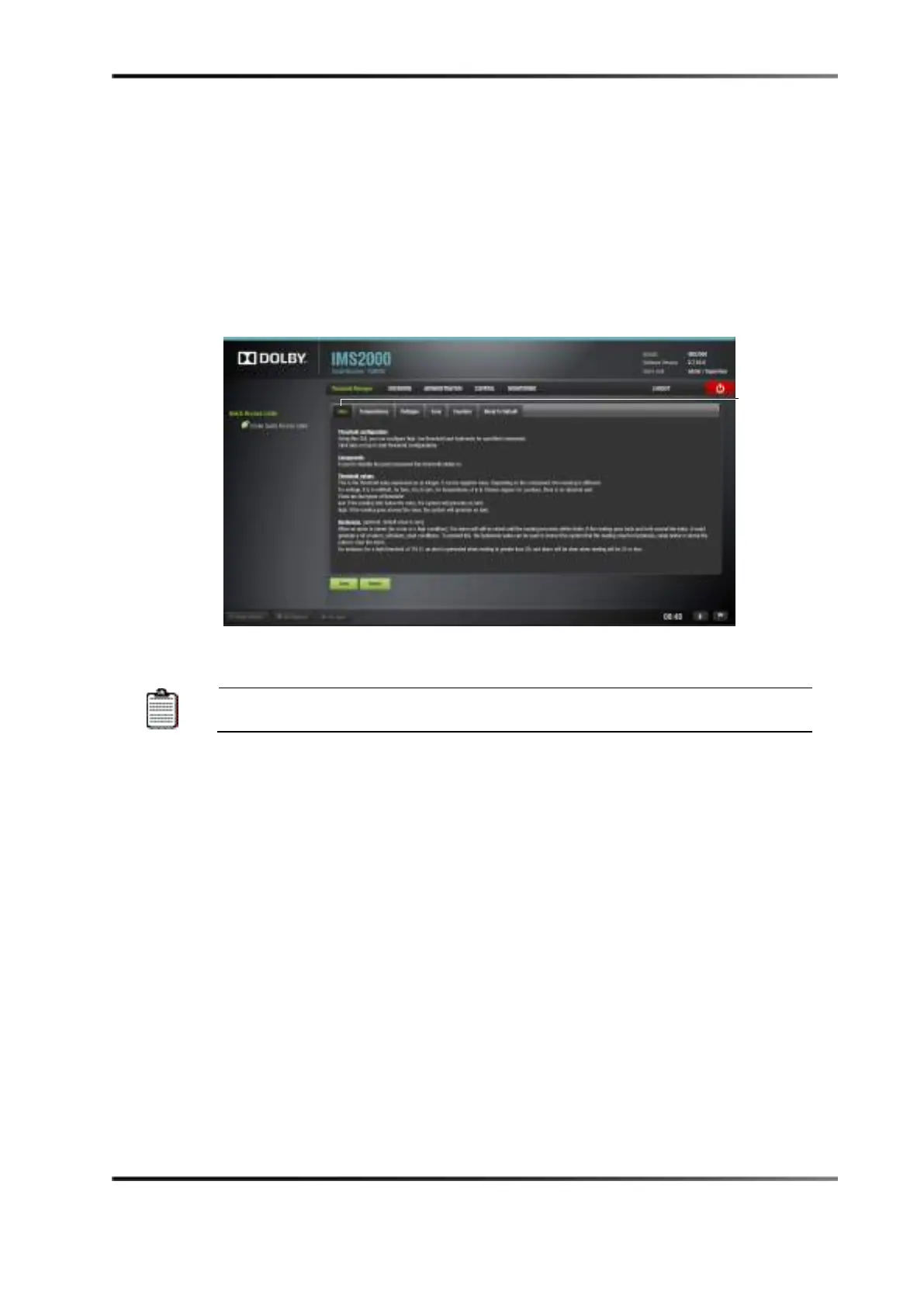
. The default tab is the Help tab. This tab offers an explanation of the application.
Figure 13-109 Help Tab
Although you are able to change the threshold values, we recommend that
you leave the default values.
Each tab lists the high and low threshold as well as the hysteresis value, which is
optional. The default hysteresis value is 0, but this can be changed.
The hysteresis value is the plus or minus tolerance value, meaning that an alert appears
when the threshold high or low is reached and will not appear again until the hysteresis
value is reached. This is to prevent multiple alerts from appearing if the value continues
to remain above the threshold values. Once the hysteresis value is reached, an alert
appears.



 To Next Page