Dolby
®
IMS2000 Installation and User’s Manual
IMS.OM.004730.DRM Issue 3 165
9. Click on the OK button.
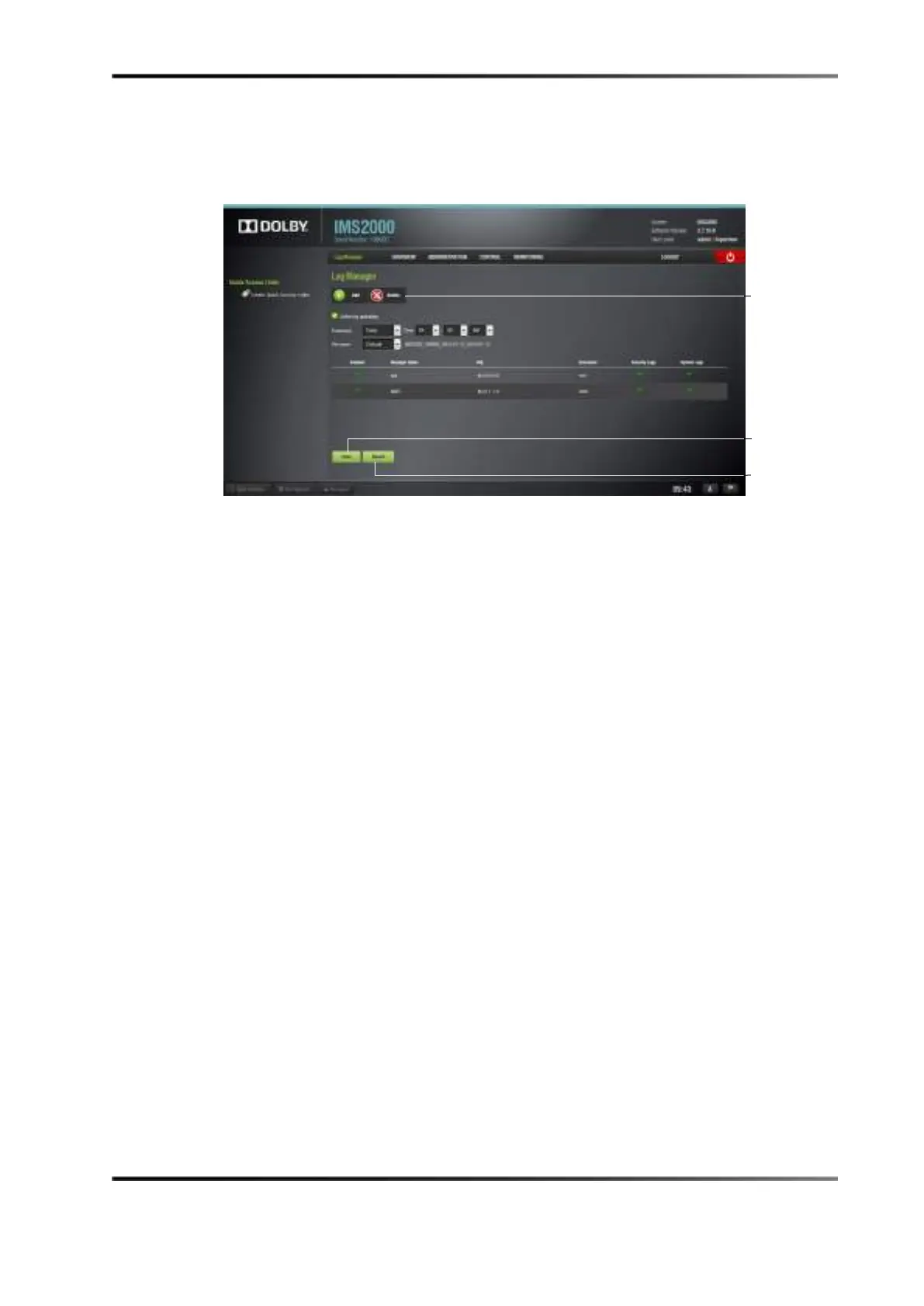
The new configuration appears in the main window.
10. Click on the
Save button to save the configuration.
Figure 13-108 Configuration Added
To delete a configuration:
11. Select the configuration.
12. Click the
Delete button.
13. Click on the
Save button to save the changes.
button



 To Next Page