96 Dolby
®
IMS2000 Installation and User’s Manual
IMS.OM.004730.DRM Issue 3
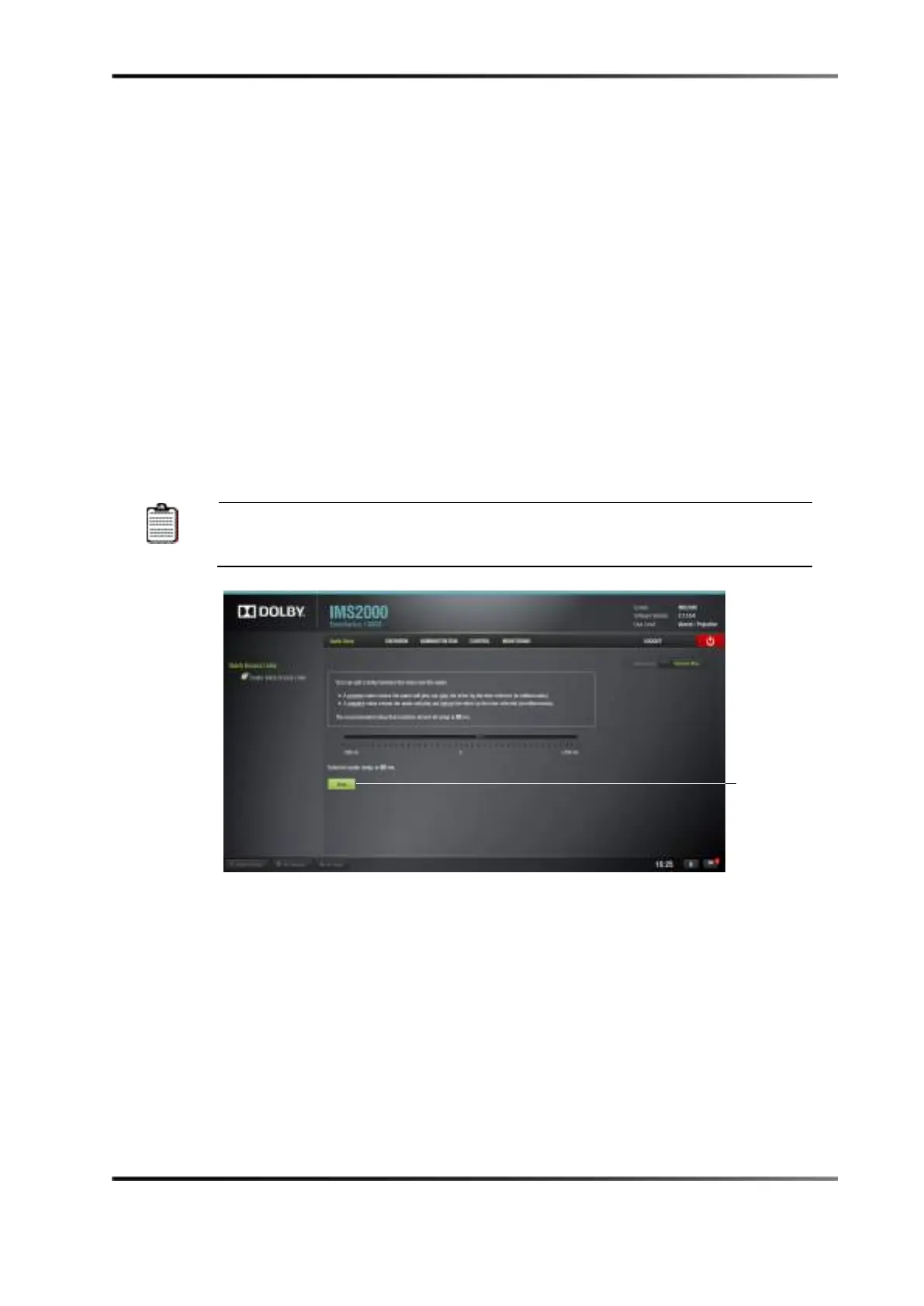
13.3.1 Audio Delay Configuration
To configure the Audio Delay Settings:
1. Select
Administration > Control Panel > Audio Settings > Audio Delay.
You can modify the delay between the audio and video by dragging the cursor to the
value between –500 and +500 ms.
2. Click on the
Audio Delay tab on the right side of the Channel Mapping tab. All audio
tracks will be modified for the same delay selected.
3. Click on the
Save button after the delay has been configured.
The selected audio delay will be displayed as numeric milliseconds (ms) value. At a
positive value, the audio will be heard behind the video action and a negative value:
the audio will be heard ahead of the video action. The recommended value that
matches almost all setups is 80 ms.
All the templates (except
Disabled
), can be modified directly instead of
having to select Custom. Once the template is edited, the Template Mapping
Figure 13-14 Audio Delay Window



 To Next Page