Dolby
®
IMS2000 Installation and User’s Manual
IMS.OM.004730.DRM Issue 3 95
13.3 SMPTE Packages
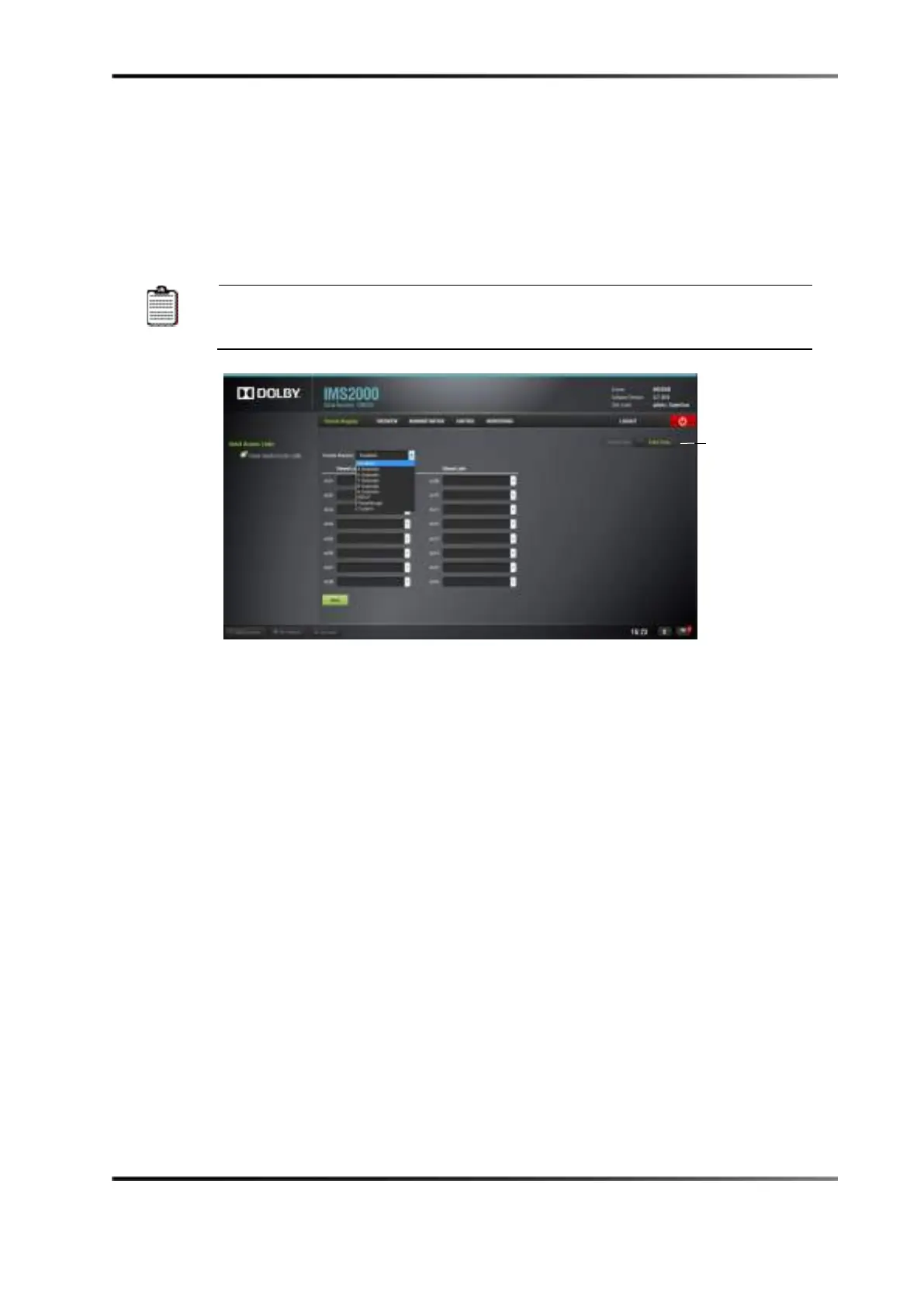
To change the Template Mapping setting:
1. Click on the list menu, and select the setting.
All the templates, except
Disabled
, can be modified directly instead of
having to select Custom. Once the template is edited, the Template Mapping
Figure 13-13 Template Mapping Drop-Down Window
2. Click on the Save button to save the configuration.
Superuser privileges are necessary to save changes.
The list of possible labels that can be routed (if present in the audio
.mxf file) are
defined by SMPTE as follows:
•
L/Left
• R/Right
• C/Center
• LFE Screen
• Ls/Left surround
• Rs/Right surround
• Lc/Left center
• Rc/Right center
• Cs/Center surround
• Rrs/Right rear surround
• Lrs/Left rear surround
• HI/Hearing Impaired
• VI-N/Visual Impaired-Narration



 To Next Page