Dolby
®
IMS2000 Installation and User’s Manual
IMS.OM.004730.DRM Issue 3 245
Chapt er 1 5 Using the Monitoring Tab
The Monitoring tab provides information drive information, detailed reports, and other
product-related information.
15.1 Diagnostics
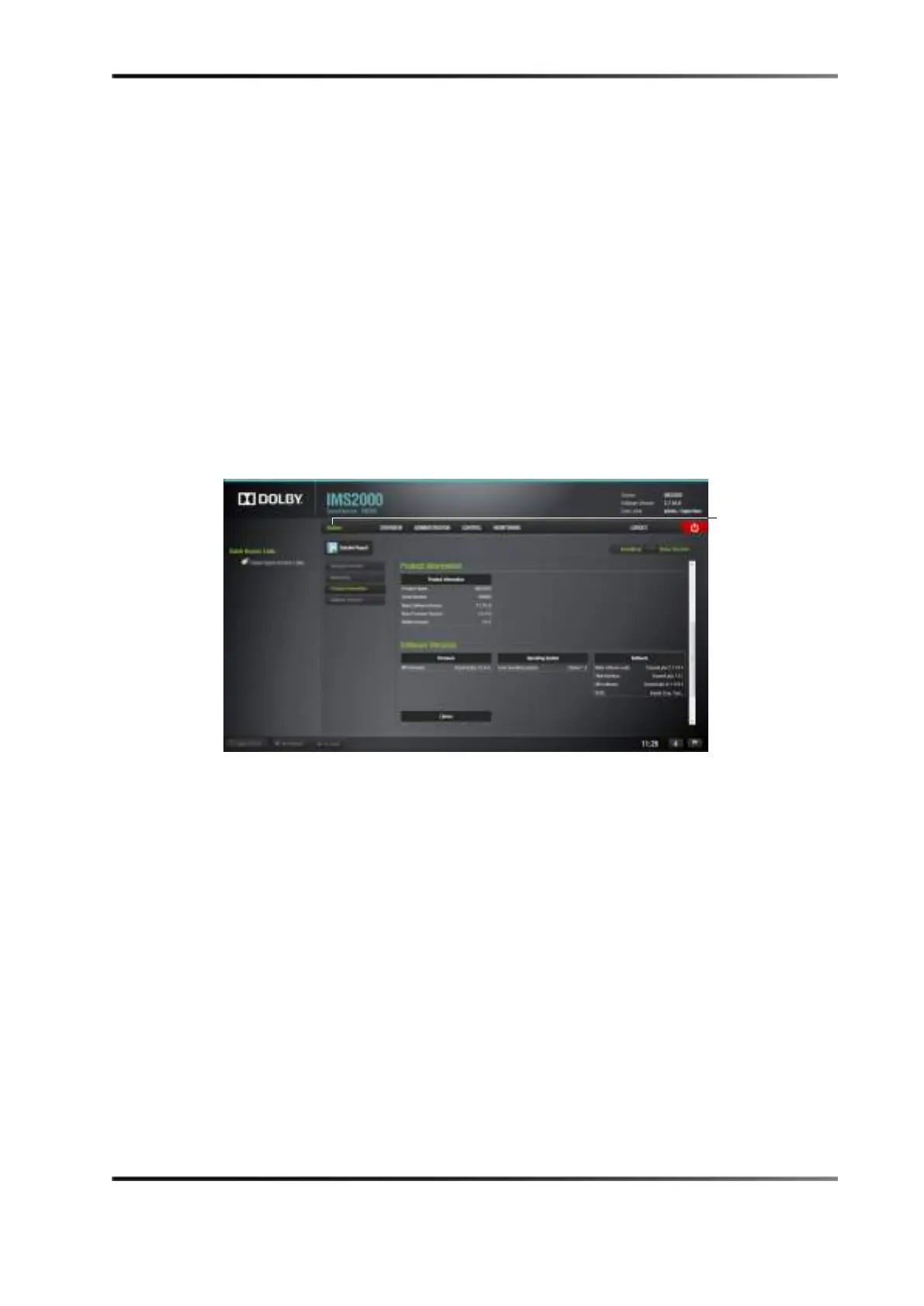
Select Diagnostic > Monitoring > Diagnostics to display the System tab.
Figure 15-1 System Tab
The application is composed of four different tabs:
•
System: Provides overall information regarding the system
•
Status Overview: Provides hardware-related information
•
Storage: Provides storage-specific information, and enables you to repair,
reinitialize, and replace a drive
•
MediaBlock: Provides media block-related information



 To Next Page