Dolby
®
IMS2000 Installation and User’s Manual
IMS.OM.004730.DRM Issue 3 113
13.5.8 Projector Channel Switch Insertion
To add a projector channel switch action:
1. Highlight the macro cue.
2. Select the
Projector Channel Switch Action option, which is located in the projector
section in the
Select an Action to Insert drop-down menu.
3. Click on the
Insert button.
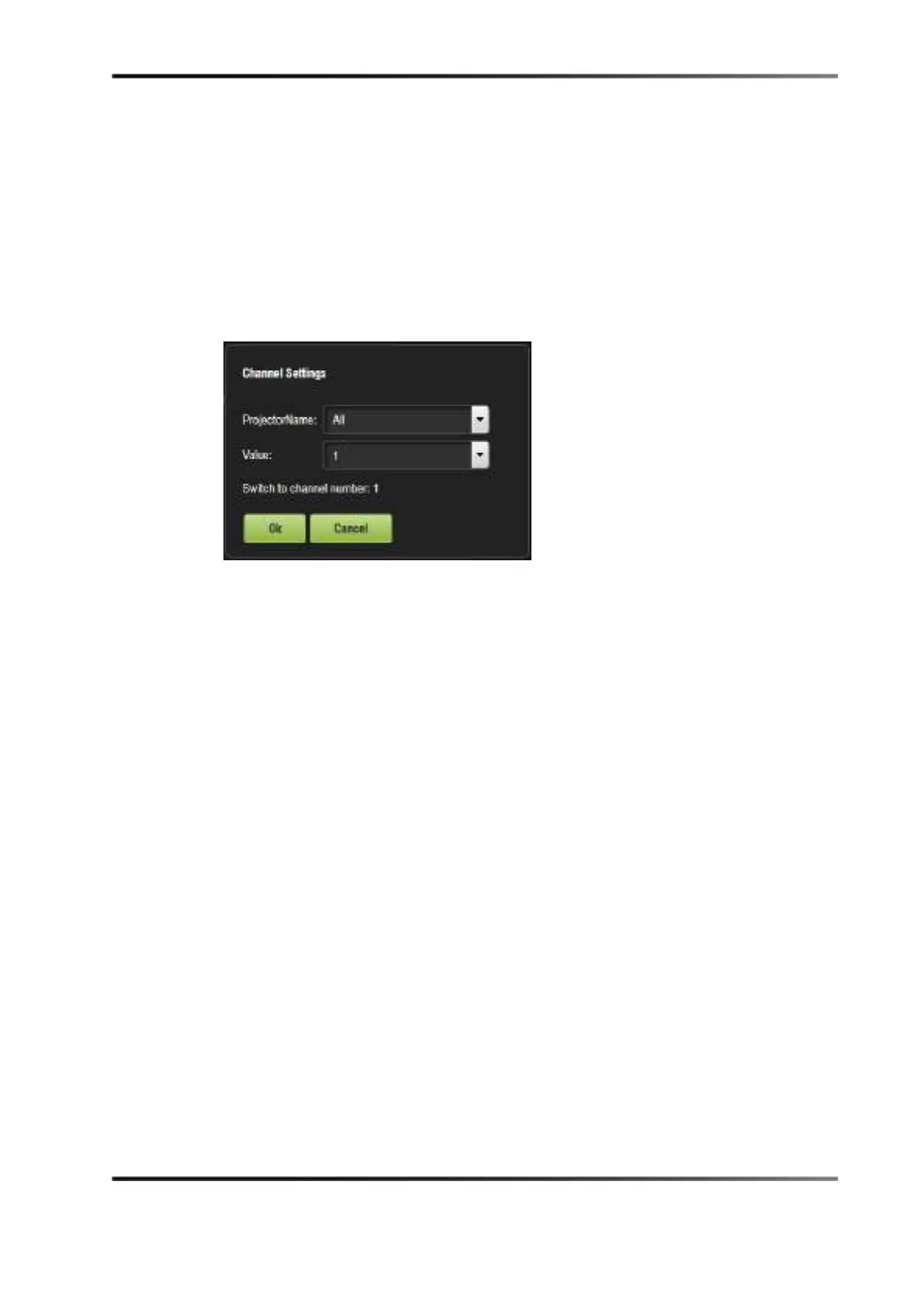
4. The following window appears.
Figure 13-35 Add a New Action Window: Channel Settings
5. Choose the name of the projector from the drop-down menu window that appears.
6. Use the plus/minus
buttons to select the channel to send the command to.
7. Click on the
Ok button.
13.5.9 Automation Library Usage
Using Automation Library
Support for theatre automation control is provided. The currently supported devices are:
• eCNA
• JNior Expansion Module
• JNior
When one of the supported devices (for example, eCNA and JNior) is added, the macro
editor will allow you to use the corresponding commands for each device:
1. To use a library command, click on Library in the Select an Action to Insert menu and
click on the
Insert button.



 To Next Page