Dolby
®
IMS2000 Installation and User’s Manual
IMS.OM.004730.DRM Issue 3 187
14.5 Play 2D Content in 3D Mode
14.5.1 3D Mode Configuration
You have the ability to play 2D content within a 3D show playlist. Changing the mode of
the show playlist to 3D does not automatically make the content 3D. The content must be
in 3D at 48 fps format to create a 3D show playlist.
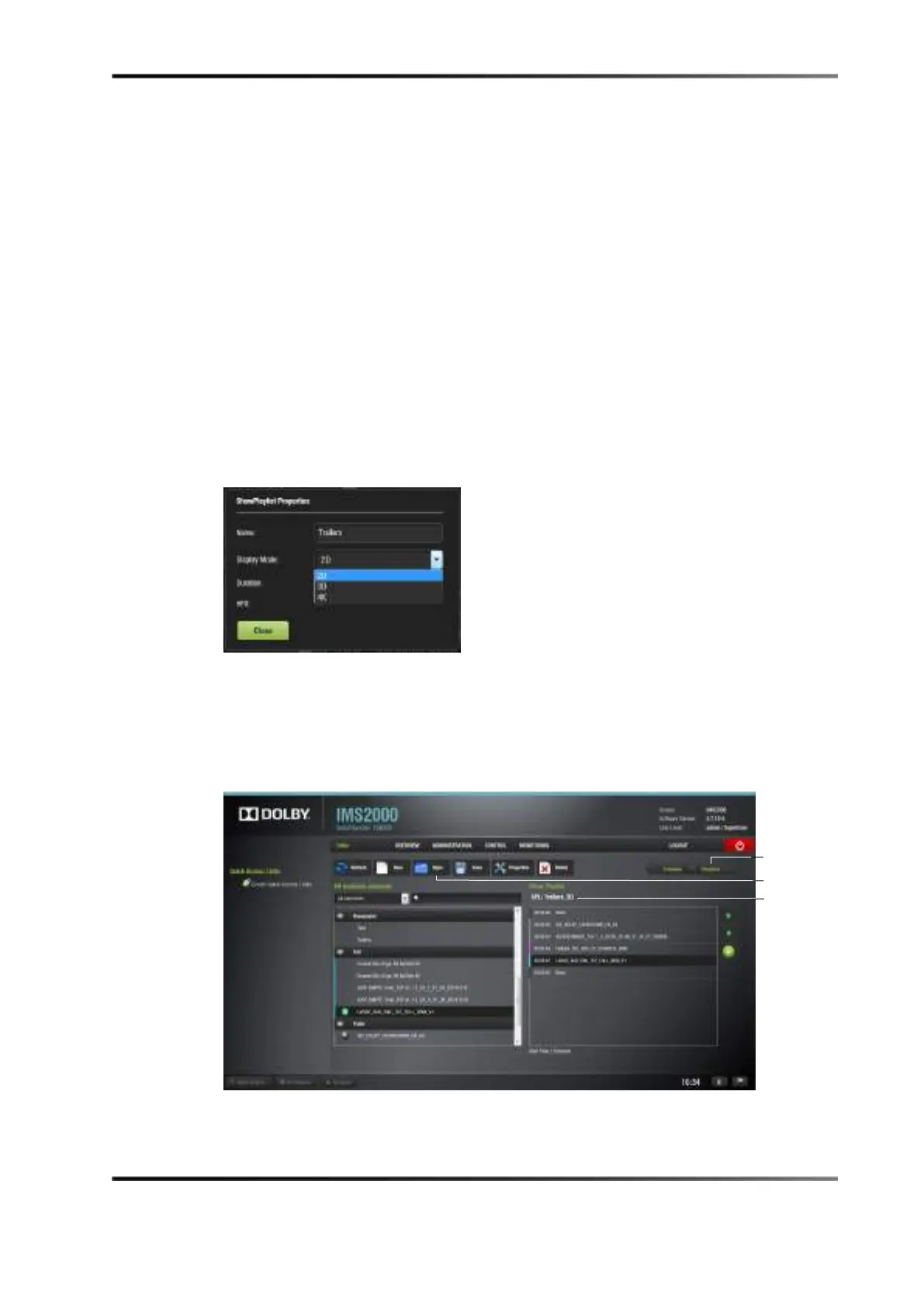
14.5.2 Setting the Show Playlist Mode to 3D
To perform the operation:
1. Click on the
Show Playlist Properties button.
2. Select
3D mode from the display mode drop-down window.
Figure 14-19 Display Mode Drop-Down Menu
3. Select the HFR check box if the show playlist supports HFR.
4. Click on the
Close button.
The
Show Playlist Properties button reflects the name of the show playlist and what
mode it is set to.
Figure 14-20 Show Playlist Set to 3D



 To Next Page