104 Dolby
®
IMS2000 Installation and User’s Manual
IMS.OM.004730.DRM Issue 3
13.3.8 Adding a Raw Device
A raw device allows for communication with an external device across an Ethernet
connection using raw data formatted as text or binary strings.
To add a raw device:
1. Click on the
New button.
The
New Device drop-down menu appears.
2. Select
Raw.
The
Device Manager GUI will be updated to reflect the addition of the raw device.
3. Input the name of the raw device in the
Identifier field.
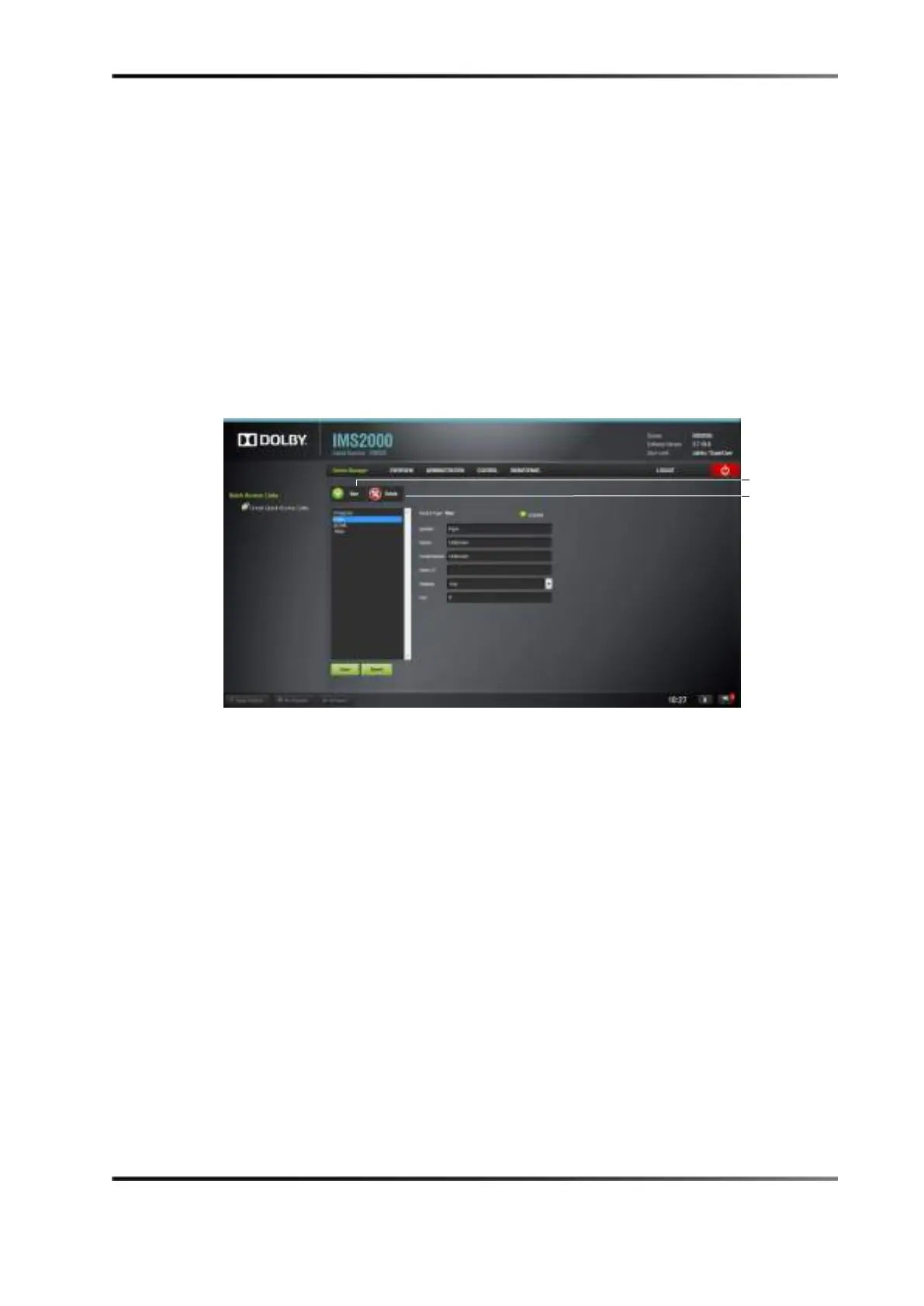
Figure 13-23 Device Manager GUI: Raw Device Added
4. Specify a vendor name in the Vendor field.
5. Specify a product name in the
Product Name field.
6. Enter the IP address of the raw device in the
Device IP field.
7. Choose the protocol to be used (TCP or UDP) and the proper port number.
8. Click on the
Save button to save the settings.
A window appears asking for a password.
9. Enter the password to proceed.
Superuser privileges are necessary to confirm the changes. If you are already logged
in with superuser privileges, the password confirmation window will not appear.
Clicking the
Revert button prior to saving will delete the unsaved information.
Removing a Raw Device
To remove the raw device:
1. Select the device in the
Device Manager GUI.
2. Click on the
Delete Device button.



 To Next Page