290 Dolby
®
IMS2000 Installation and User’s Manual
IMS.OM.004730.DRM Issue 3
Figure 19-15 With Dolby Atmos Content
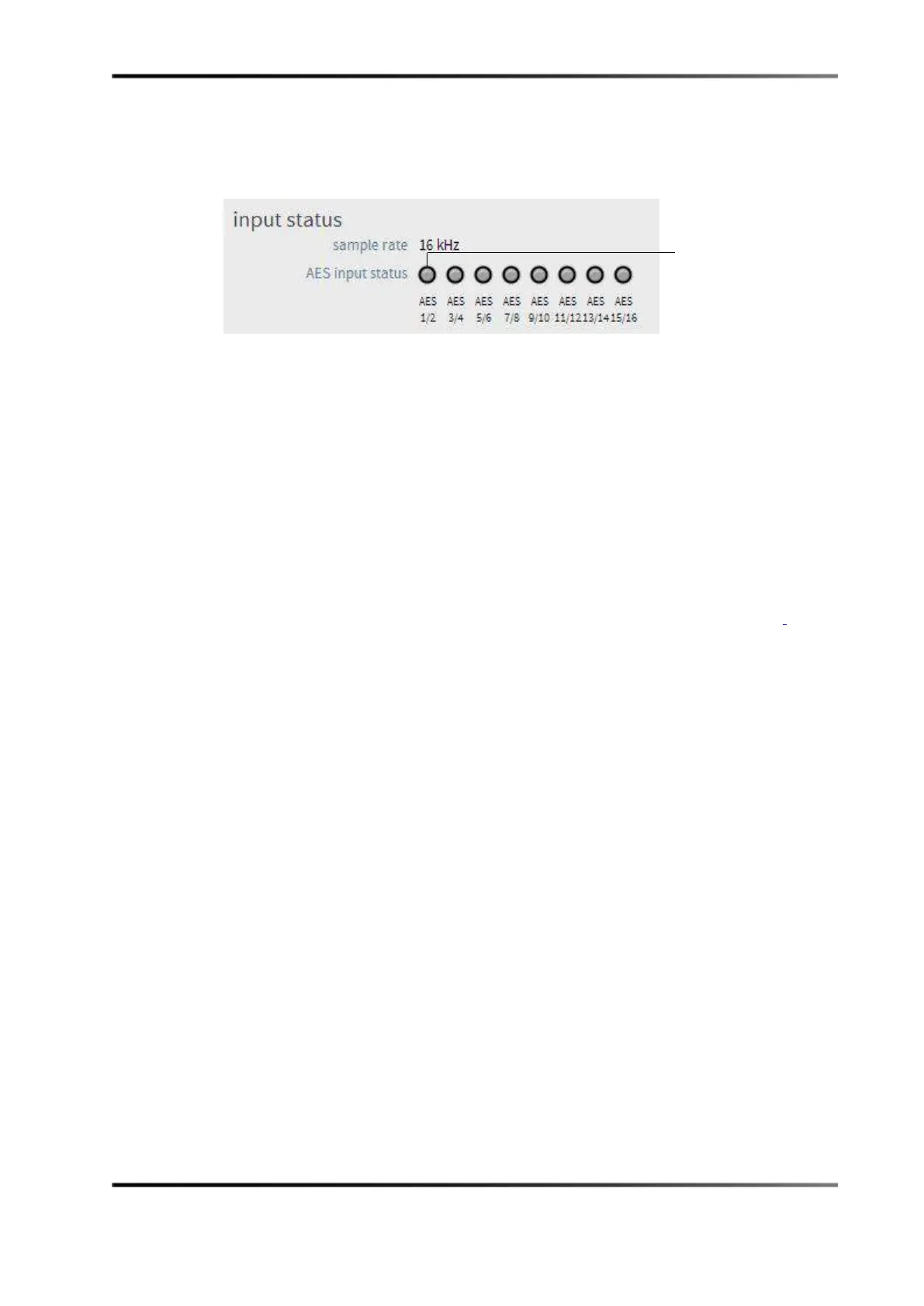
3. The row of green dots in the Input Status section signifies channels 1–8 and 9–16.
4. If a channel is disconnected, the dot is grayed out.
Figure 19-16 Input Status Section
19.5 Troubleshooting Tips
19.5.1 Channels Not Recognized
If the system does not recognize the channels in the input status section, try the
troubleshooting tips in the following sections.
Check the Cables
Check the Ethernet cable connections on the audio adapter. Refer to Section 19.3.1 for
connection information.
19.5.2 Dolby Atmos Content Not Recognized
If the Dolby Atmos content is not recognized, a gray or red dot appears in the Dolby
Atmos content
section.
Follow these steps to try and solve this issue:
• Verify that the CP850 is on the same network as the IMS2000.
• Verify that the selected content is Dolby Atmos content.
• Verify that the CP850 is enabled.
19.5.3 KDMs for Dolby Atmos Content (CPL)
All KDMs created to unlock encrypted Dolby Atmos content must have the audio
watermark disabled from only channels 12 and above.
The following is an example of what a correct KDM would look like:
• <ForensicMarkFlagList>
<ForensicMarkFlag>
</ForensicMarkFlagList



 To Next Page