Dolby
®
IMS2000 Installation and User’s Manual
IMS.OM.004730.DRM Issue 3 217
14.9.3 Ingest Upload
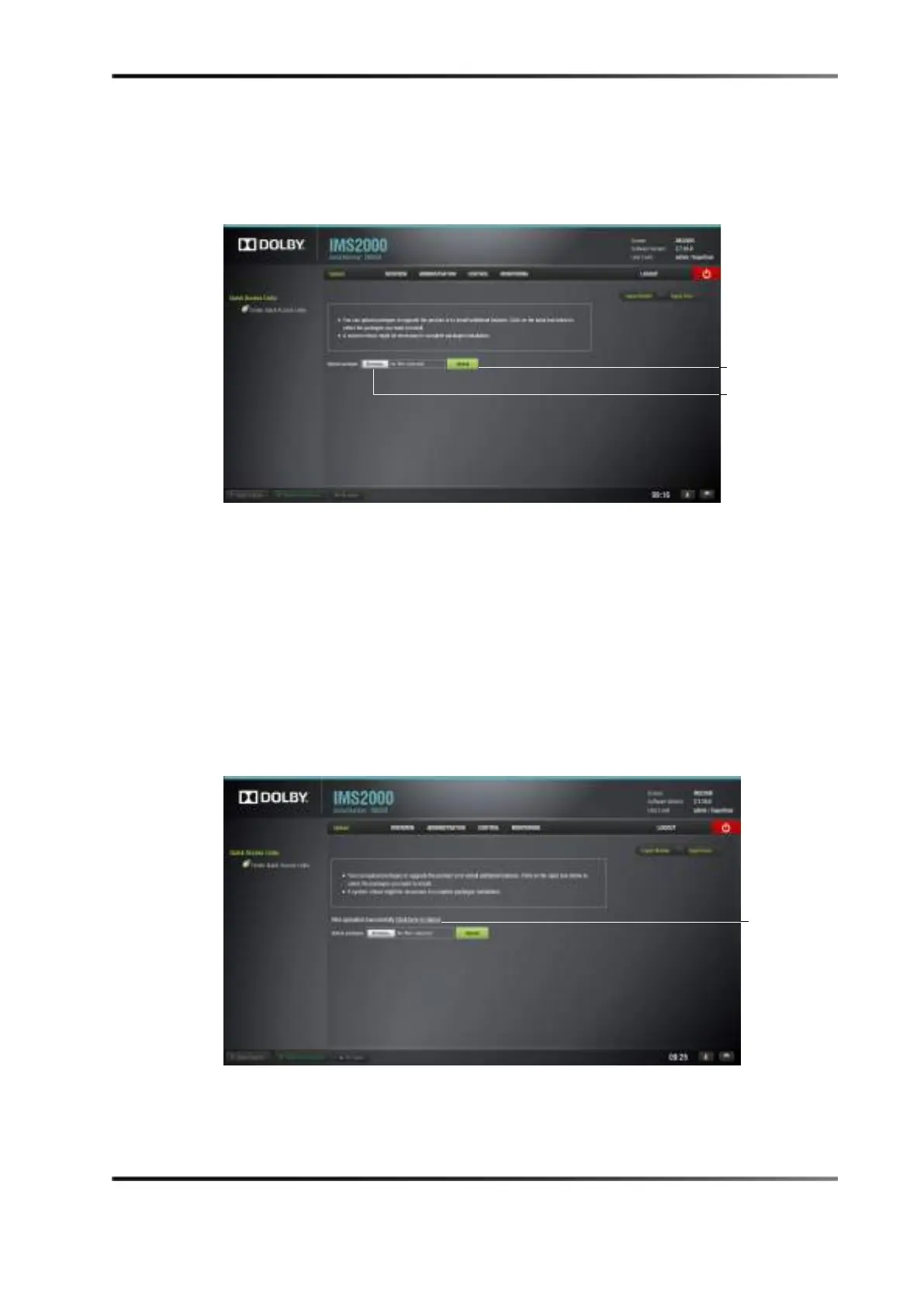
You can use the Ingest Upload tab to upload packages from your local network.
Figure 14-63 Ingest Upload
To upload a package:
1. Select Control > Ingest Manager > Upload.
Alternatively, clicking on the green arrow on the right-hand side of the GUI in the
Ingest Scan and Ingest Monitor tab also opens up the Upload tab.
2. Click on the
Browse button to locate the package to ingest.
3. Click on the
Upload button when you have selected the file.
When the file has been uploaded, you may be prompted to reboot the unit.
4. Click on the
Reboot button.
Figure 14-64 Upload Reboot
You will be prompted to the System tab to restart the unit.



 To Next Page