Dolby
®
IMS2000 Installation and User’s Manual
IMS.OM.004730.DRM Issue 3 63
Chapt er 8 Shutting Down the IMS2000
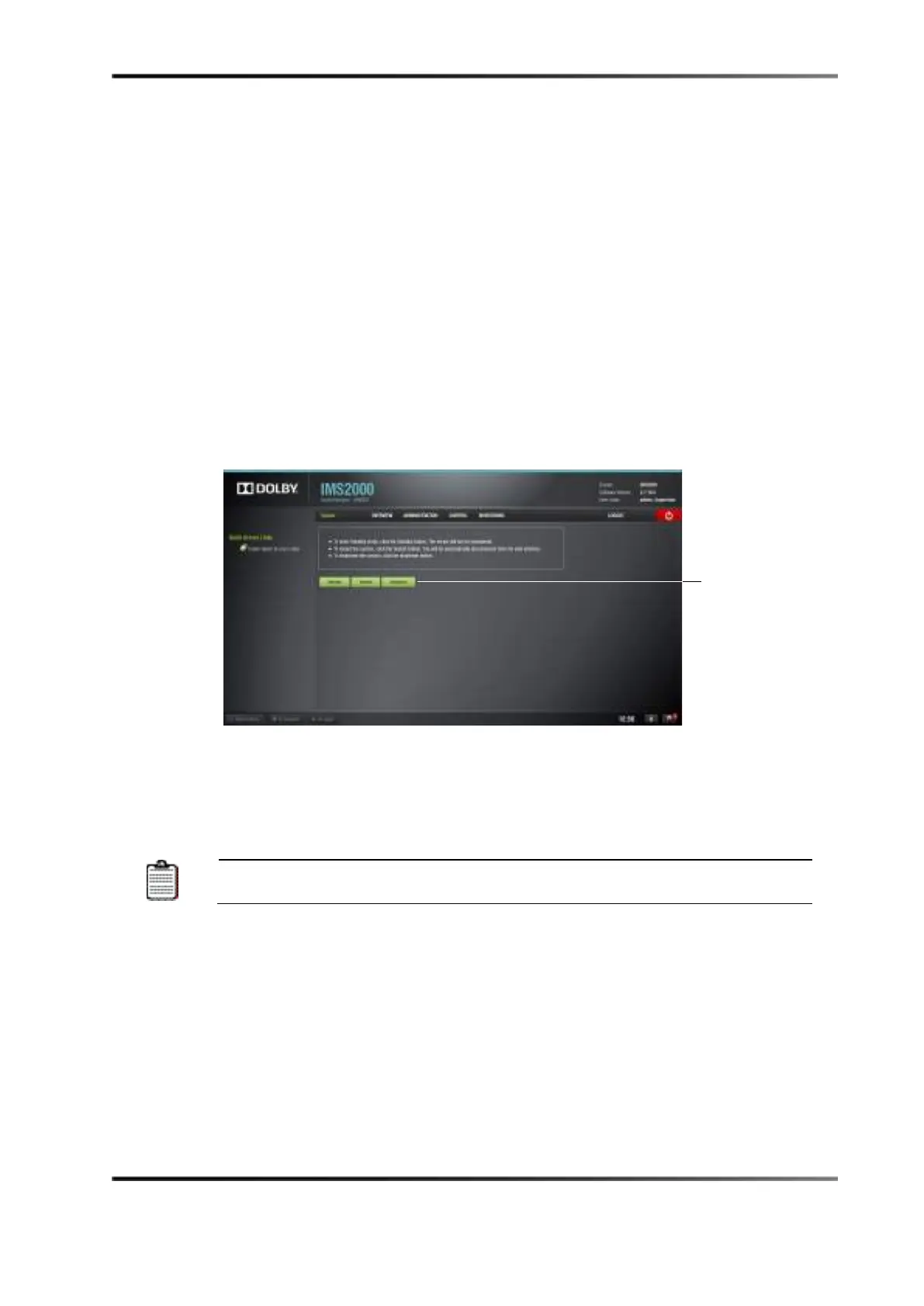
To properly shut down the IMS2000:
1. Select the
System tab.
2. Click on the
Shutdown button, and wait two minutes.
The LEDs on the IMS2000 will stop flashing, and the hard-disk drive LEDs will have
a steady light once it has finished shutting down.
Figure 8-1 Security Manager Section
3. After two minutes, refer to the projector manufacturer manual for proper power
down sequence to shut down the projector.
4. The IMS2000 board and the projector have now been properly shut down.
The IMS2000 must be shut down according to the designated method.
Failure to follow this method may result in file corruption.
button



 To Next Page