Dolby
®
IMS2000 Installation and User’s Manual
IMS.OM.004730.DRM Issue 3 55
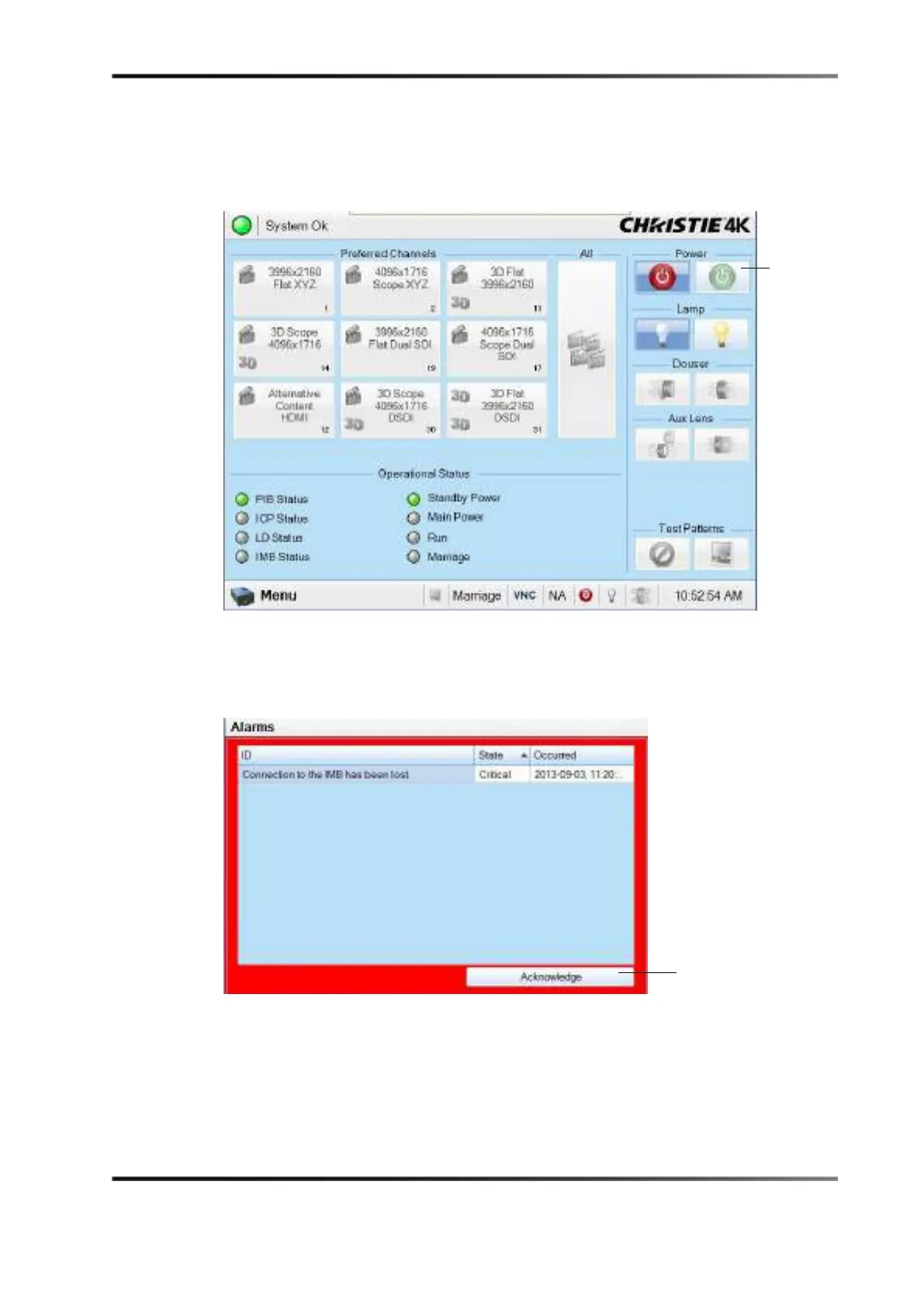
6. Turn the projector on by pressing the green power button on the touch-panel
controller.
After approximately two minutes, the projector will be fully powered on.
Figure 7-18 Power Button
An error message appears.
7. Press the
Acknowledge button.
Figure 7-19 Error Message
button
button



 To Next Page