Dolby
®
IMS2000 Installation and User’s Manual
IMS.OM.004730.DRM Issue 3 131
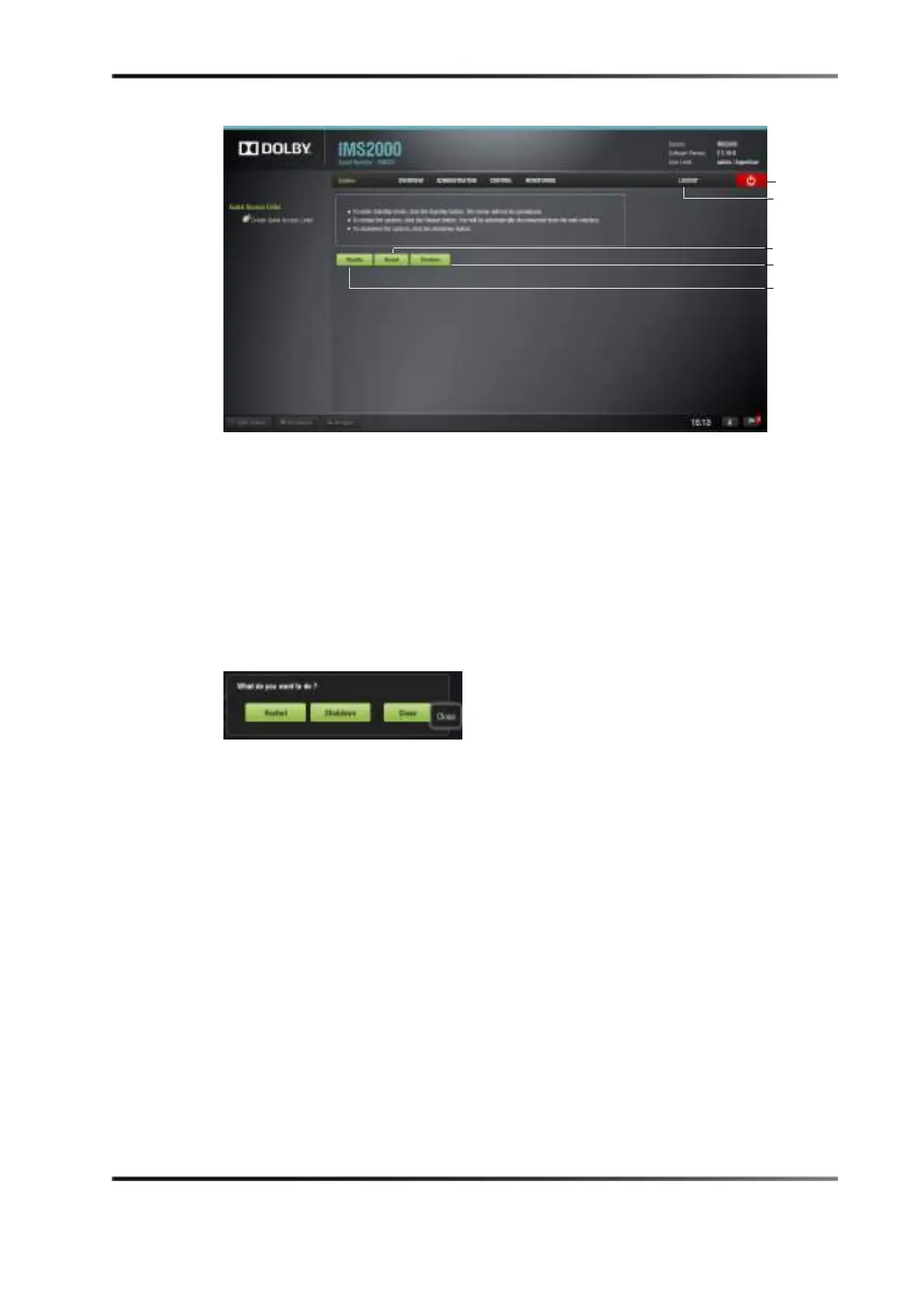
Figure 13-56 System GUI
If content is currently being played, a window appears asking you to confirm the restart
or shutdown request.
You can also quickly log out, restart, shut down, or cancel from any tab on the GUI by
using the quick access buttons:
• Clicking the
Logout button will automatically log you out.
• Clicking on the red
Power button provides you with the options to restart, shut
down, or cancel.
Figure 13-57 Quick Access Power Options



 To Next Page