Dolby
®
IMS2000 Installation and User’s Manual
IMS.OM.004730.DRM Issue 3 213
Ingesting Content from a USB Drive
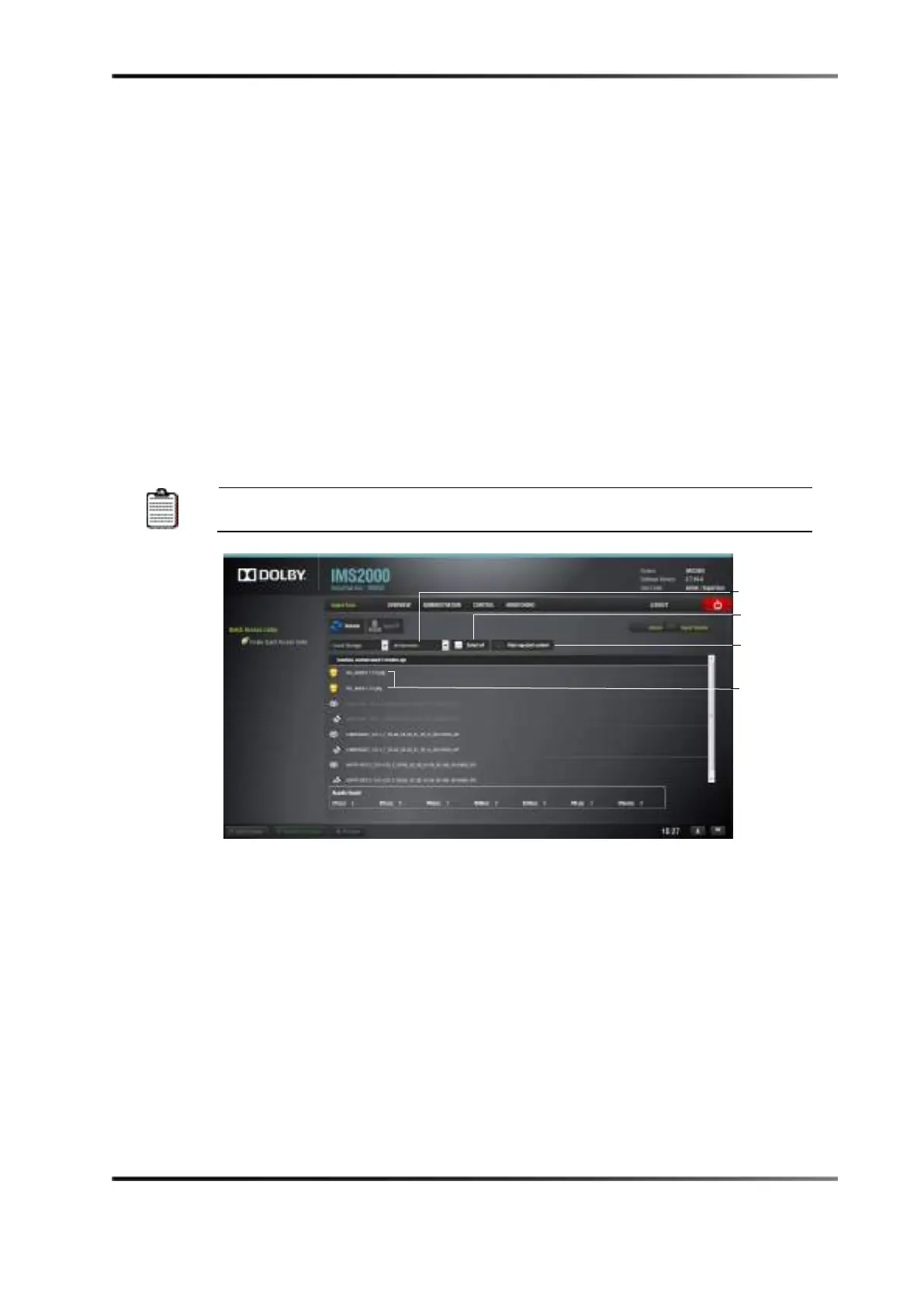
If the content to ingest is on a USB drive, plug the drive into the IMS2000 USB port and
open the
Ingest Manager application:
1. Select
Local Storage.
2. Click on the Refresh button.
3. Select an item:
• To select, or unselect, all items, use the
Select all button.
• To search for an item, use the search field.
4. Click on the
Ingest button.
The ingest process will begin. If an item was already ingested, it appears in gray.
To hide all ingested content, select the
Hide ingested content
Figure 14-58 USB Ingest
You will be prompted to the Ingest Monitor tab to view the progress of the ingest.



 To Next Page