214 Dolby
®
IMS2000 Installation and User’s Manual
IMS.OM.004730.DRM Issue 3
Ingesting Content from an FTP Site
Use a File Transfer Protocol (FTP) connection to ingest an item from a central server or a
cinema server over a network.
Ingesting Content from a Dolby Remote Playback System/Library Media Server
To ingest content from a remote playback system/Library Media Server:
1. Click on the drop-down menu from the location menu.
2. Select the device from which to ingest.
Its content will be displayed inside the GUI.
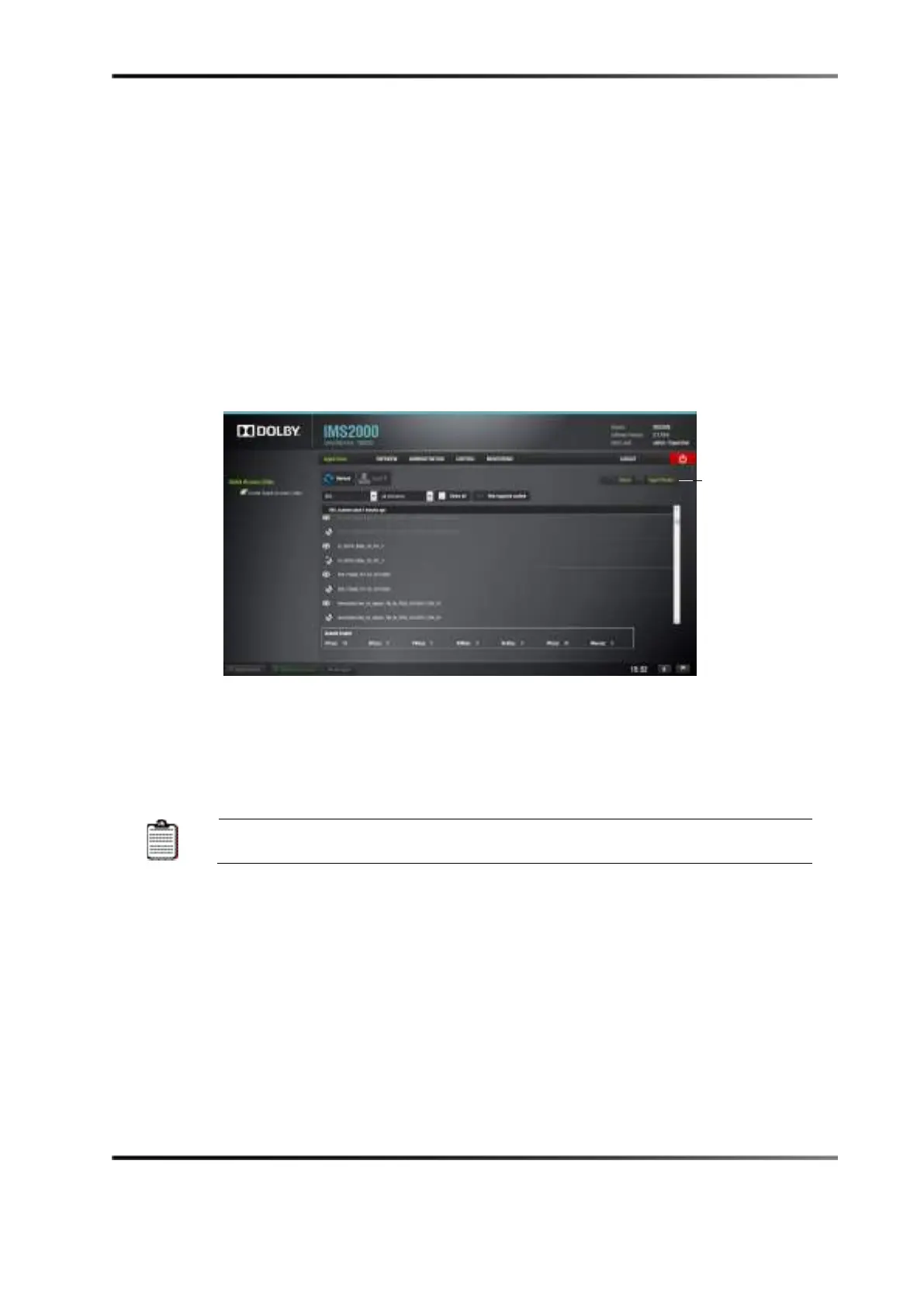
Figure 14-59 Ingest Scan Tab
3. Select the item to ingest.
4. Click on the
Ingest button.
You will be prompted to the
Ingest Monitor tab to view the progress of the ingest.
The server must be added through the
Content Feed Manager
tab



 To Next Page