Dolby
®
IMS2000 Installation and User’s Manual
IMS.OM.004730.DRM Issue 3 215
Play While Ingest
When a composition is ingested, it can be played while it is being ingested instead of
waiting until the ingest is complete. Give the CPL approximately five to seven minutes to
load. You cannot rewind or fast forward during playback.
This feature is available only on software version 2.7.12 and later. If the content is
encrypted, you must first ingest a KDM.
To perform the operation:
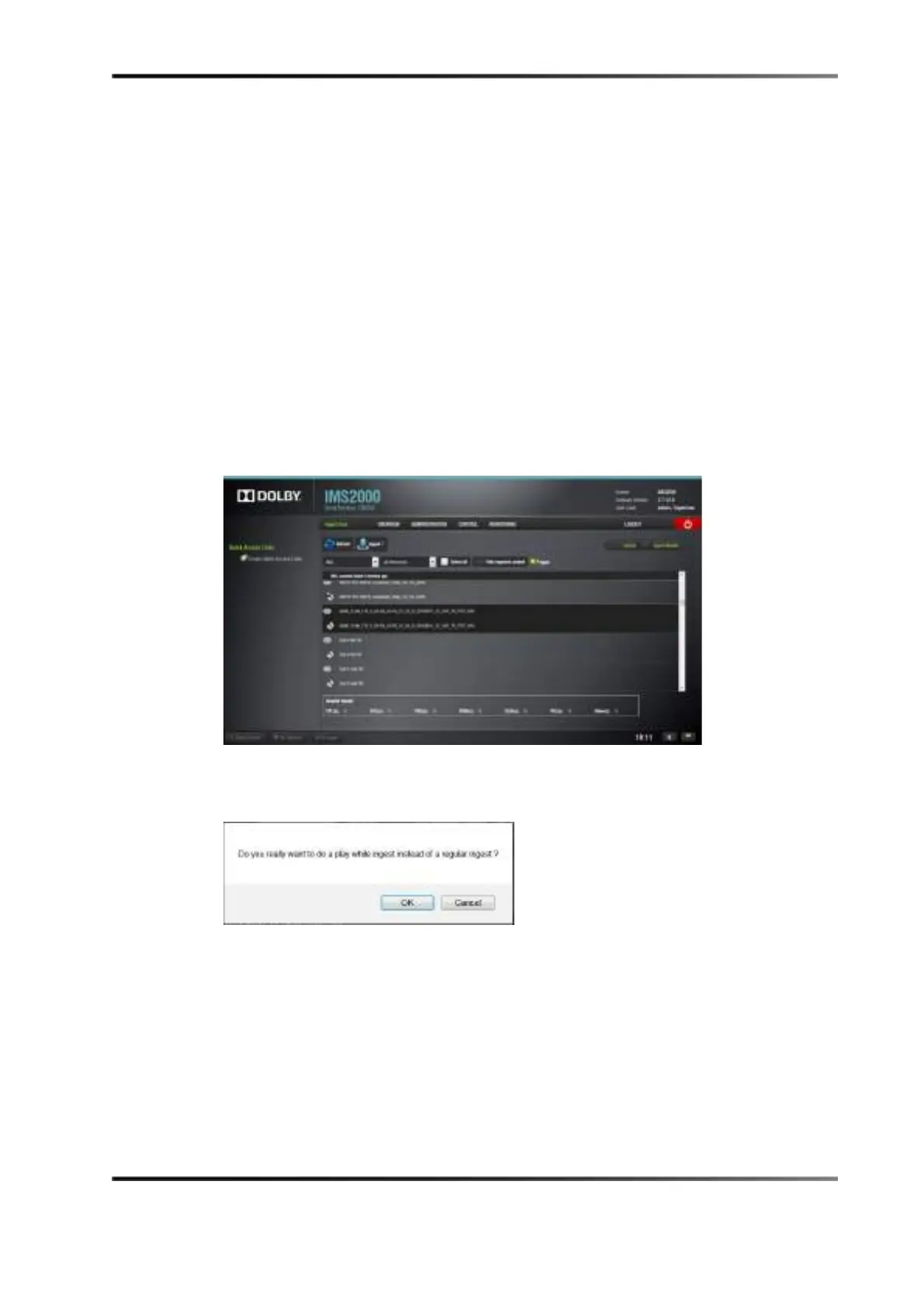
1. Select a clip and enable the
P’ngest check box.
2. Click on the
Ingest button.
Figure 14-60 Play While Ingest Enabled
A prompt appears, asking you to confirm the action.
Figure 14-61 Play While Ingest Confirmation
3. Monitor the progress of the play while ingest by clicking on the Monitor tab (See
Section 13.9.2).
4. Wait approximately five to seven minutes, then select the CineLister editor.
5. Click on the
Refresh button.
The CPL appears in the window.
6. Select the CPL.
7. Select the
Playback tab, and click play.



 To Next Page