Dolby
®
IMS2000 Installation and User’s Manual
IMS.OM.004730.DRM Issue 3 231
Delete a Show Playlist
To delete a show playlist from the IMS2000:
1. Select the show playlist from the list.
2. Click on the
Delete button.
The appropriate password and confirmation are required to complete the operation.
3. Click on the
Yes button to confirm the deletion, or click No to deny the deletion.
Download
To download and save a show playlist from the IMS2000:
1. Select the show playlist.
2. Click on the download icon on the right-hand side.
This allows you to download the show playlist onto a computer and to view the
CPLs in the show playlist.
After selecting a show playlist and clicking the
Download button, a prompt tells you
to save or open the file.
Information
To retrieve details concerning the show playlist:
To perform the operation:
1. Select a show playlist.
2. Click on it to get details regarding the show playlist.
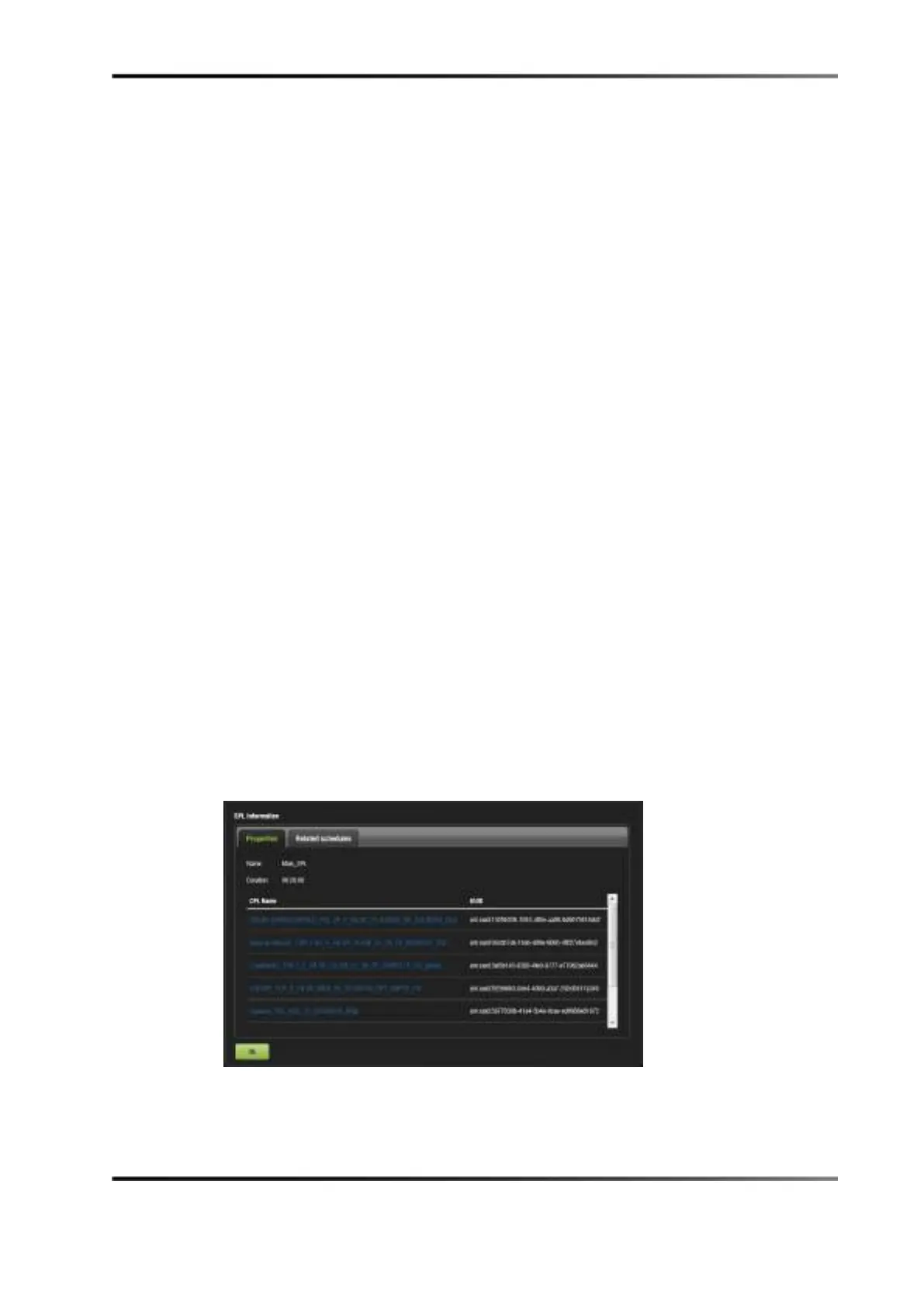
The
SPL Information window pops up and displays the show playlist Properties tab
(all CPLs in it) and the
Related Schedules tab.
Figure 14-86 Properties Tab



 To Next Page