Dolby
®
IMS2000 Installation and User’s Manual
IMS.OM.004730.DRM Issue 3 221
Delete a CPL
To delete a CPL from the server:
1. Select the CPL.
2. Click on the
Delete button.
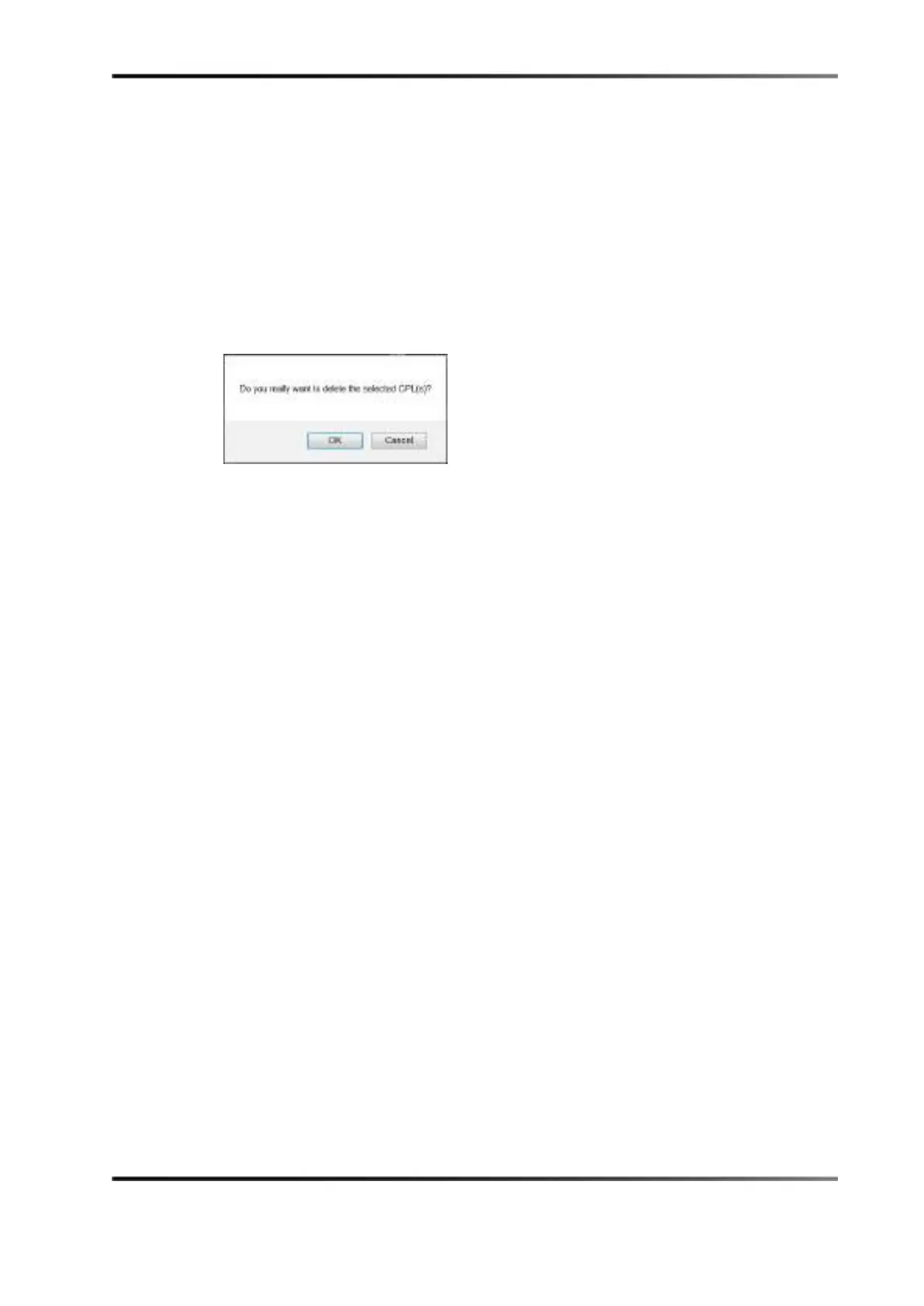
A window appears, asking to confirm.
Figure 14-69 Delete CPL Window
3. Click on the OK button to continue or on the Cancel button to cancel the operation.
Once the CPL is deleted, it will be permanently deleted from the server and removed
from any associated show playlists.
Information
Clicking anywhere on the line of a highlighted CPL, or on the properties icon that
appears on the right, will display information about that CPL on the bottom portion of
the tab.
Any time you want to exit the CPL information window, click on the
Close button.
Properties Tab
The Properties tab displays the information about the CPL:
•
Title
• Sound (channel count, quantization bits, encoding)
•
Picture (encoding and dimension)
•
Package size
•
Duration
• Edit rate (frame rate)
•
Kind (for example, trailer, feature, and so on)
•
Caption and subtitle info
•
UUID (universally unique identifier)
•
Creation date
•
Creator
• Company



 To Next Page