280 Dolby
®
IMS2000 Installation and User’s Manual
IMS.OM.004730.DRM Issue 3
5. Double-click Black to select the element under all elements in the Edit window:
• For 2D HFR and non-HFR, select
Black.
• For 3D, select
Black 3D.
• For 3D HFR, select
Black 3D 48.
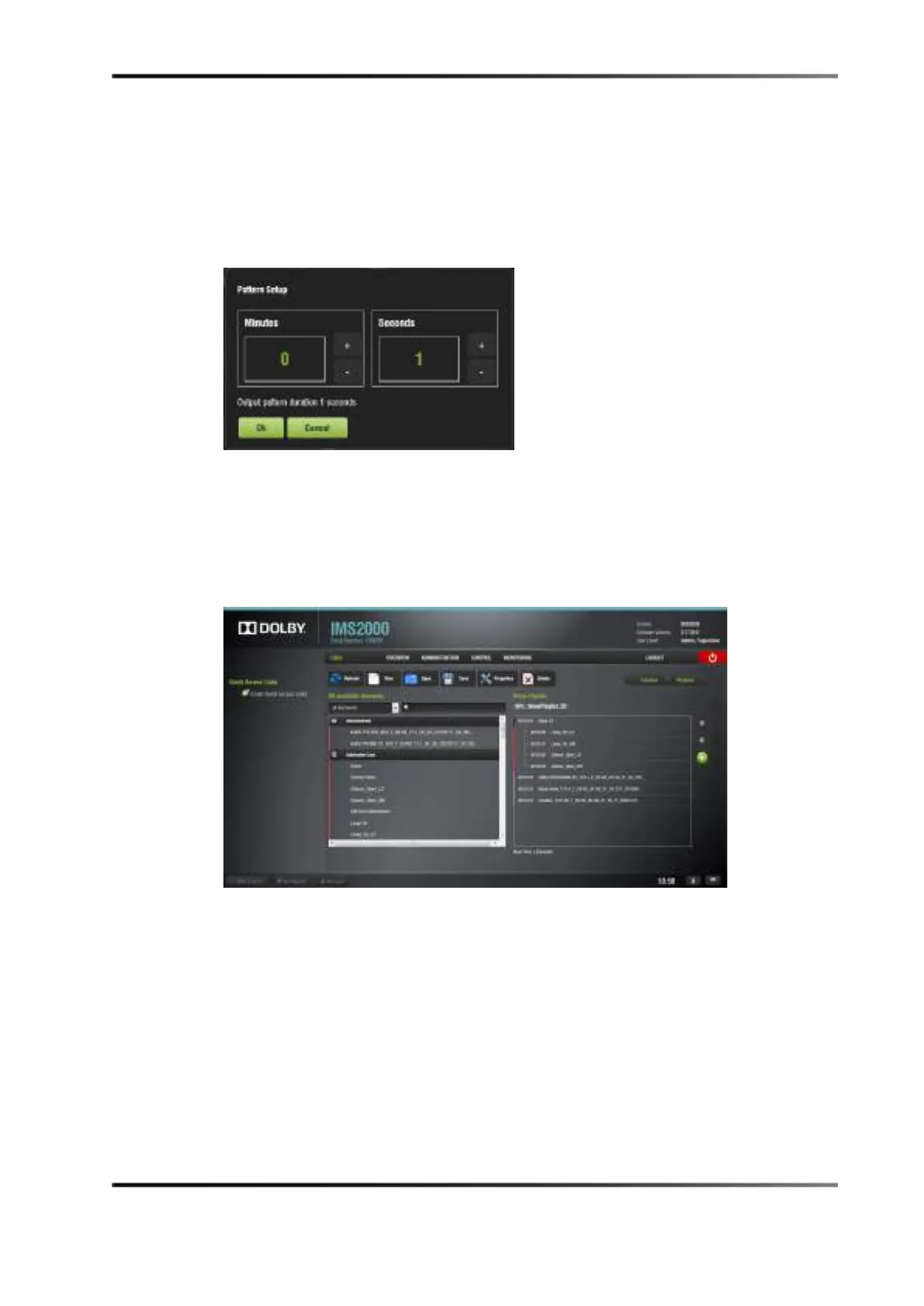
6. Set the black duration in the
Pattern Setup window, then click Ok.
Figure 18-6 Pattern Setup Window
7. Add any required macros for your show playlist.
8. Click the
Save button to save your show playlist.
9. Enter a name for your newly created show playlist, then click
Save.
You have now completed the show playlist setup procedure.
Figure 18-7 Show Playlist Example (2D)



 To Next Page