278 Dolby
®
IMS2000 Installation and User’s Manual
IMS.OM.004730.DRM Issue 3
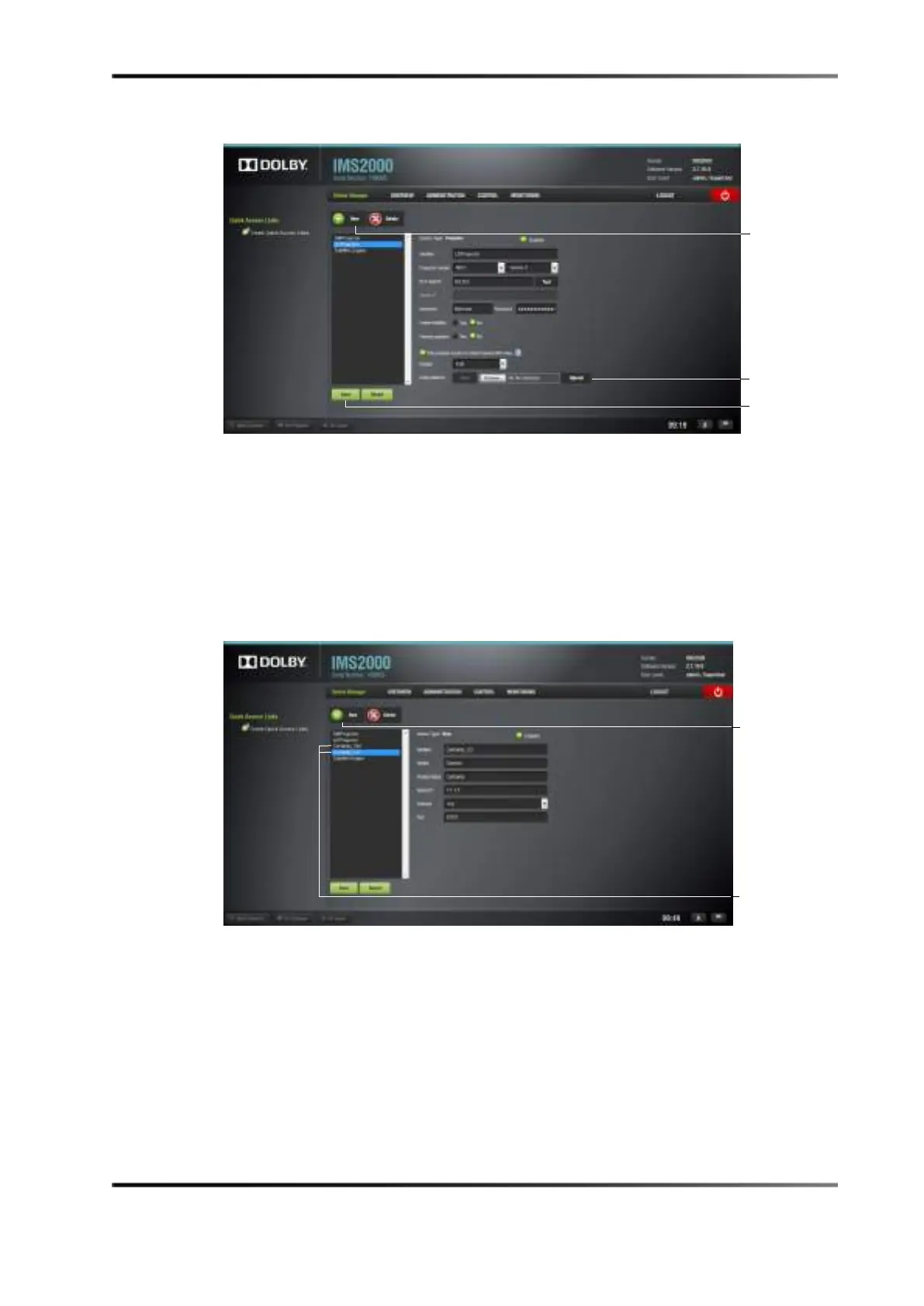
Figure 18-2 Secondary Projector
The Device Manager will automatically create a device for the IMS2000 hosted in the
primary projector and will name it
Certainty. Rename the device to reflect that it is for
the security manager projector.
8. Add another
RAW device by clicking on the New button and selecting Raw device.
9. Fill the
identifier field (for example, Certainty_LD to reflect the secondary projector),
vendor, and product name fields.
10. Enter the IP address of the secondary projector, and fill the
port number field.
Figure 18-3 Secondary Projector
11. Click on the Save button, and enter the proper password.



 To Next Page