Dolby
®
IMS2000 Installation and User’s Manual
IMS.OM.004730.DRM Issue 3 277
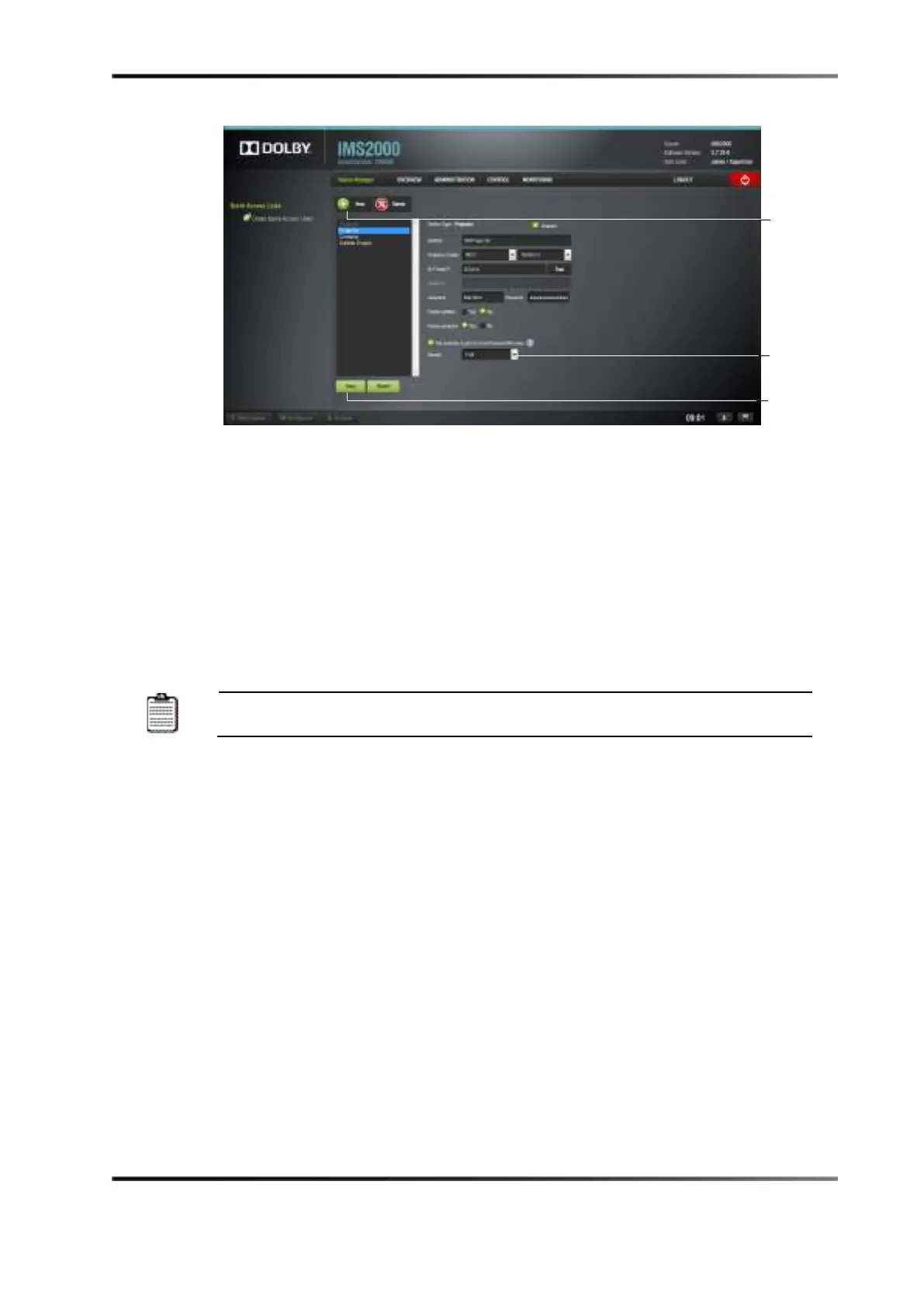
Figure 18-1 Primary Projector
6. Add the secondary projector.
7. Set the secondary projector configuration:
a. Set the identifier: Secondary projector plus the name of the projector.
b. Select the projector model from the drop-down menu.
c. Specify the head IP of the projector.
d. Select
No for the primary projector.
e. Select the dual-projector check box.
f. For 2D presentations, select
Full from the Display drop-down menu.
Right
Display
g. Click on the
Upload button to upload any matrices.
h. Click on the
Save button, and enter the appropriate password.



 To Next Page