160 Dolby
®
IMS2000 Installation and User’s Manual
IMS.OM.004730.DRM Issue 3
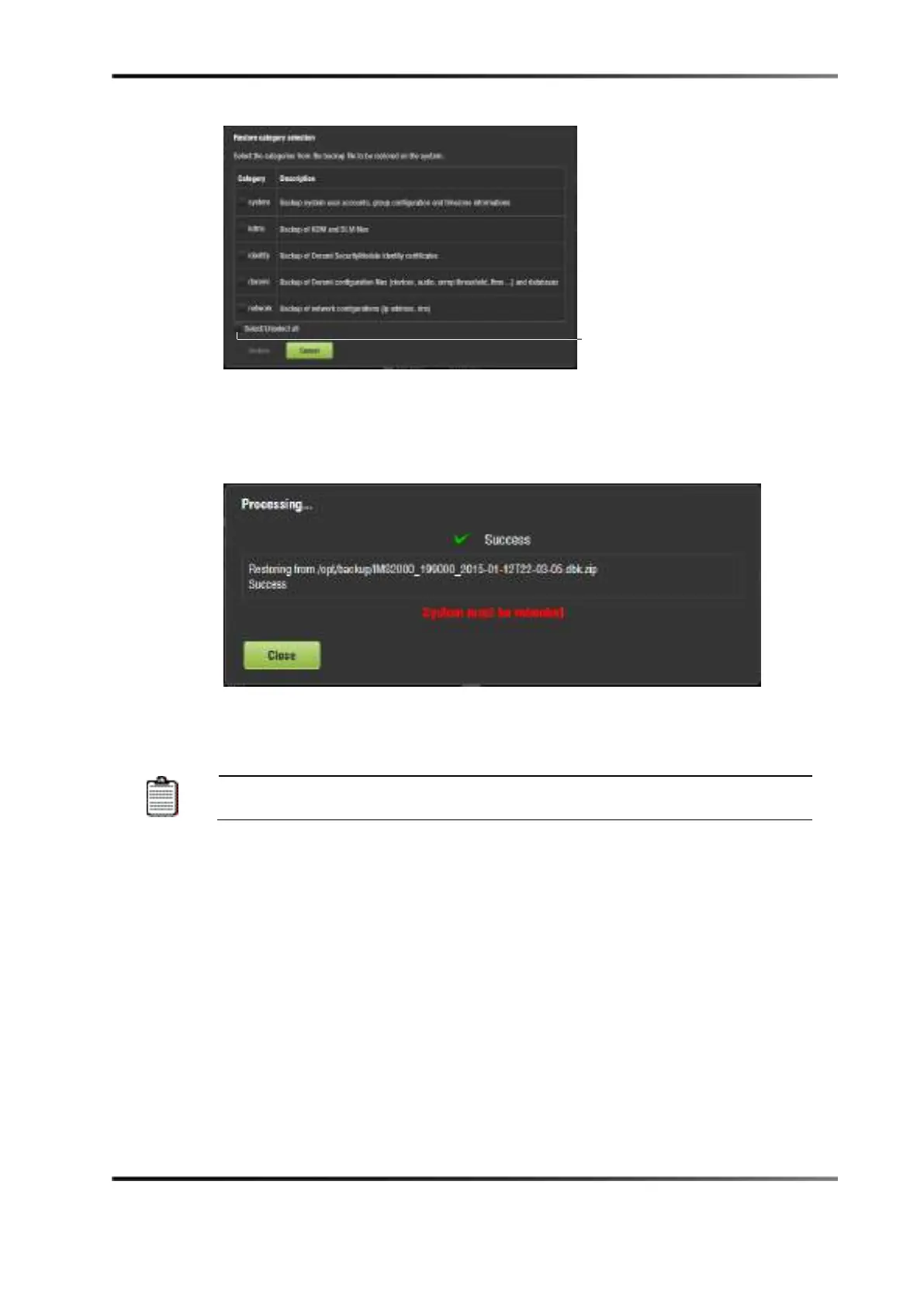
Figure 13-99 Restore Category Selection Window
5. Reboot the system to complete the restore process.
If you decide not to reboot, click on the
Close button. The unit will not reboot. This
will not complete the restore process.
Figure 13-100 Processing Window
The restore process is now complete.
The reboot process takes approximately three minutes to begin.
button



 To Next Page