254 Dolby
®
IMS2000 Installation and User’s Manual
IMS.OM.004730.DRM Issue 3
8. Select the log, and click on the download icon that appears to download the log.
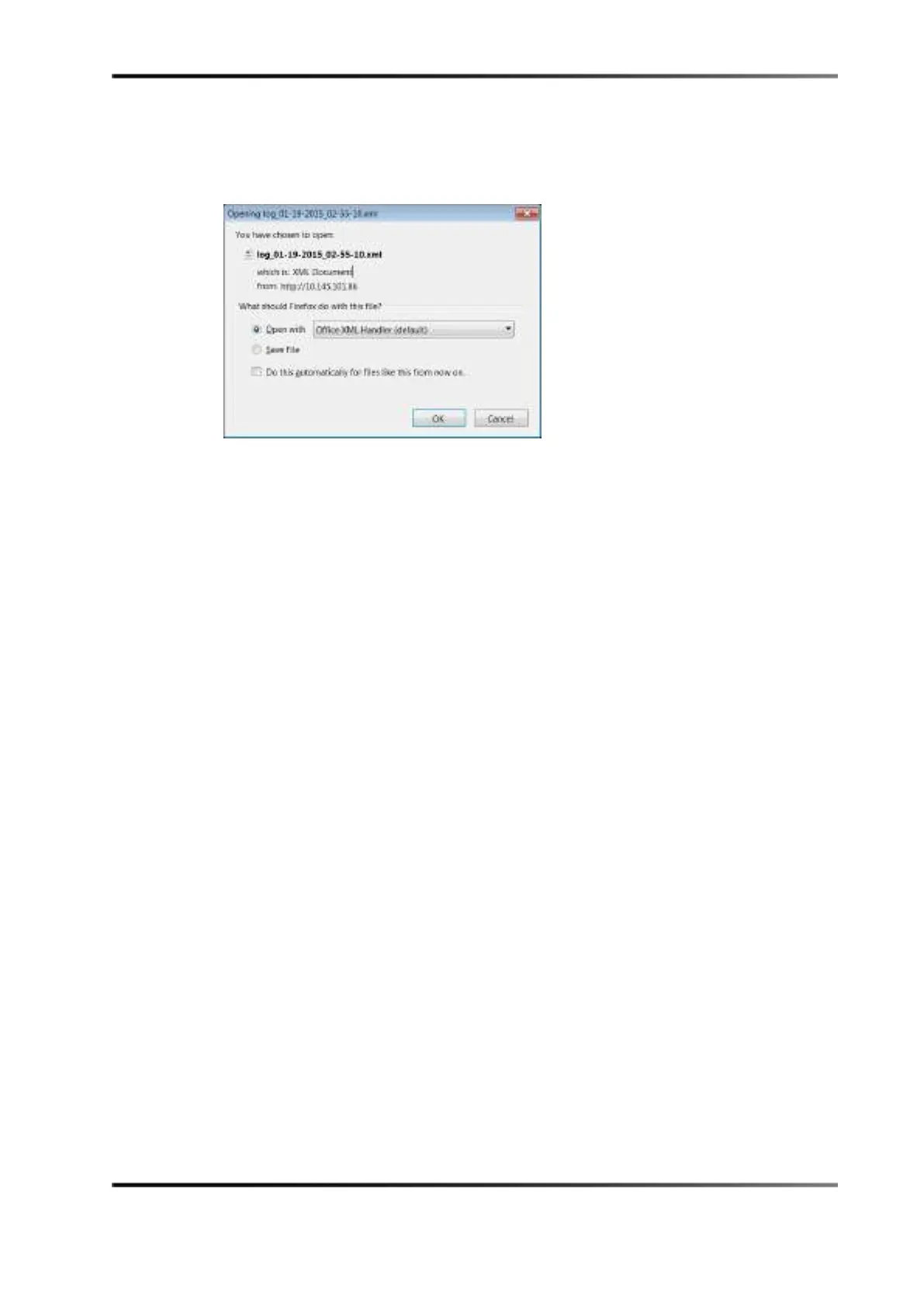
A window appears asking if you would like to save or open the log.
9. Make your selection, and click
OK to access your log.
Figure 15-17 Opening a Log
To delete a log:
1. Select the log.
2. Click on the
X that appears.
Highlighting a log will also reveal the applied filters for the log in the bottom of the
screen.



 To Next Page