252 Dolby
®
IMS2000 Installation and User’s Manual
IMS.OM.004730.DRM Issue 3
Properties
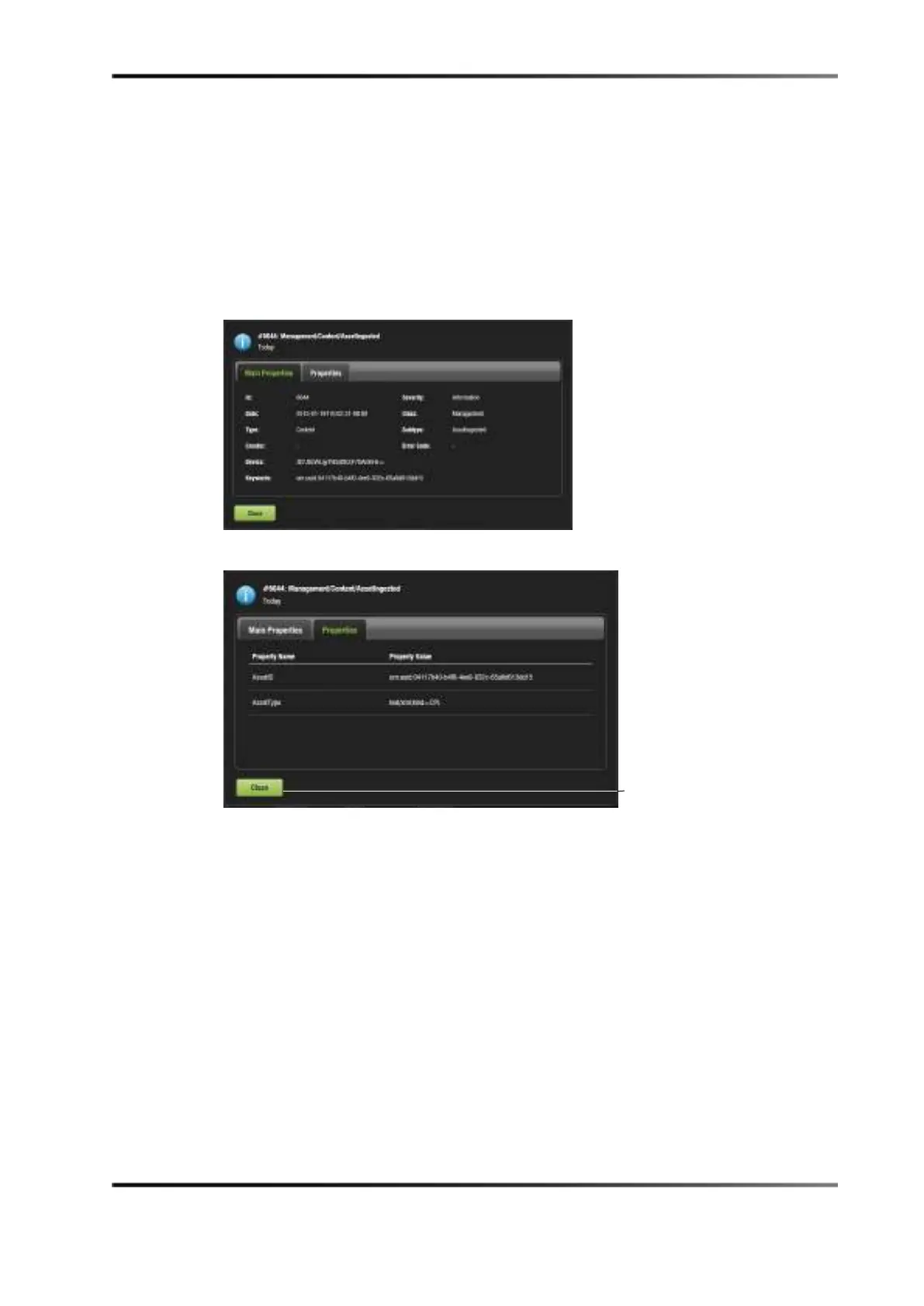
To view the properties of an individual record:
1. Highlight the record.
2. Click anywhere on the line or on the properties icon that appears on the right.
The
Properties window appears, and the two tabs provide information on the specific
record.
3. Click the
Close button to return to the tab.
Figure 15-13 Main Properties Tab
Figure 15-14 Properties Tab



 To Next Page