Dolby
®
IMS2000 Installation and User’s Manual
IMS.OM.004730.DRM Issue 3 143
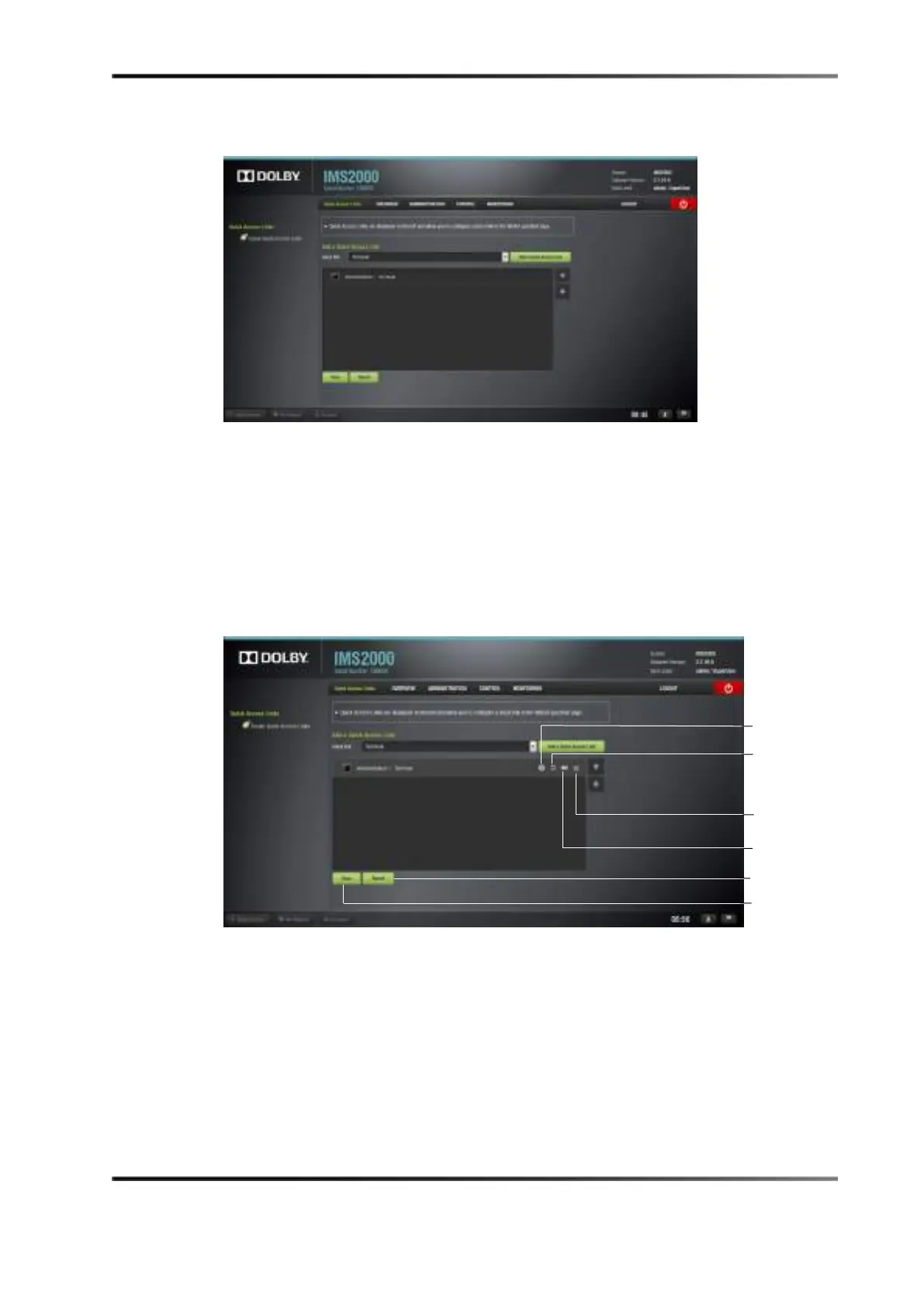
The selected link appears in the window.
Figure 13-74 Link Added
To edit the link:
1. Select the link.
2. Click the rectangle to rename the link.
To revert to the default name, click the curving arrow.
3. Click the
X to delete the link.
For information on the action performed by the link, click the information button.
Figure 13-75 Editing the Link
4. Click on the Save button.
Clicking on the
Revert button will delete all unsaved changes. After saving and
refreshing, the newly added link appears on the left-hand side of the GUI in all tabs.
Clicking on the link will automatically take you to the designated tab.



 To Next Page