152 Dolby
®
IMS2000 Installation and User’s Manual
IMS.OM.004730.DRM Issue 3
Viewing the Backup File Records
To view the backup file records:
1. Open the backup manager
application.
The
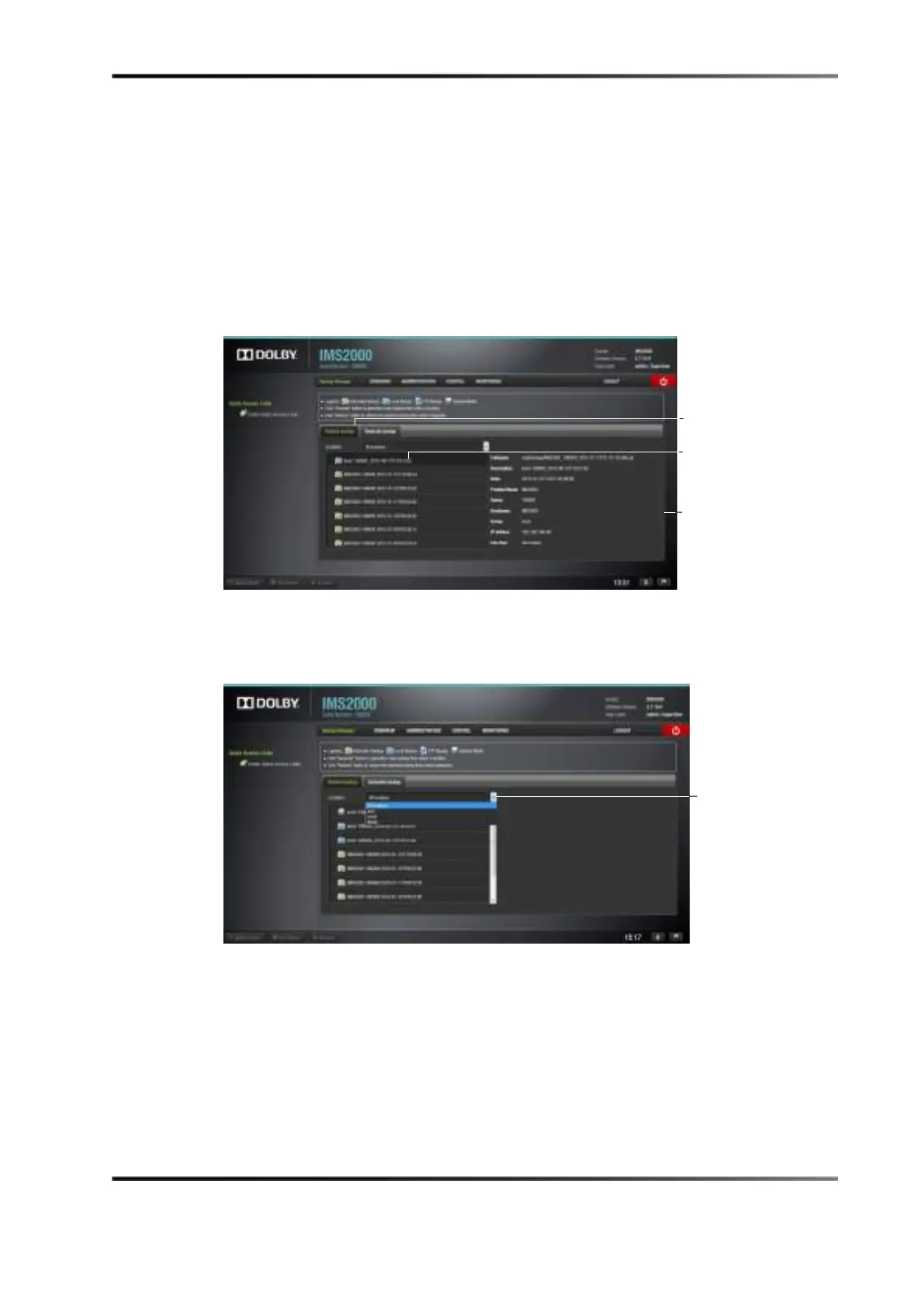
Restore Backup tab appears, showing the latest backups available.
Figure 13-86 Backup Manager Window
2. Click on the backup file to display details about the backup.
To search for specific file locations, use the
Location search field.
Figure 13-87 Location Search Field



 To Next Page