108 Dolby
®
IMS2000 Installation and User’s Manual
IMS.OM.004730.DRM Issue 3
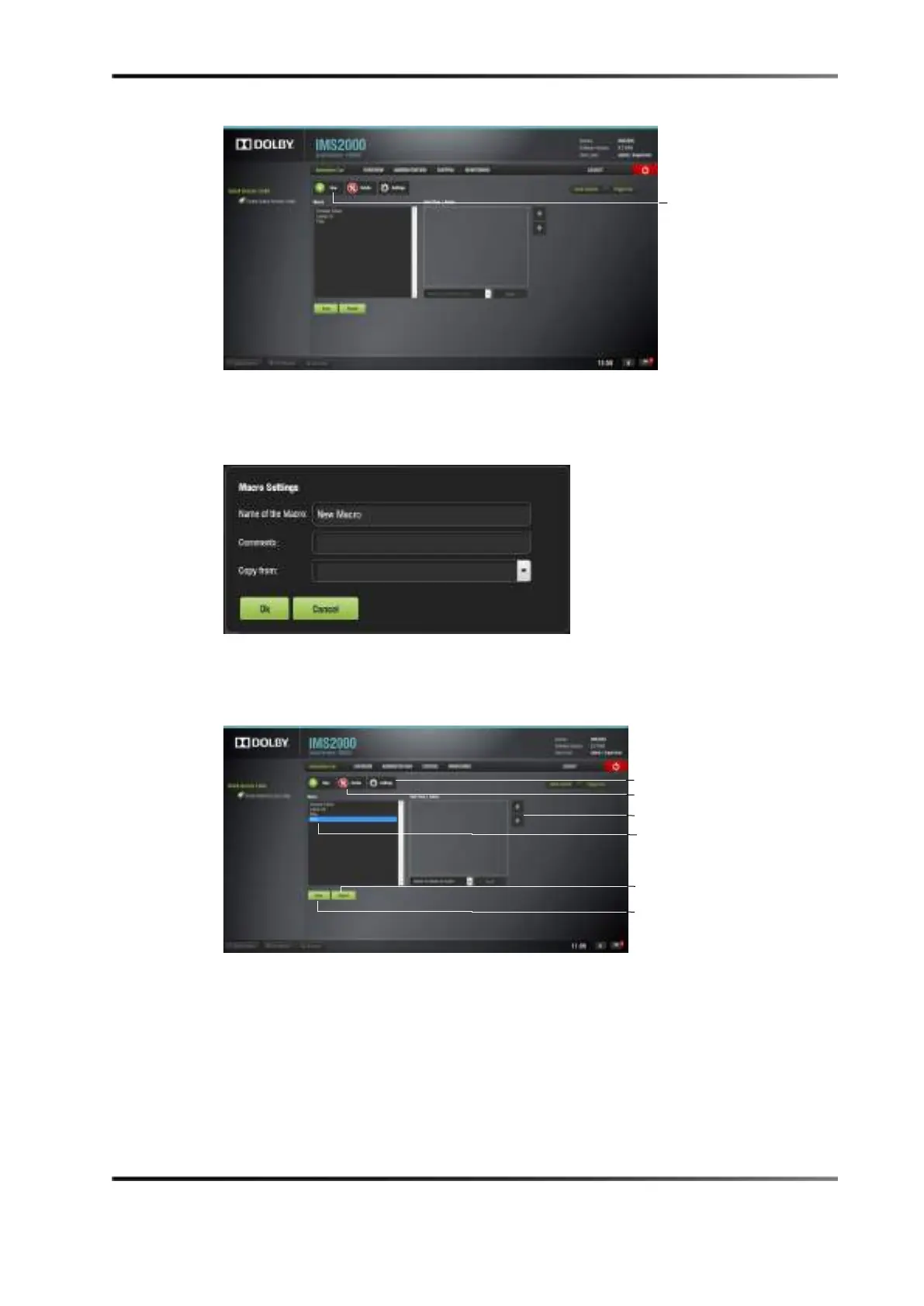
Figure 13-27 Macro Editor GUI
3. Click on the New macro button to begin the process.
4. You will be prompted to enter a name for the macro automation cue
.
Figure 13-28 New Macro Settings
5. Click on the Ok button when done, and the macro editor GUI will reappear.
6. The new macro appears in the macro editor
window.
Figure 13-29 New Macro Added
7. Click on the Save button when done creating the macro automation cue.
superuser privileges are necessary to save the changes. If you are logged in as a
superuser, the confirmation window will not appear.



 To Next Page