136 Dolby
®
IMS2000 Installation and User’s Manual
IMS.OM.004730.DRM Issue 3
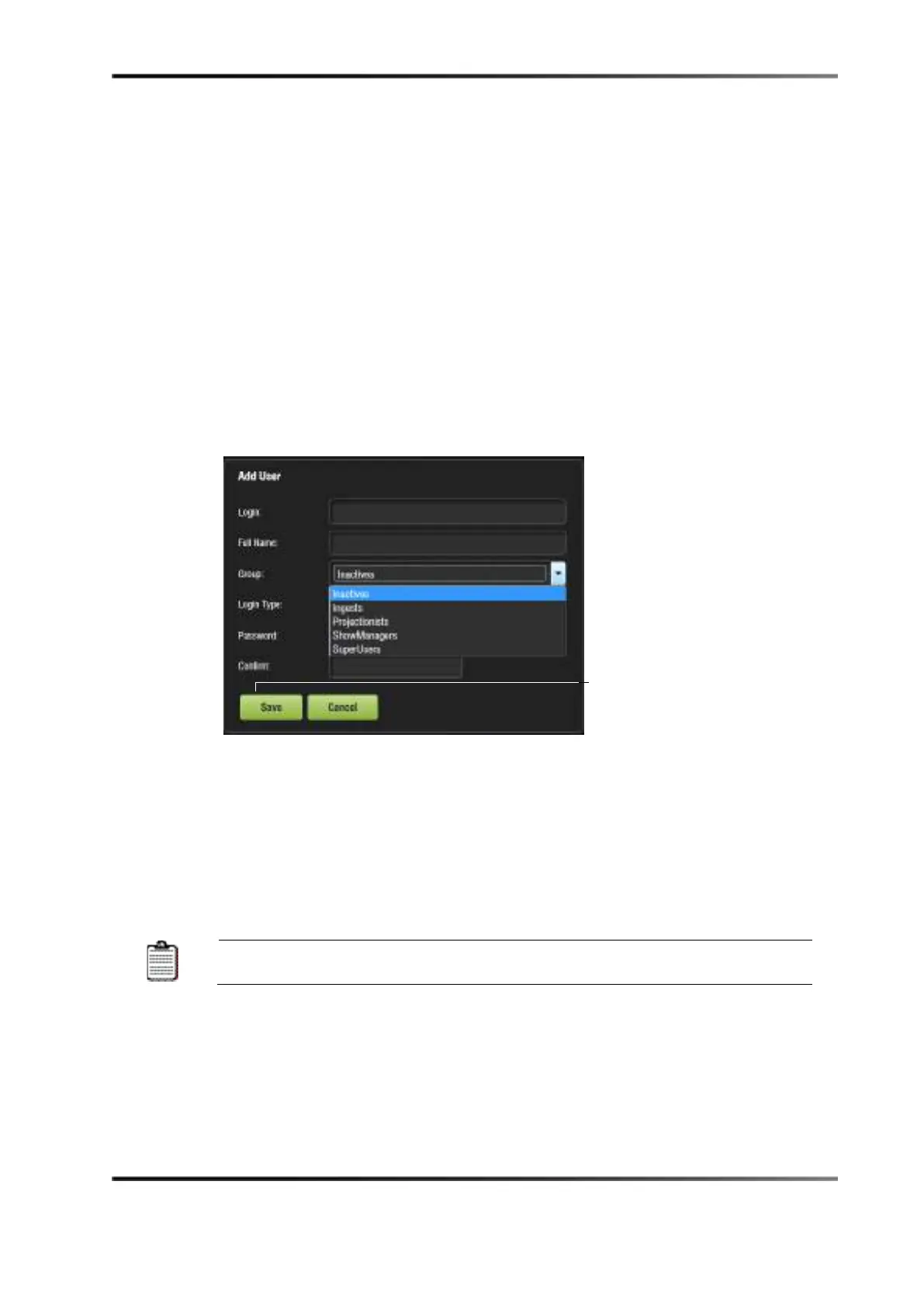
3. Enter the user name (to be used for login) in the upper empty field and the associated
full name used to describe you. Both names display in the window after the new user
addition is completed.
4. Select the proper privileges.
5. They are listed here from the lowest level to the highest level of privileges:
•
Inactive: This user does not have any privileges.
•
Ingest: This user is allowed to ingest content.
•
Projectionist: Projectionist is a standard user allowed to use the Dolby
applications present on the unit without changing the configuration.
•
Show Manager: In addition to projectionist's privileges, a Show Manager user is
allowed to ingest and delete content, and to save show playlists.
•
SuperUser: In addition to Show Manager user privileges, a superuser has the
privileges to configure the unit and to create, modify, and delete user accounts.
For example, the superuser can update the firmware and software.
Figure 13-64 Account Manager GUI: Privileges Definition
Two different login types are available to you:
•
Virtual: Virtual user account only works with Dolby applications.
•
System: Regular Linux
®
user account that can be used anywhere on the system
(for example, on Linux terminal windows).
6. Define the password by typing the password.
You will be provided information about the strength of the chosen
password. Confirm the password in the Confirm field.



 To Next Page