180 Dolby
®
IMS2000 Installation and User’s Manual
IMS.OM.004730.DRM Issue 3
Adding a Trigger Cue
You will be able to add macros in the Editor tab.
To perform the operation:
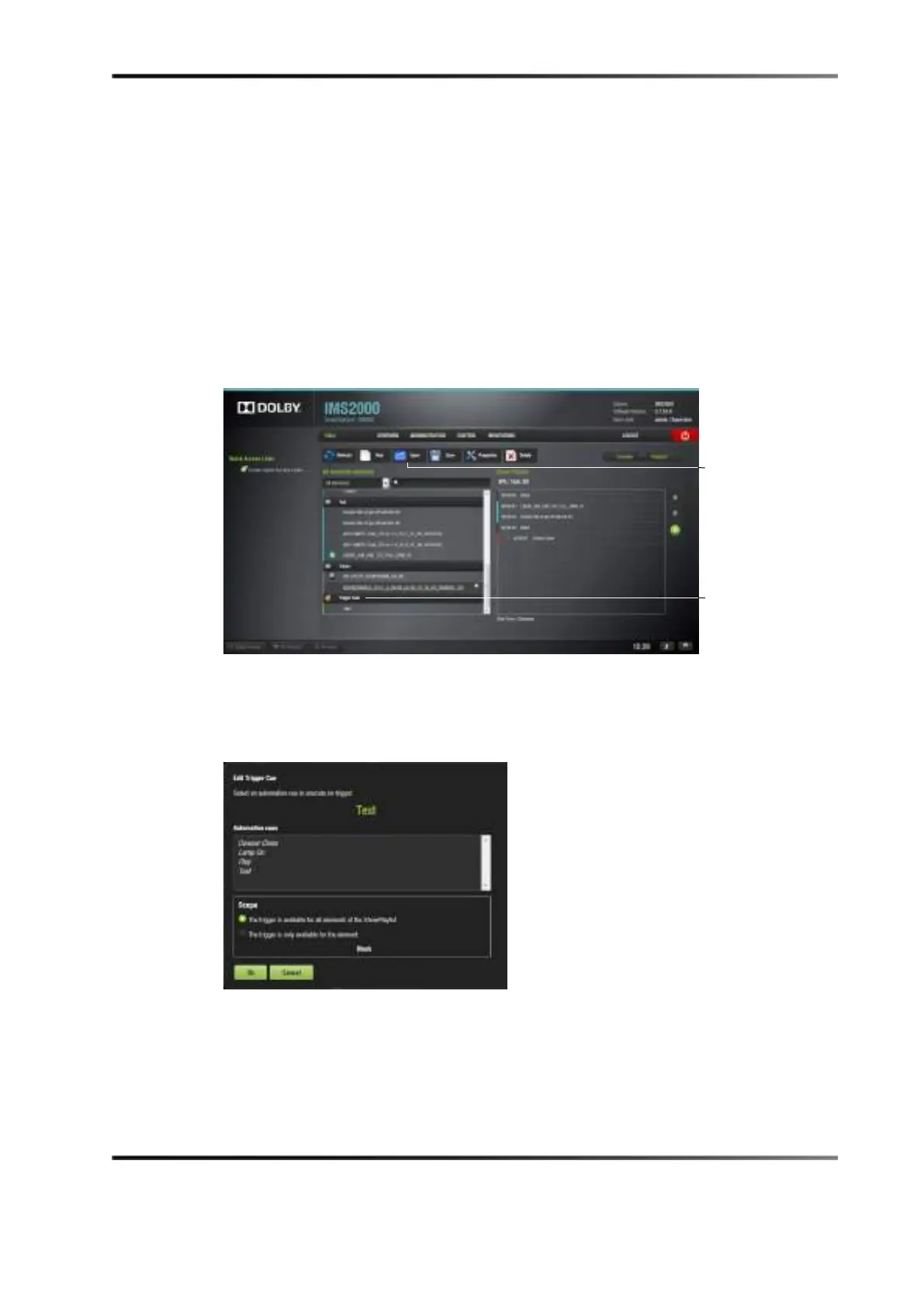
1. Select the element to attach the trigger cue to in the show playlist on the right side of
the application.
2. Select a trigger cue on the left part of the GUI, and click on it.
Figure 14-9 Trigger Cue Selected
3. The
Edit Trigger Cue window appears.
Figure 14-10 Edit Trigger Cue Window
4. Select the automation cue to associate to the trigger by clicking on it in the automation
cues window.
5. Select the scope of the trigger by checking if the trigger is available for all elements or
just the selected element.
button
cues



 To Next Page