Dolby
®
IMS2000 Installation and User’s Manual
IMS.OM.004730.DRM Issue 3 233
License Properties
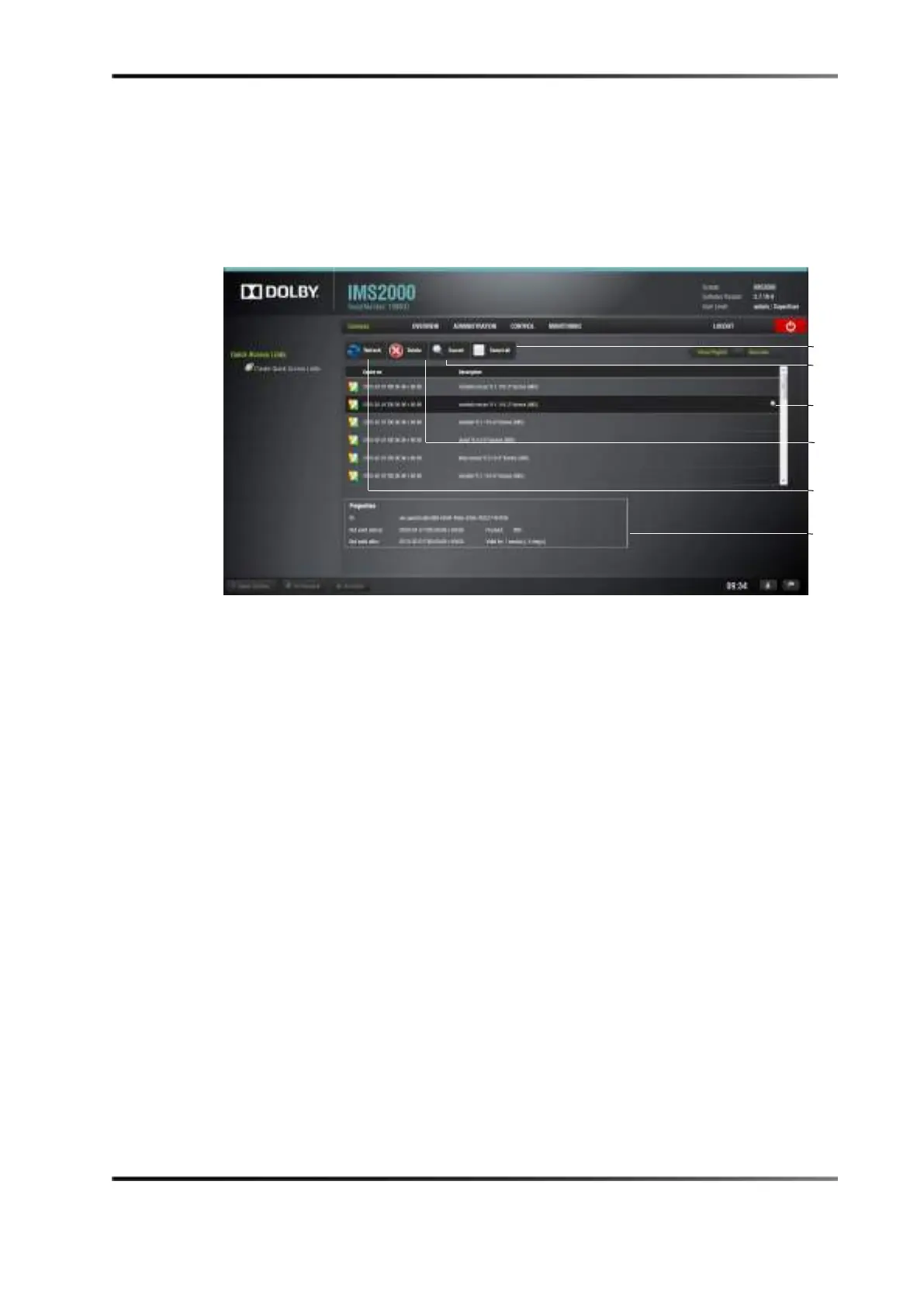
Clicking anywhere on the line of a highlighted license, or on the properties icon that
appears on the right, will display information about that license on the bottom portion of
the tab.
Figure 14-88 Licenses Tab
Delete a License
To delete licenses that have been installed on the IMS2000:
1. Select the license from the list.
2. Click on the
Delete button.
A manager password is required to perform the deletion. If you are already logged in
with superuser privileges, the password confirmation window will not appear.
3. Click on the
Yes button to confirm the deletion.
properties



 To Next Page