36 Dolby
®
IMS2000 Installation and User’s Manual
IMS.OM.004730.DRM Issue 2
To prepare the projector for the IMS200 installation:
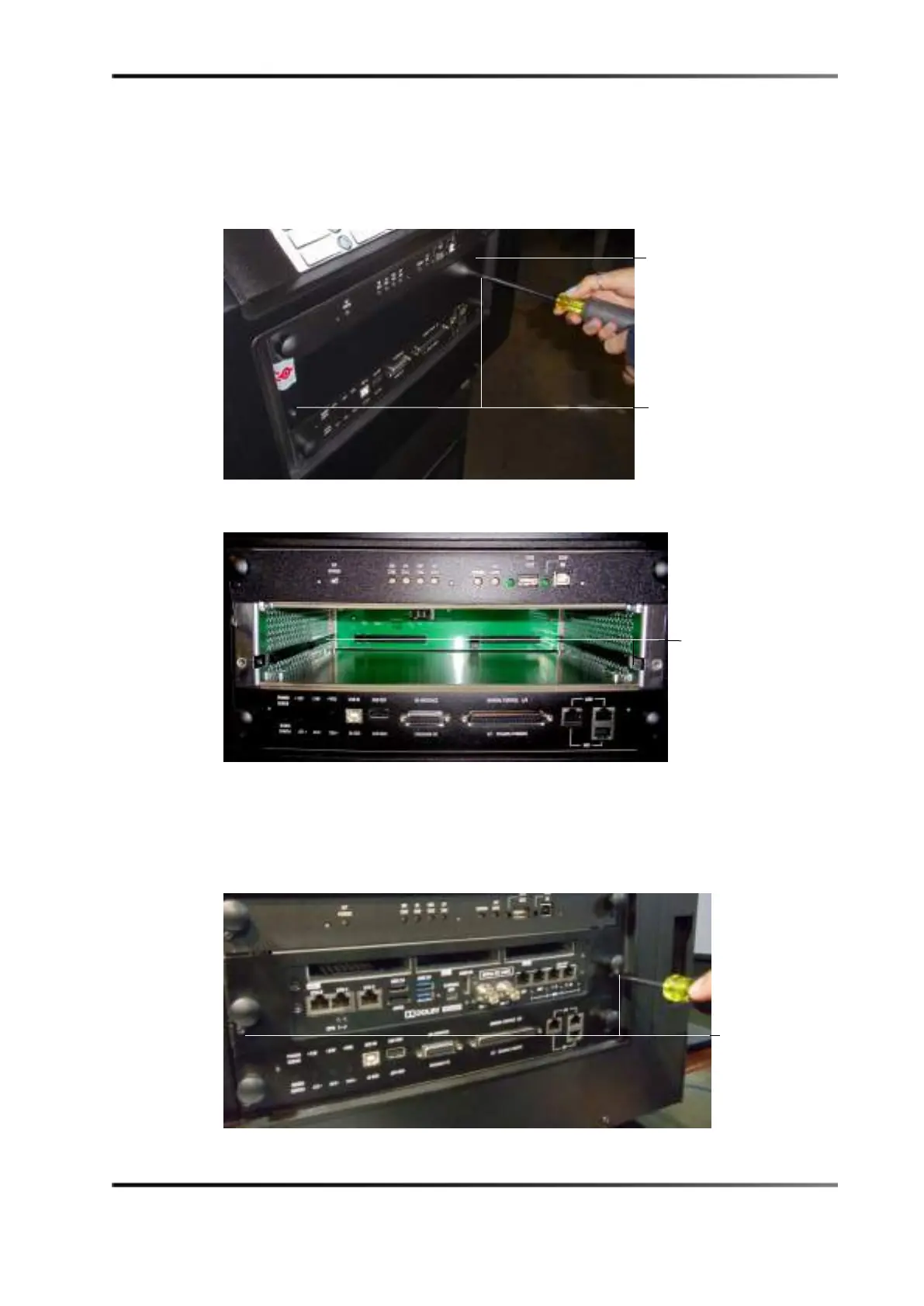
1. Remove the blank cover of the media block slot by unscrewing the two screws on the
sides.
Figure 6-2 Unscrewing Blank Cover
Figure 6-3 Empty Media Block Slot
2. Remove the IMS2000 from its carton and antistatic bag.
3. Insert the IMS2000 board into the projector media block slot guide rails.
4. Tighten the two screws to secure the IMS2000.
Figure 6-4 Tightening the Screws
screws
cover



 To Next Page