Dolby
®
IMS2000 Installation and User’s Manual
IMS.OM.004730.DRM Issue 3 61
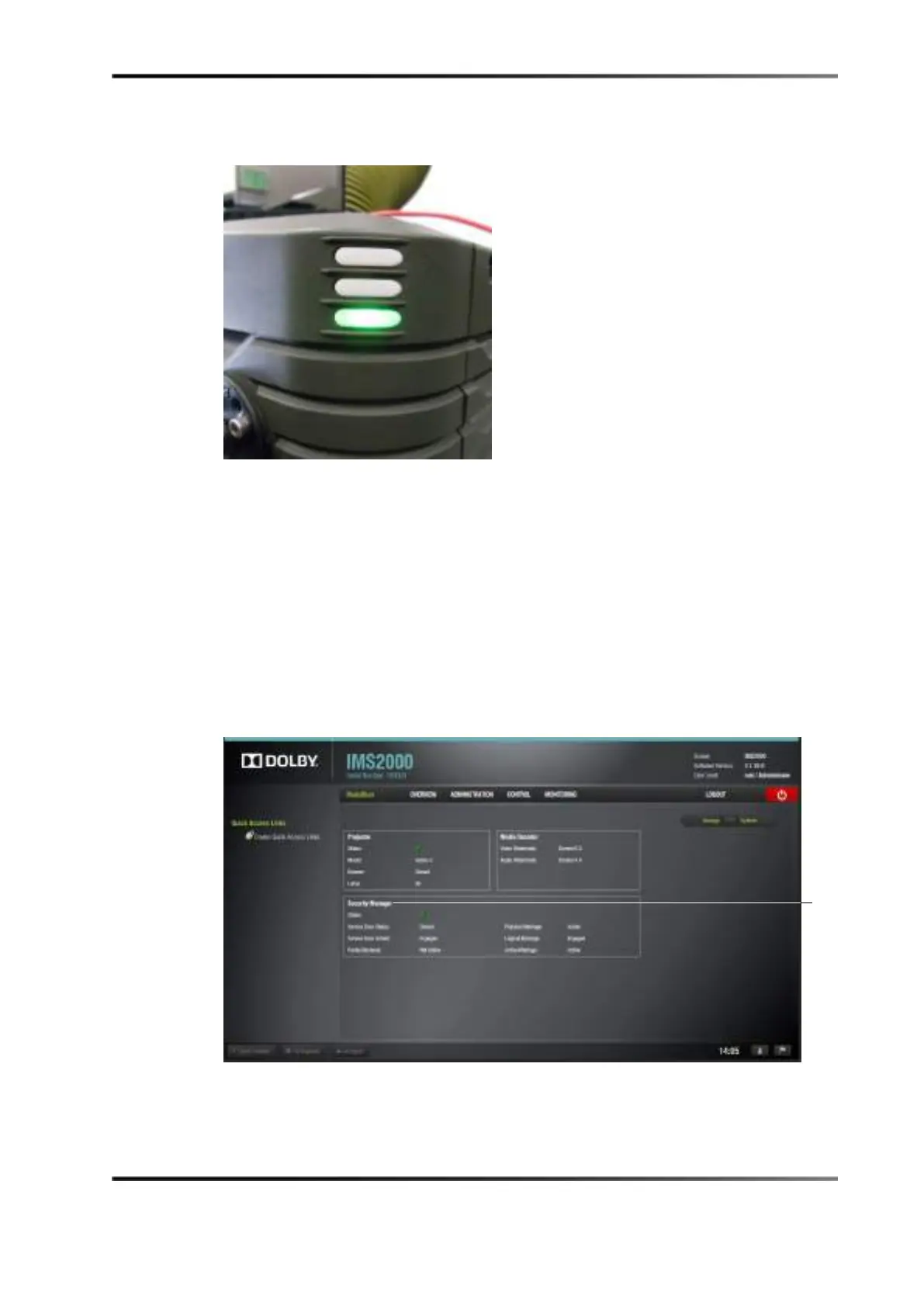
6. The taillight on the projector will turn green when the marriage process is complete.
Figure 7-29 Green Projection Light
7. To ensure that the marriage was completed correctly, on the IMS2000 GUI, select
Monitoring > Diagnostics > MediaBlock.
The
MediaBlock window appears.
8. Verify the following in the
Security Manager section of the MediaBlock window:
• Status: Green
•
Physical Marriage: Active
•
Logical Marriage: Engaged
•
Active Marriage: Active
Figure 7-30 Security Manager Section
Marriage has now been completed.
Manager
Section



 To Next Page