Chapter 3 ’Web User Graphical Interface’ — Operating Instructions (Tutorial)
116 Electra VS
-
Version 05.10
User Manual - Rev. A
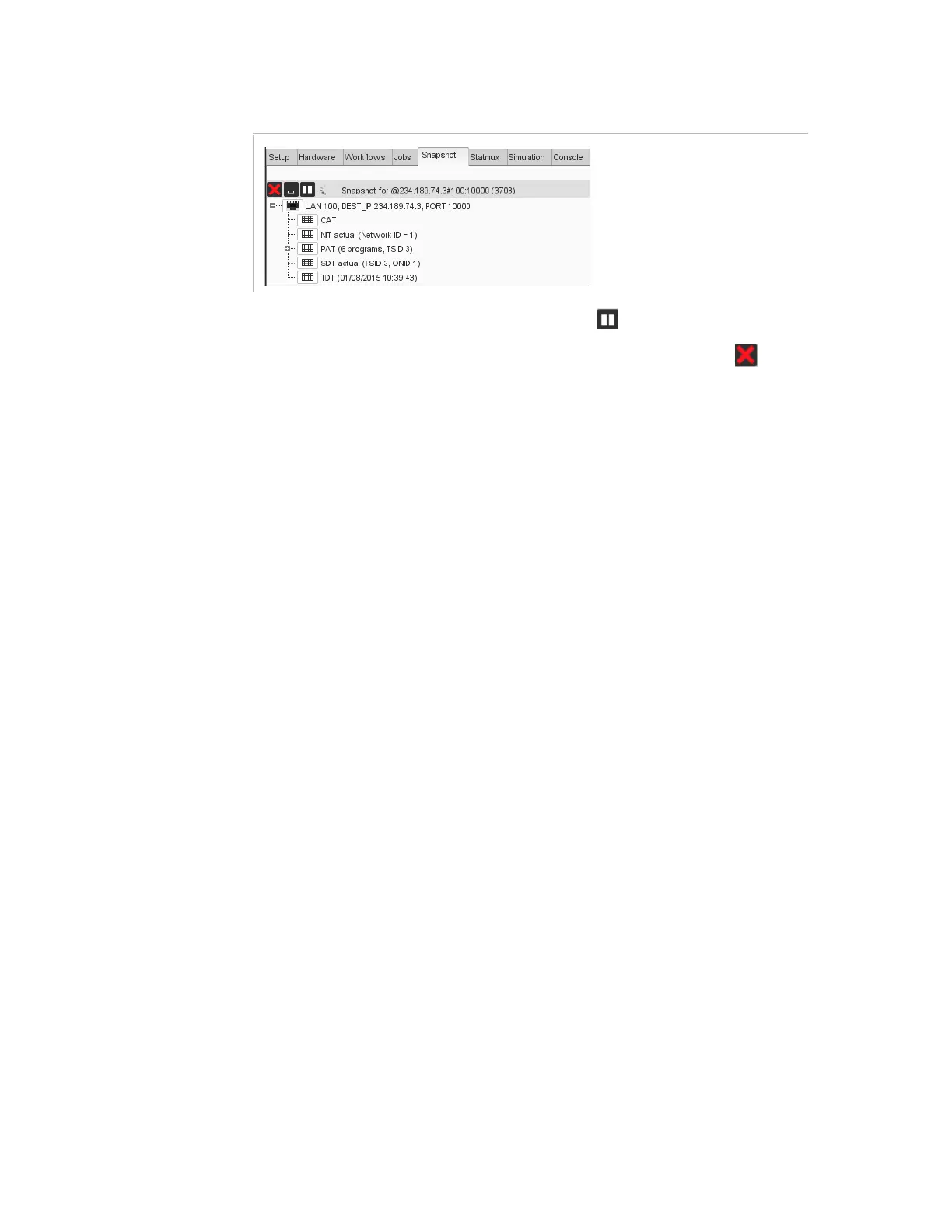
Figure 3-50. Snapshot view _ Buttons and input content as a tree
You can freeze the snapshot with the button
.
To delete the snapshot, you can either click the cross button
in the
Snapshot
panel, or remove the job corresponding to the snapshot in
the
Jobs
tab.



 To Next Page