Chapter 3 ’Web User Graphical Interface’ — GUI Description
202 Electra VS
-
Version 05.10
User Manual - Rev. A
Filters and Sorting Options
You can filter and sort the jobs in the array to display only the ones on
which you want to focus.
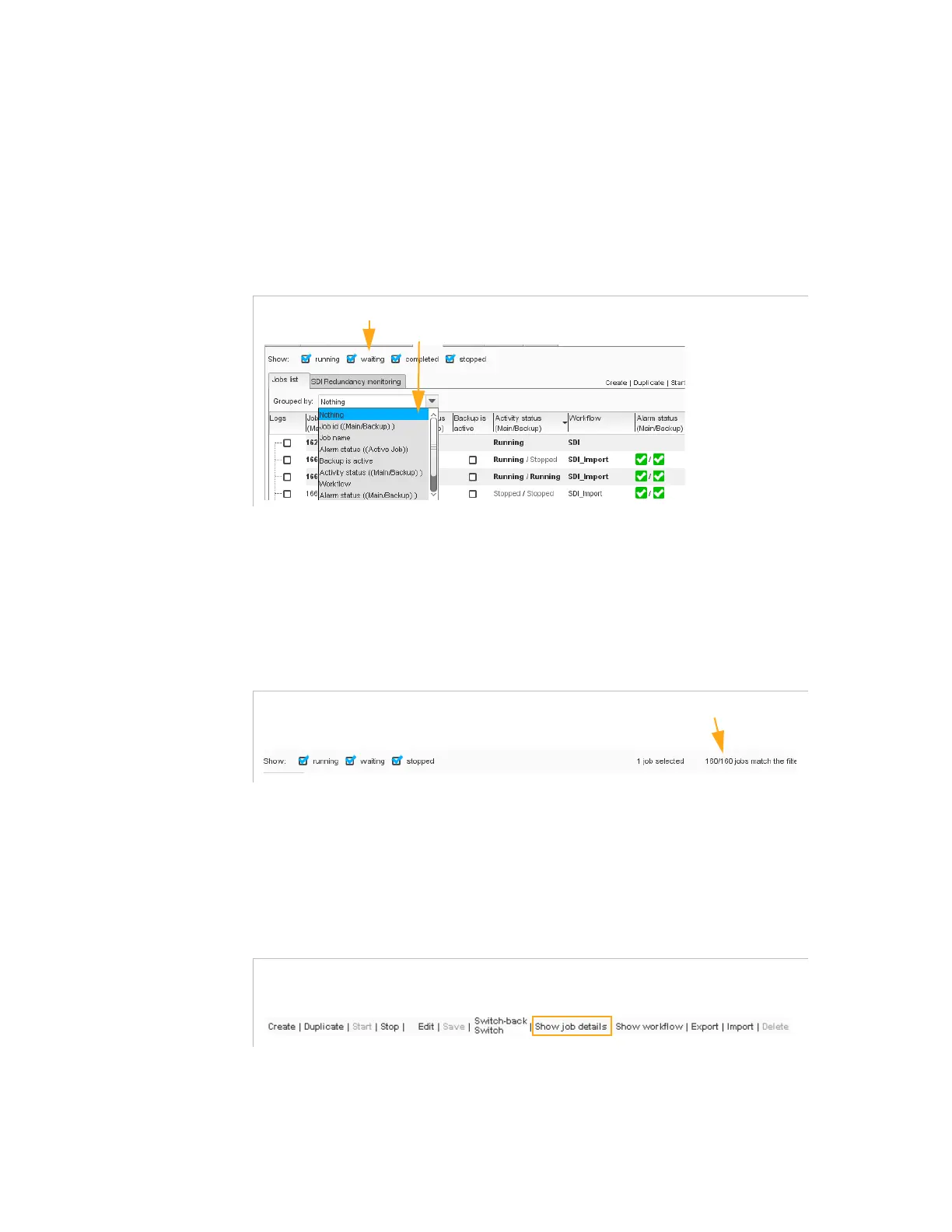
You can filter the jobs by their state - running, waiting, stopped - by
checking the corresponding boxes.
Figure 3-161. Job sorting and grouping
You can also group the jobs that have similar characteristics by selecting
an option from the
Group by
list.
At the end of the sorting options line, the number of matching jobs is
indicated.
Figure 3-162. Job sorting and grouping
Job Details
To display ‘Job details’
panels, select a job from the list and click
Show
jobs details
.
Figure 3-163. Show job detail’ button
‘Job details’ panels consists in the following panels:
(Job) Parameters
panel
Logs
panel
filtering the jobs by their state
grouping the jobs by their common characteristics



 To Next Page