Chapter 3 ’Web User Graphical Interface’ — GUI Description
222 Electra VS
-
Version 05.10
User Manual - Rev. A
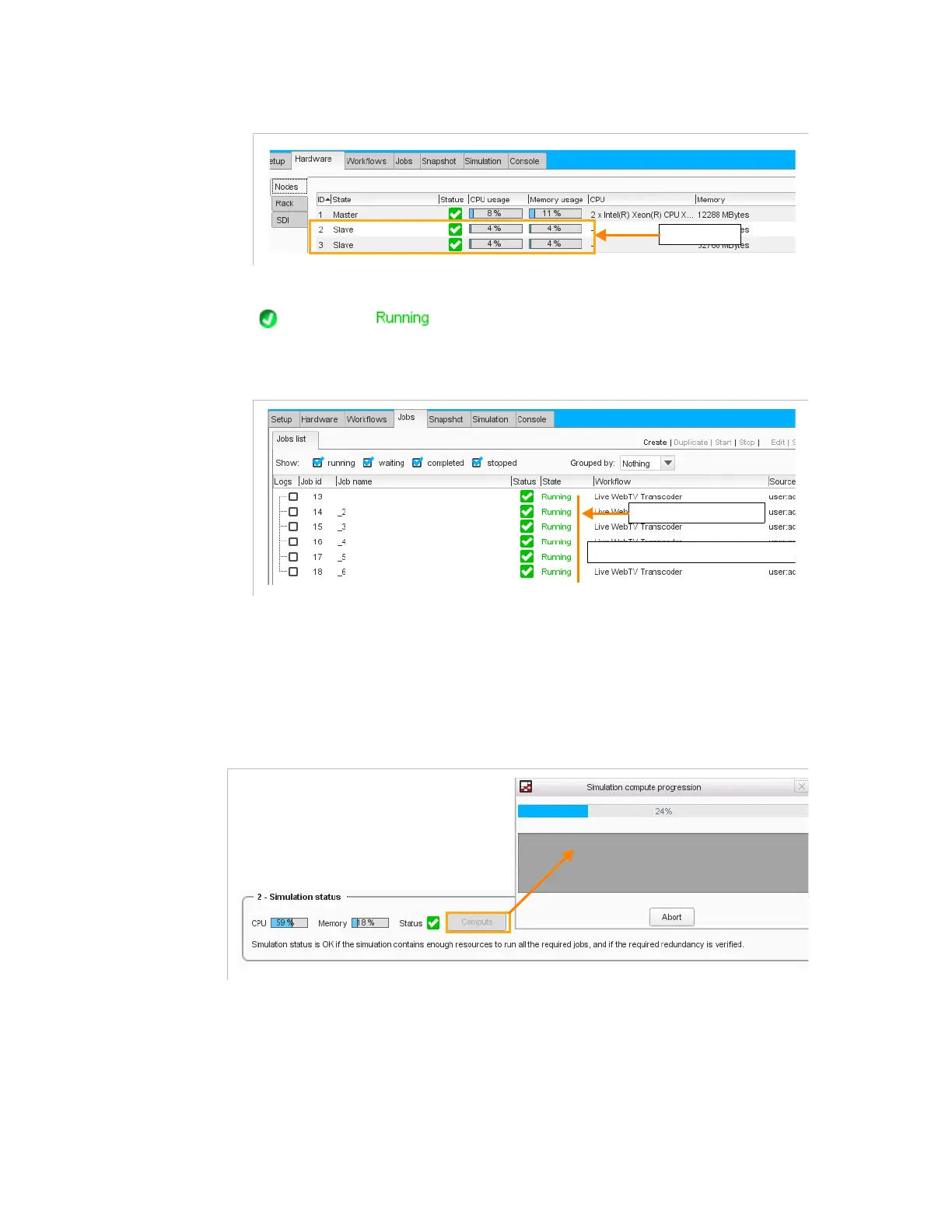
Figure 3-189. Hardware tab - new resource
Once the necessary hardware resource has been added, all the jobs show
status and state.
Figure 3-190. Jobs status
Step 5: Check the Fail-over
1.
In the
Simulation
tab, click the
Compute
button to launch the
simulation computing.
Figure 3-191. Launching the Simulation computing - Simulation view
6 x transcode running
Enough resource for 6 transcodes



 To Next Page