Chapter 3 ’Web User Graphical Interface’ — GUI Description
190 Electra VS
-
Version 05.10
User Manual - Rev. A
Workflows Tab
The
Workflows
tab is where you are going to create
workflows
.
The
Workflows
tab is divided into two main parts:
The left part contains the list of all the existing workflows.
The right part displays the structure of the workflow selected from the
list.
Left Area
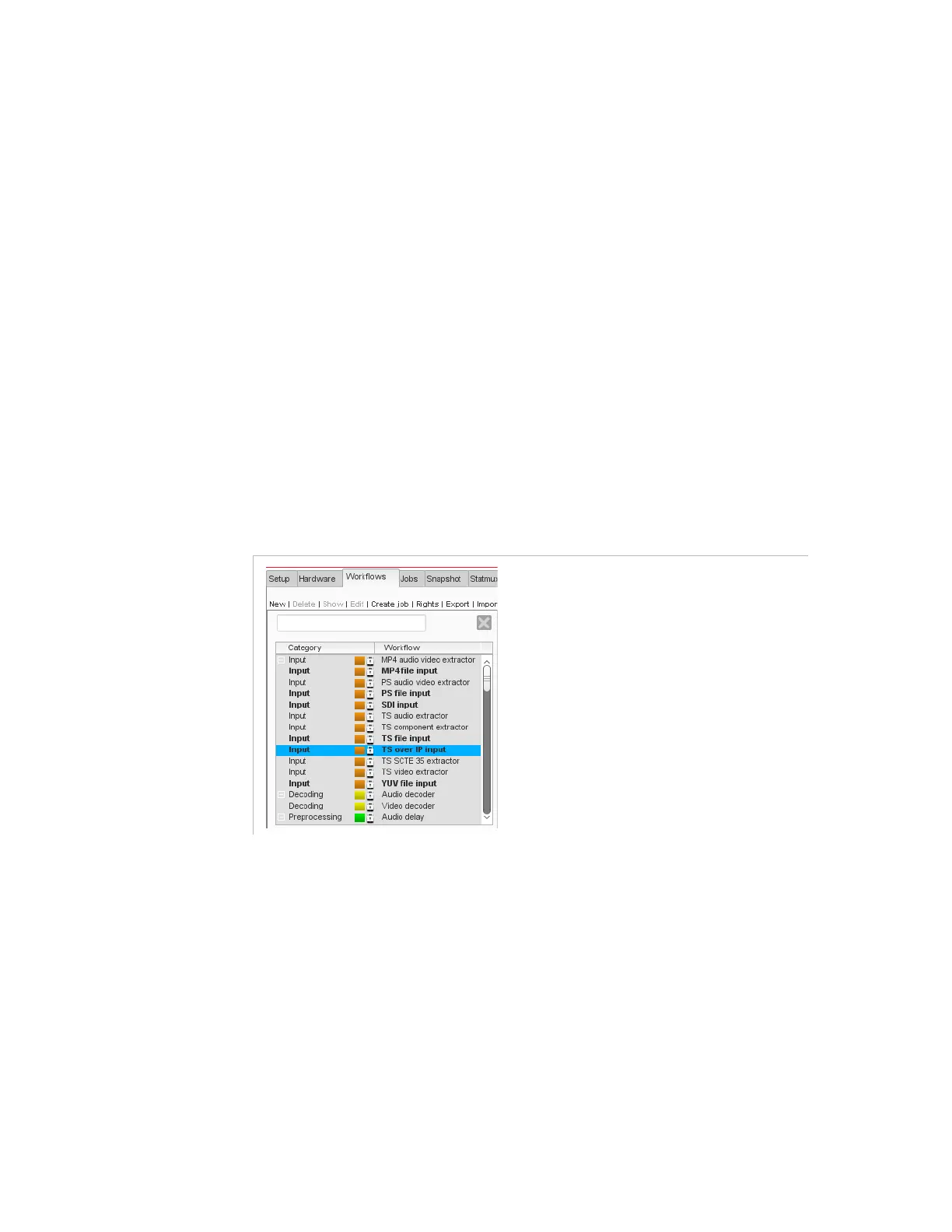
The left area contains the following elements:
A series of buttons.
A search field, that lets you filter the list.
A list of existing workflows, sorted by category.
A
Description
field describing the selected workflow from the list.
Figure 3-148. Left area of the Workflows tab
Buttons
New
: to create a new workflow.
Delete
: to delete the workflows selected from the list.
Show
: to display the details of the workflow selected from the list in
the right area.
Edit
: to display the workflow selected from the list in the right area
and open it in edit mode.
Create job
: to create a job based on the workflow selected from the
list.
Rights
: to set the rights to see, instantiate, modify, delete or manage
the workflow.



 To Next Page