Chapter 3 ’Web User Graphical Interface’ — GUI Description
196 Electra VS
-
Version 05.10
User Manual - Rev. A
Importing a Workflow
To import a workflow that you have previously exported, or that
someone else has transmitted to you, proceed as follows:
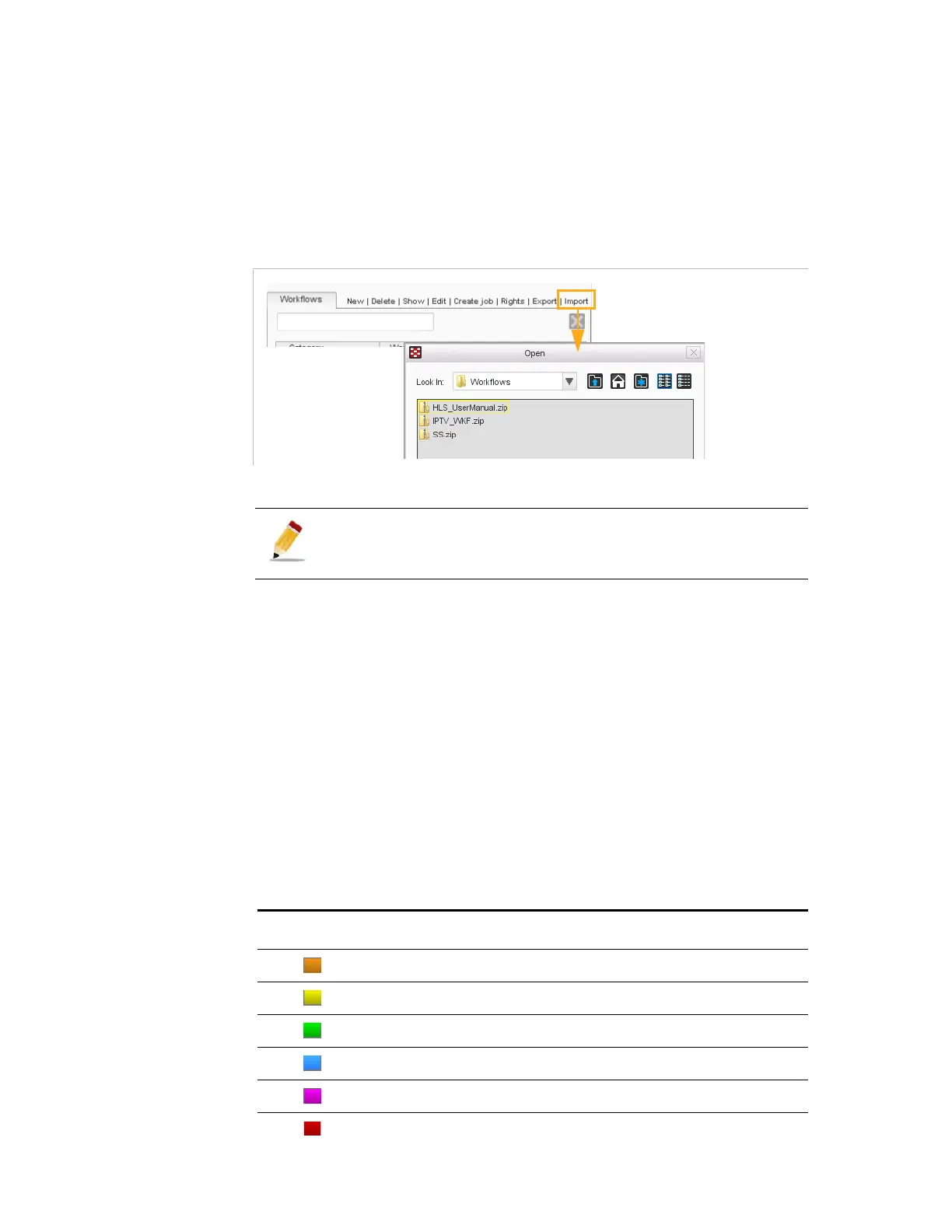
1.
Click
Import
.
Figure 3-156. Importing a workflow selected in the list
2.
Browse to select the ZIP file corresponding to the workflow to import.
3.
Click
Open
.
The workflow is added to the list.
Categories and Colors
A number of categories are defined by default. A color is associated to
each category of workflow.
Colors are used in the list of workflows, and in the headers of the boxes
in the right area.
Table 3 -6
shows the colors associated with the categories available by
default.
In case of name conflict between the workflow contained in the zip
and a workflow already present, the imported workflow is renamed
(a popup indicates the new name of the workflow).
Table 3-6. Colors associated to categories of workflows.
Color Associated category
Input
Decoding
Preprocessing
Encoding
Output
Sample



 To Next Page