Chapter 3 ’Web User Graphical Interface’ — Workflow Library
278 Electra VS
-
Version 05.10
User Manual - Rev. A
Tx audio interface AES67
Description
Broadcast stereo audio using AES67 protocol to external equipment.
The Electra VS shall be connected to a PTP server.
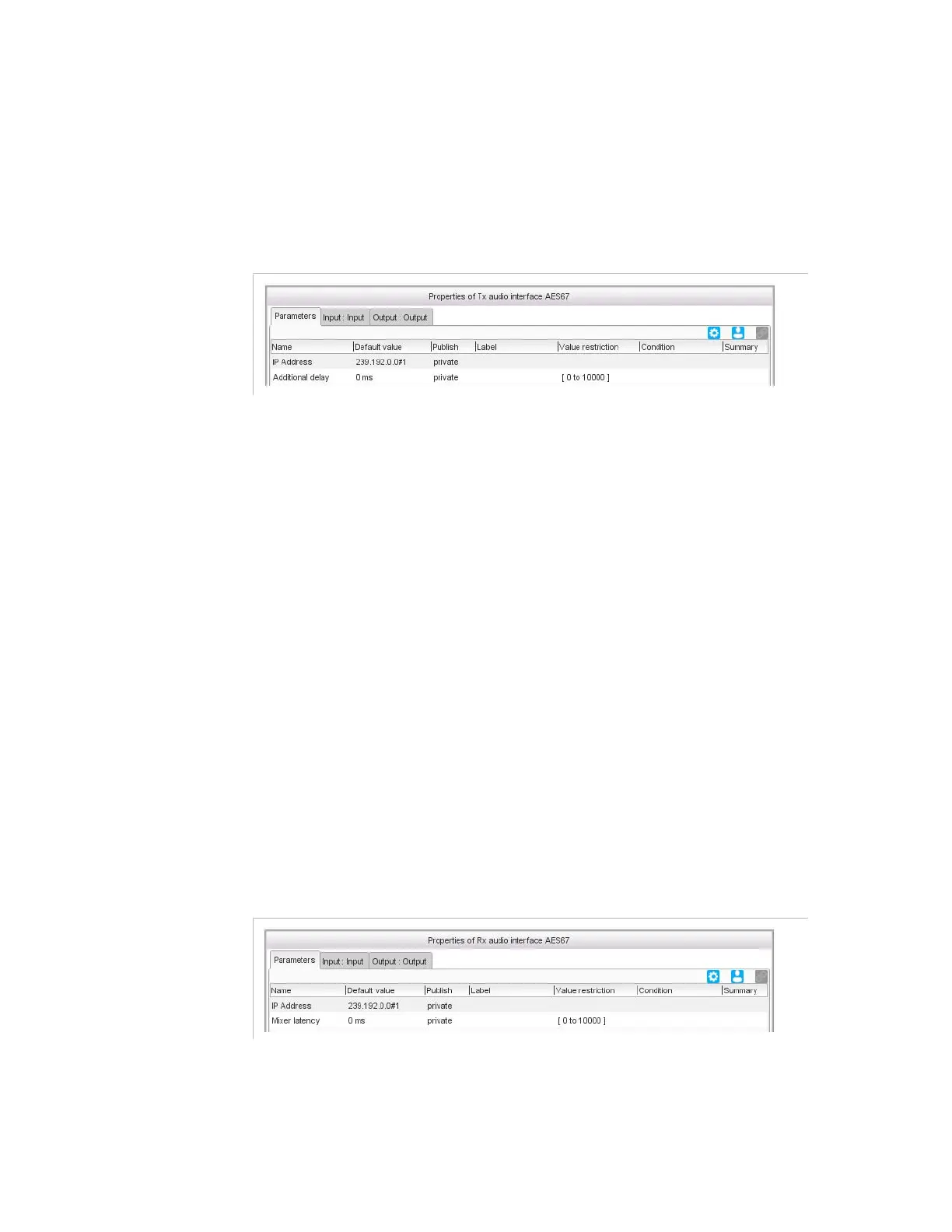
Figure 3-247. Tx audio interface AES67 parameters
Parameters
This workflow offers:
IP address
: IP address of the external receiver equipment.
The multicast addresses shall be scoped in the range 239.192.0.0 to
239.192.128.0. The lower 15 bits correspond to the audio channel
number.
Additional delay
: adds a delay in the audio before sending it to the
external device.
If you connect the Electra VS to an external Mixer, this delay can be
used to delay the audio coming from the Electra VS in order to
synchronize it with another audio source.
The
Additionnal delay
shall be identical in for all the modules
connected to the same external equipment.
Rx audio interface AES67
Description
Receive stereo audio using AES67 protocol from external equipment.
The Electra VS shall be connected to a PTP server.
Figure 3-248. Rx audio interface AES67 parameters
Parameters
This workflow offers:



 To Next Page