Chapter 3 ’Web User Graphical Interface’ — GUI Description
Electra VS
-
Version 05.10 217
User Manual - Rev. A
Step 3: Launch the Jobs
Create or add jobs corresponding to your needs.
Example: 6 Live SD-HD transcoding channels in IPTV.
The procedure for creating / modifying Jobs in simulation mode is the
same as usual (it is described in section
’Creating a Job from a
Predefined Workflow’
on page 92).
1.
Select the
Jobs
tab.
2.
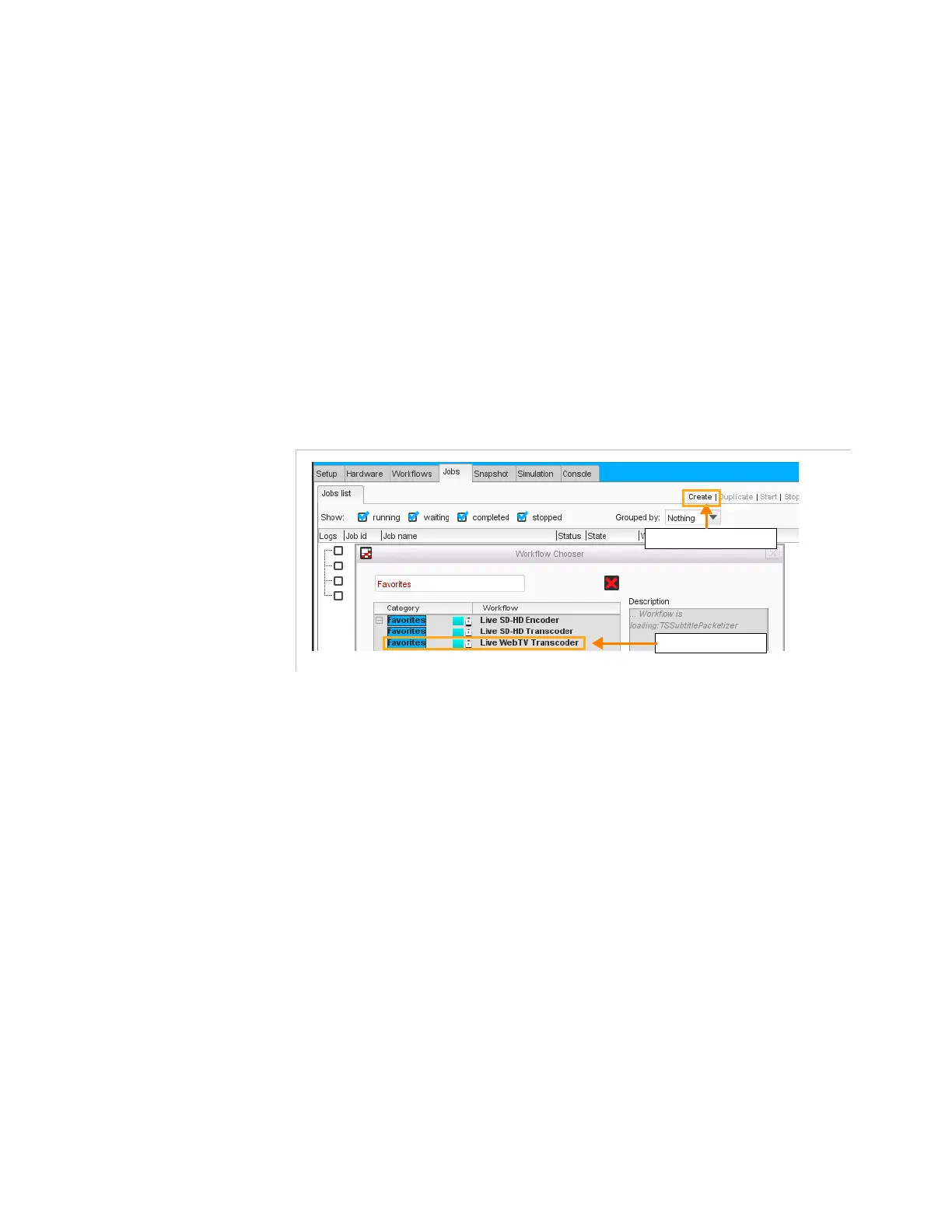
Create a job through the
Create
button in the top-right area of the
tab.
3.
Select the ‘Live SD-HD transcoding’ workflow.
Figure 3-180. Creating/adding a job
Click the button ‘Create’
Select the workflow



 To Next Page