Chapter 3 ’Web User Graphical Interface’ — Operating Instructions (Tutorial)
88 Electra VS
-
Version 05.10
User Manual - Rev. A
GUI Overview
Reaching the GUI
You can run the Electra VS GUI provided your personal computer meets
the requirements specified in Chapter
Installation
.
The Graphical User Interface (GUI) is a Java applet. To launch it:
1.
Open a Web browser.
2.
Type the equipment IP address in the address bar and press
Enter
.
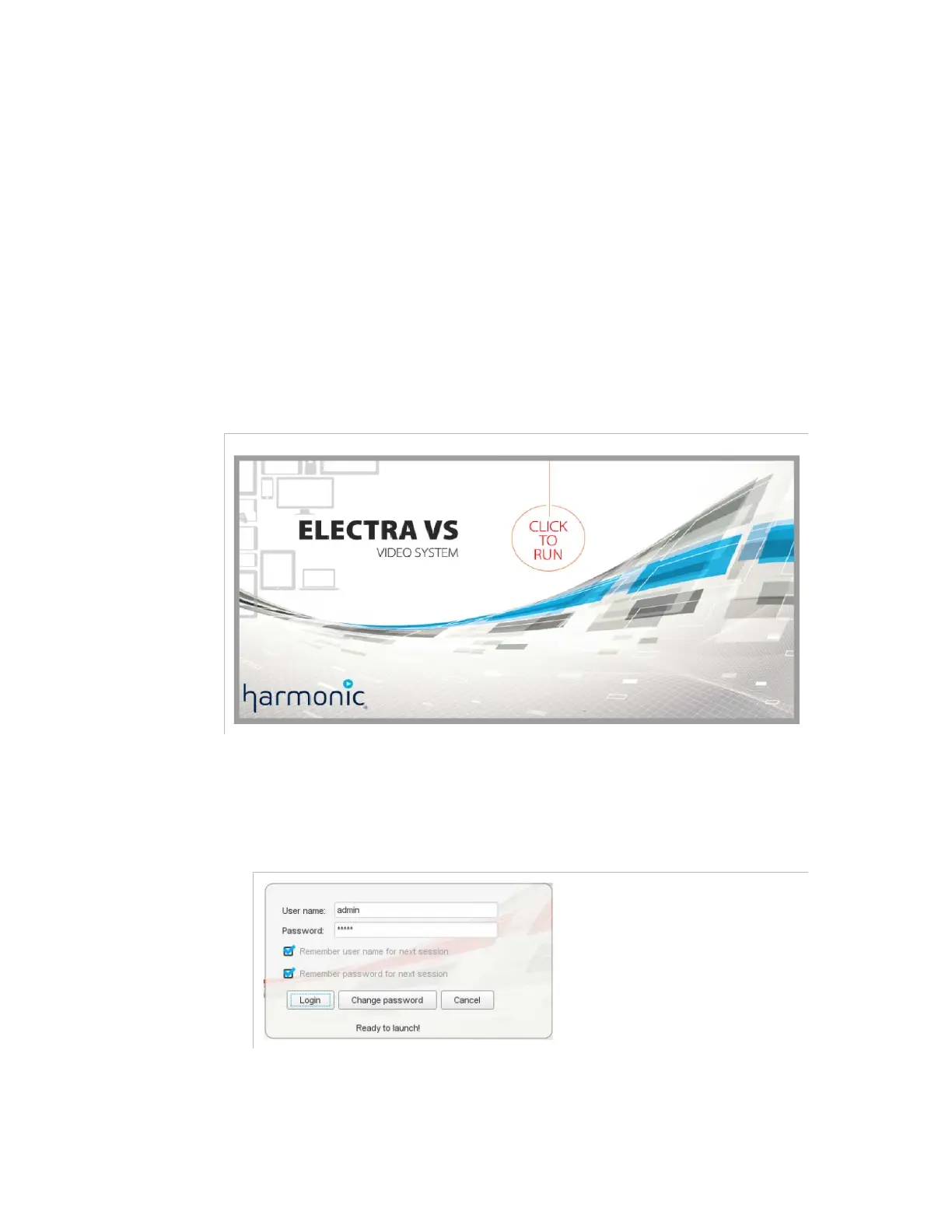
A welcome screen is displayed.
Figure 3-7. Welcome screen
3.
Click the image to launch the application.
4.
Enter the login and password
Figure 3-8. Login and password
Use the following account information:
Login:
admin
Password:
admin



 To Next Page