Chapter 3 ’Web User Graphical Interface’ — GUI Description
Electra VS
-
Version 05.10 177
User Manual - Rev. A
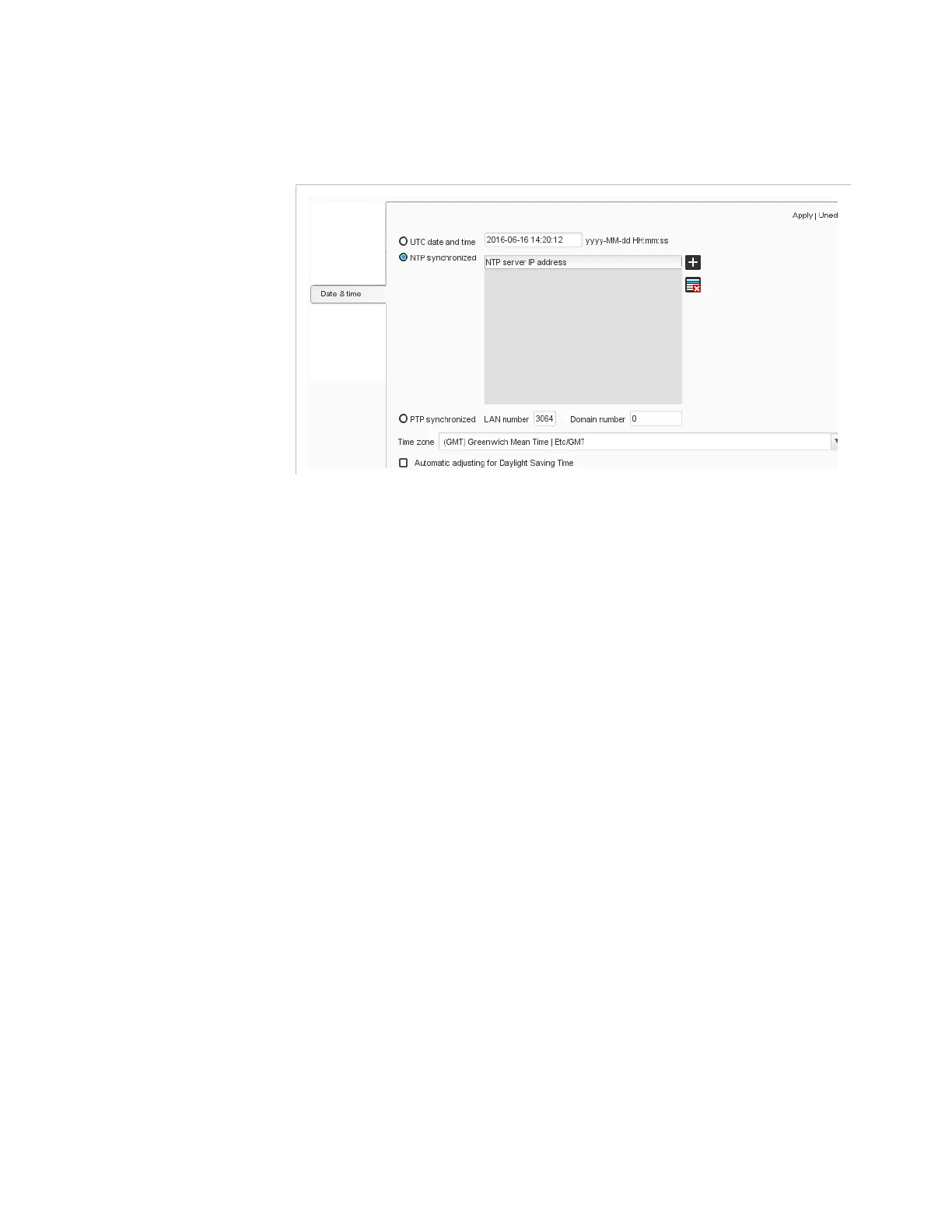
Setup/Date & Time
Figure 3-135. Date and time configuration
You can choose to:
Use the
UTC date and time
: enter the current date and time of your
location.
Synchronize the Electra VS with an NTP server: choose
NTP
synchronize
and enter the IP address(es) of one or more NTP
servers.
Synchronize the Electra VS with one PTP Grandmaster Clock server:
add the LAN number and domain number of the server.
You can also:
Select the
Time zone
to use from the drop-down list.
Enable the
Automatic adjustment for the daylight saving
time
option.



 To Next Page