Chapter 3 ’Web User Graphical Interface’ — Workflow Library
232 Electra VS
-
Version 05.10
User Manual - Rev. A
Processing Component Parameters Array
The array lists the parameters that should be set for the processing
component. It contains a row per parameter, and the following columns:
Name
: name of the parameter, not editable.
Default value
: click to enter a default value.
for
private
and
protected
parameters, the default value is
applied when creating or starting a job.
for
public
parameters, the default value is proposed when
creating a job but it can be modified. Any change of the default
value does not apply to the running jobs.
Publish
: choose if the parameter should be:
Private
: the parameter is set and invisible when creating a job.
This is the status you must use when creating a workflow for
parameters that you do not want the job authors to see or
change.
Protected
: the parameter is visible but not editable when
creating a job. Use this status if you want to let the job authors
see the value of a parameter without being able to change it.
Public
: the parameter is visible and editable when creating a job.
Use this status for all parameters that the job authors must set.
Label
(optional): click to choose an explicit name for the parameter,
as it will appear to the workflow user instead of the original name. If
you want to be able to link a parameter to a private parameter, it is
imperative that you give a label to this private parameter. Refer to
section
’Link Tool’
on page 236.
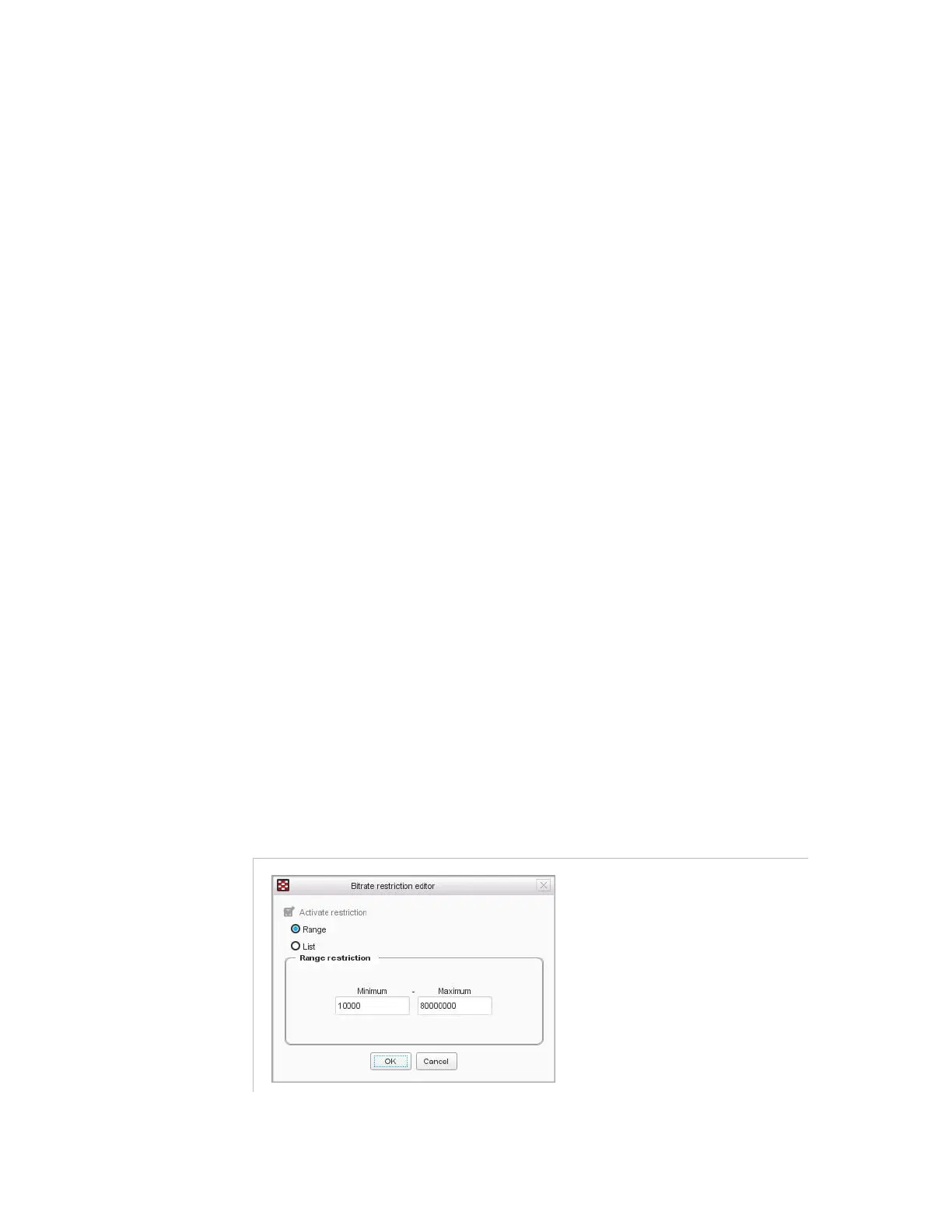
Value restriction
: double-click to define restrictions for a value.
Check the box and choose a type of restriction:
Range
: enter the minimum and maximum values.
Figure 3-204. Restriction configuration on a processing component – Range



 To Next Page