Chapter 3 ’Web User Graphical Interface’ — GUI Description
Electra VS
-
Version 05.10 171
User Manual - Rev. A
The table shows a list of routes and displays the following for each one:
IP address
IP mask
Gateway
Metric
: lets you define a preferred path if there are several routes to
reach the same destination. By default, the IP stack always chooses the
least costly route.
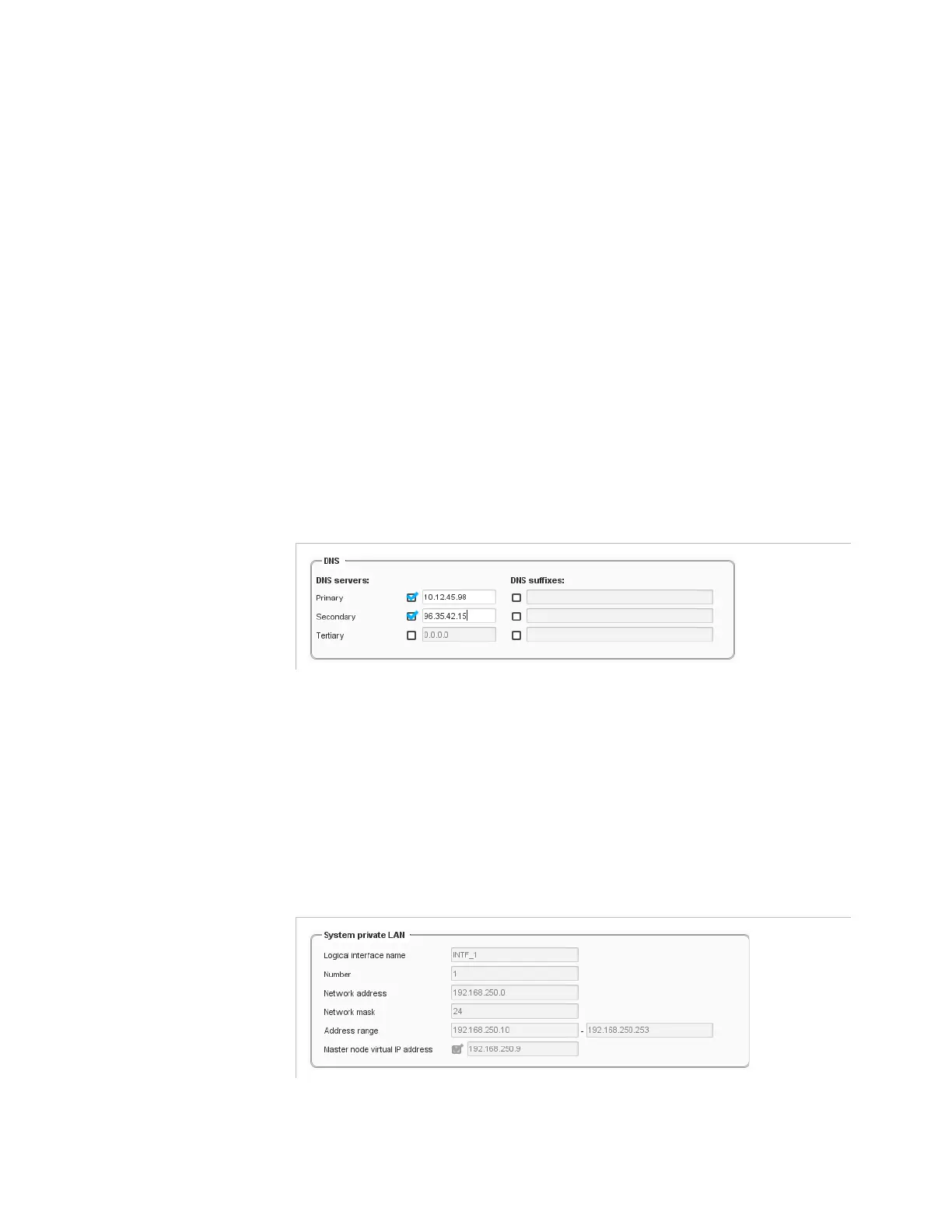
DNS
DNS servers are used by Web TV outputs (HLS, RTMP, Smooth
Streaming and MPEG-DASH) and optionally for remote file storage in
several components (file storage in input and output components,
thumbnail file storage in Video decoder, text or image file storage in
Video Overlay, ....). If the connection is lost, the Electra VS performs a
DNS request and the connection is quickly restored.
Figure 3-129. DNS configuration
You can specify up to 3 DNS servers.
For each server, check the box and enter its IP address in the field.
If you want to specify a DNS suffix, check the corresponding box and
enter a suffix value in the field.
System Private LAN
Figure 3-130. System private LAN configuration
This area contains parameters related to the private LAN of the system:
Logical interface name
: always interface INTF_1.



 To Next Page