Chapter 4 ’Servicing’ — Hardware Delivery
Electra VS
-
Version 05.10 421
User Manual - Rev. A
For 1RU Devices: Accessing the BIOS
1.
Connect a mouse and screen to your Electra VS device.
2.
Start the device and launch the BIOS configuration.
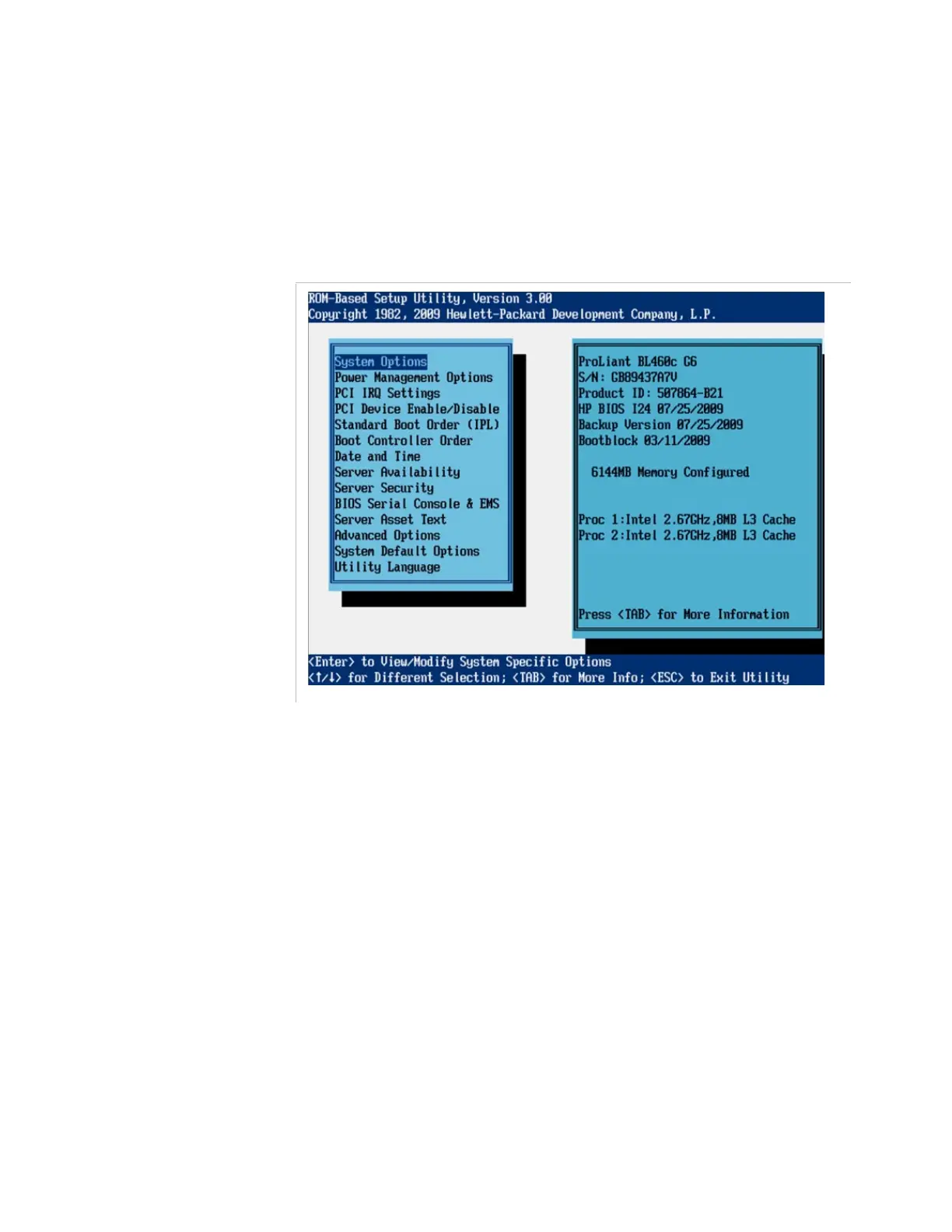
Setting the BIOS Parameters
Figure 4-18. BIOS parameters
In the BIOS parameters, use the following commands:
To move, use the up and down arrows.
To go back to the previous screen, press
Esc
.
To validate, press
Enter
.



 To Next Page