Chapter 3 ’Web User Graphical Interface’ — GUI Description
Electra VS
-
Version 05.10 227
User Manual - Rev. A
Console Tab
The
Console
tab is available only if you are connected with an
administrator account.
To display / hide the
Console
tab press
CTRL
+
D
keys.
The
Console
tab should be used
only under the customer support’s
supervision
.
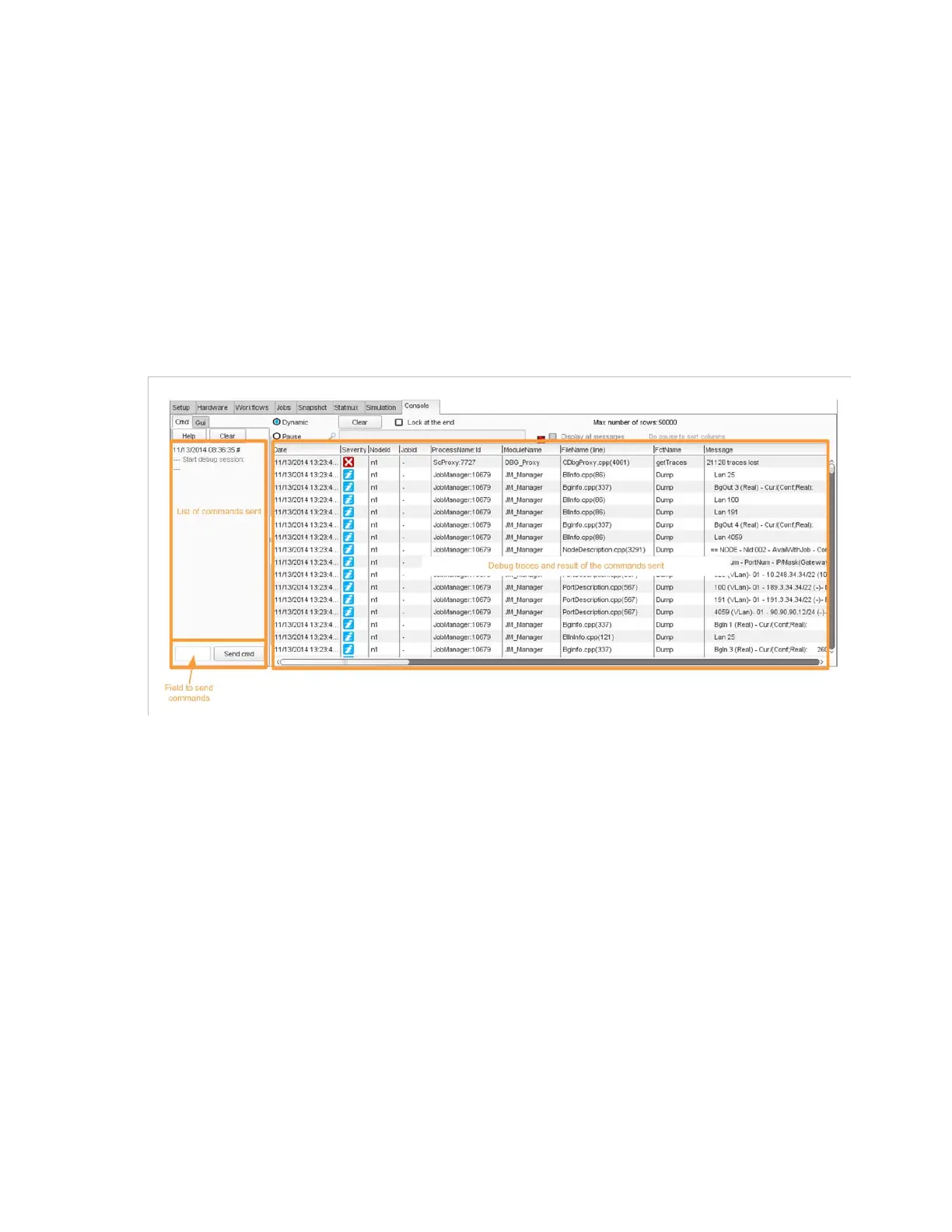
Figure 3-199
shows the different areas of the
Console
tab.
Figure 3-199. Console tab
The
Clear
buttons above the command list let you clear the list of
commands.
The
Clear
buttons above Debug traces let you clear the Debug trace
messages (in
Dynamic
mode only).
The
Pause
button lets you stop scrolling messages to be able to read
them more easily.



 To Next Page