Chapter 2 ’Installation and Startup’ — Hardware Delivery
42 Electra VS
-
Version 05.10
User Manual - Rev. A
Installing the Device (Steps)
Depending on the type of device, follow the steps below to install the
device and perform its initial configuration.
1RU Device
1.
Mount the device in a rack.
2.
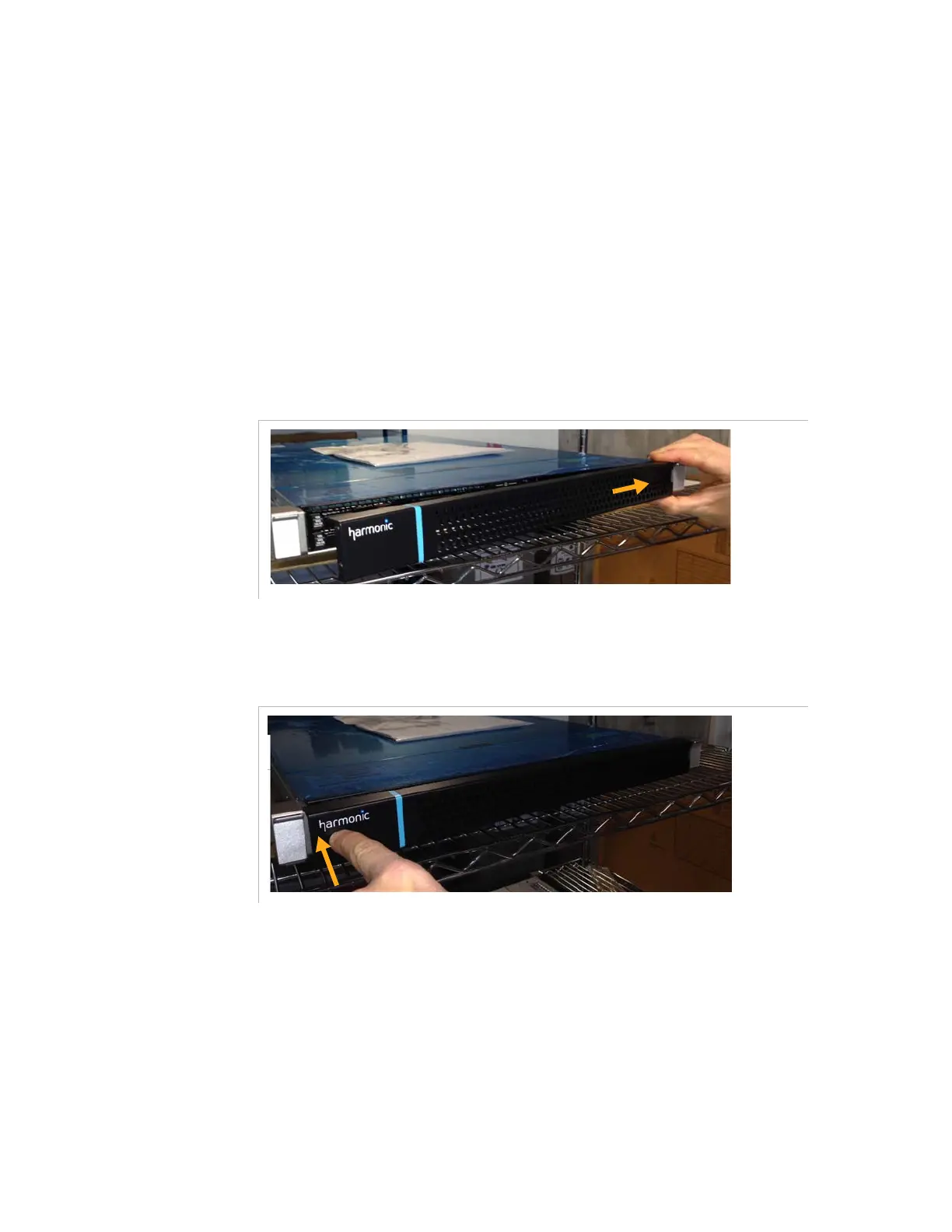
If not already installed, mount the front panel shipped with the server
a.
Engage the right side of the front panel in the notches of the
server.
Figure 2-13. Mounting the front panel – Engaging the right side of the front panel
b.
Press the left side of the front panel to fix it.
Figure 2-14. Mounting the front panel – Press the left side on the front panel



 To Next Page